
Overview
Before bills can be calculated and generated, all billable usage must be captured within the term. Usage data represents the services consumed by customers during the billing period. This information serves as the foundation for billing calculations and determines how much a customer will be charged. The billing system supports multiple methods of usage collection, allowing organizations to bill both consumption-based and non-consumption-based services within the same term. Once all required usage data has been captured, the term contains the information needed for bill processing and charge calculation.Why Usage Data Matters
Usage data is one of the most important inputs in the billing lifecycle. Without usage information, the system cannot determine:- How much of a service was consumed
- Which customers should be charged
- How billing rules should be applied
- The final amount that should appear on customer bills
Types of Usage Data
The billing system supports three primary categories of billable inputs: Each category serves a different purpose and may be used independently or together within the same billing term.Metered Usage
Metered usage is collected from physical meters and is typically used for consumption-based billing. The customer’s charge depends on the amount of service consumed during the billing period.Common Examples
Electricity
Customers are billed based on electricity units consumed.Water
Customers are billed based on water usage.Gas
Customers are billed according to gas consumption recorded by a meter.Utility Services
Any service that uses a physical meter to record consumption falls into this category.Benefits of Metered Usage
- Accurate consumption tracking
- Fair customer billing
- Detailed usage reporting
- Support for tiered pricing model
How Meter Usage is Recorded:
- Meter assignment to subscriptions
- Meter reading uploads
- Consumption-based billing
- Active and inactive meter management
- Billing Group based processing lifecycle
Create Meter
1- Go to Billspree → Pricing Contexts →Meters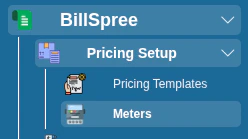
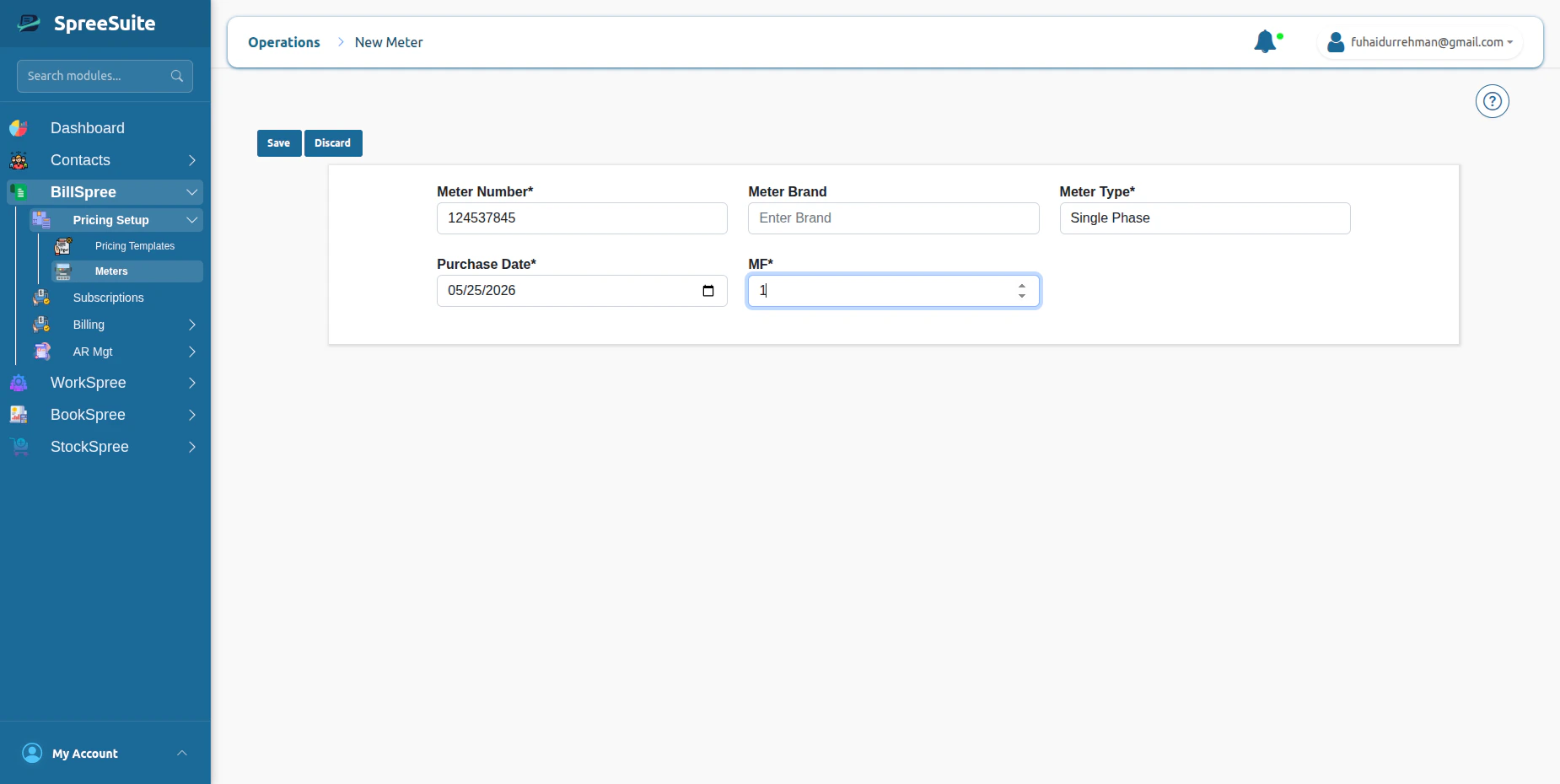
Where do we assign meters?
1- Go on Subscription screen click new Button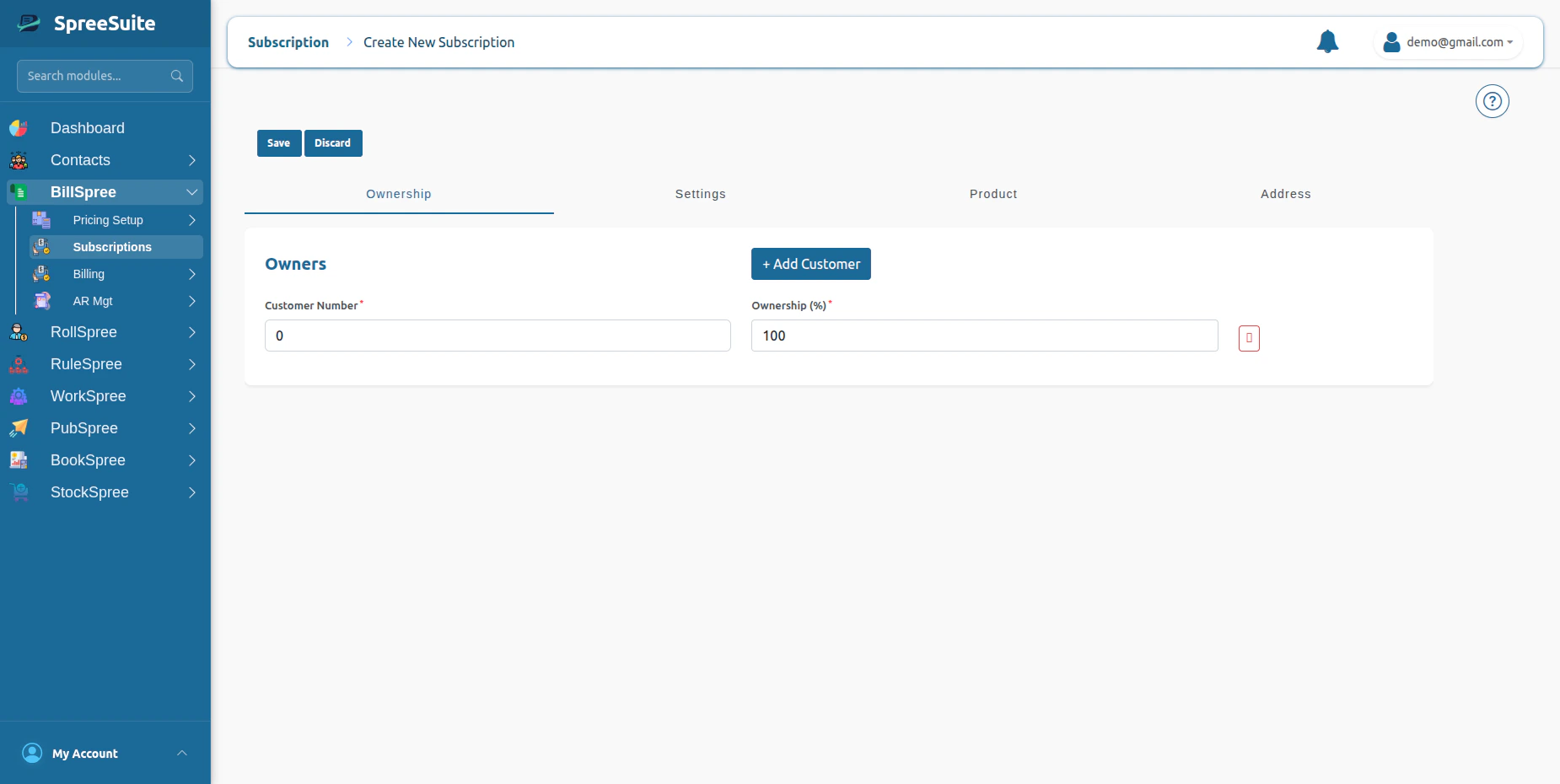
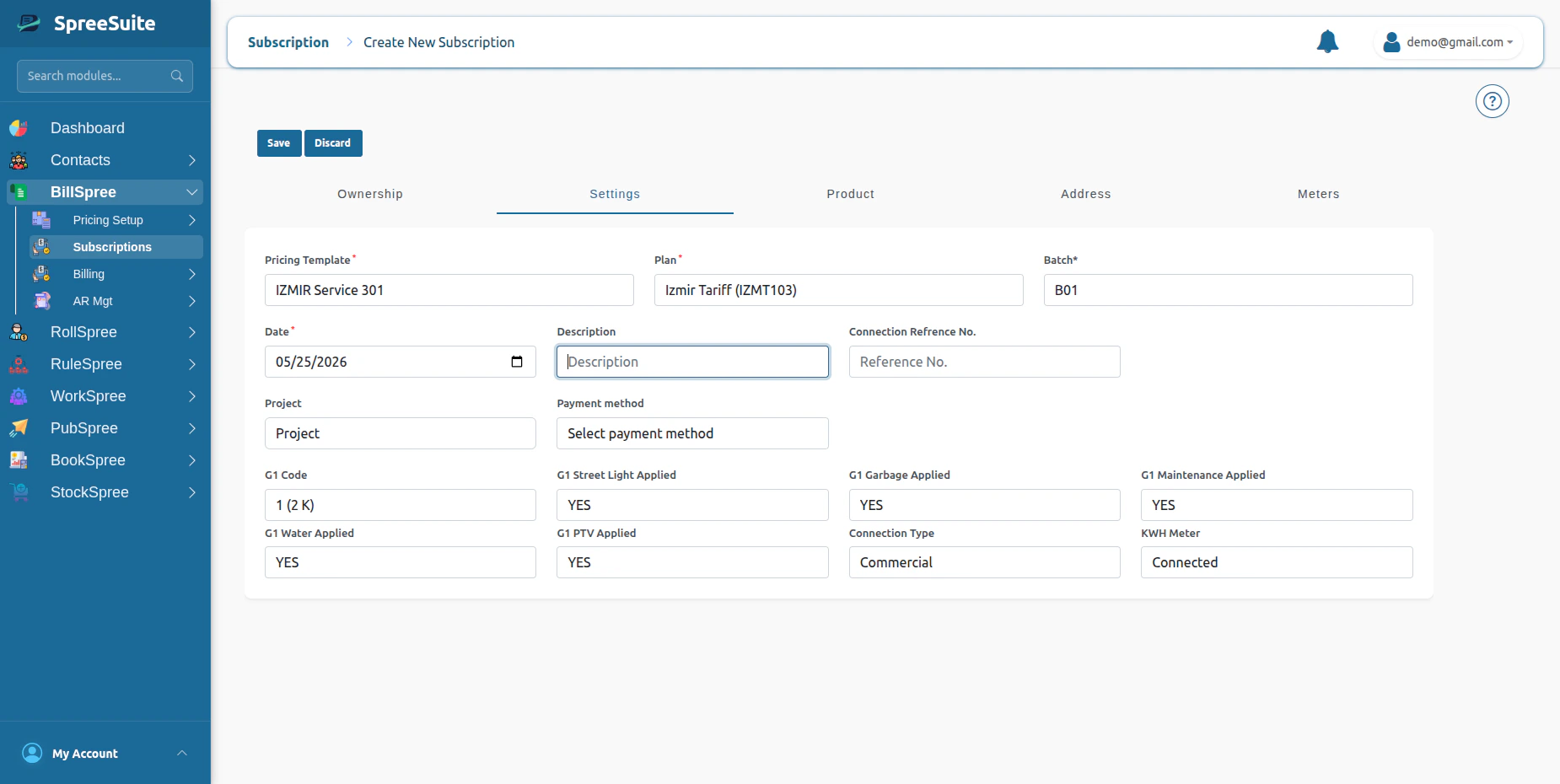
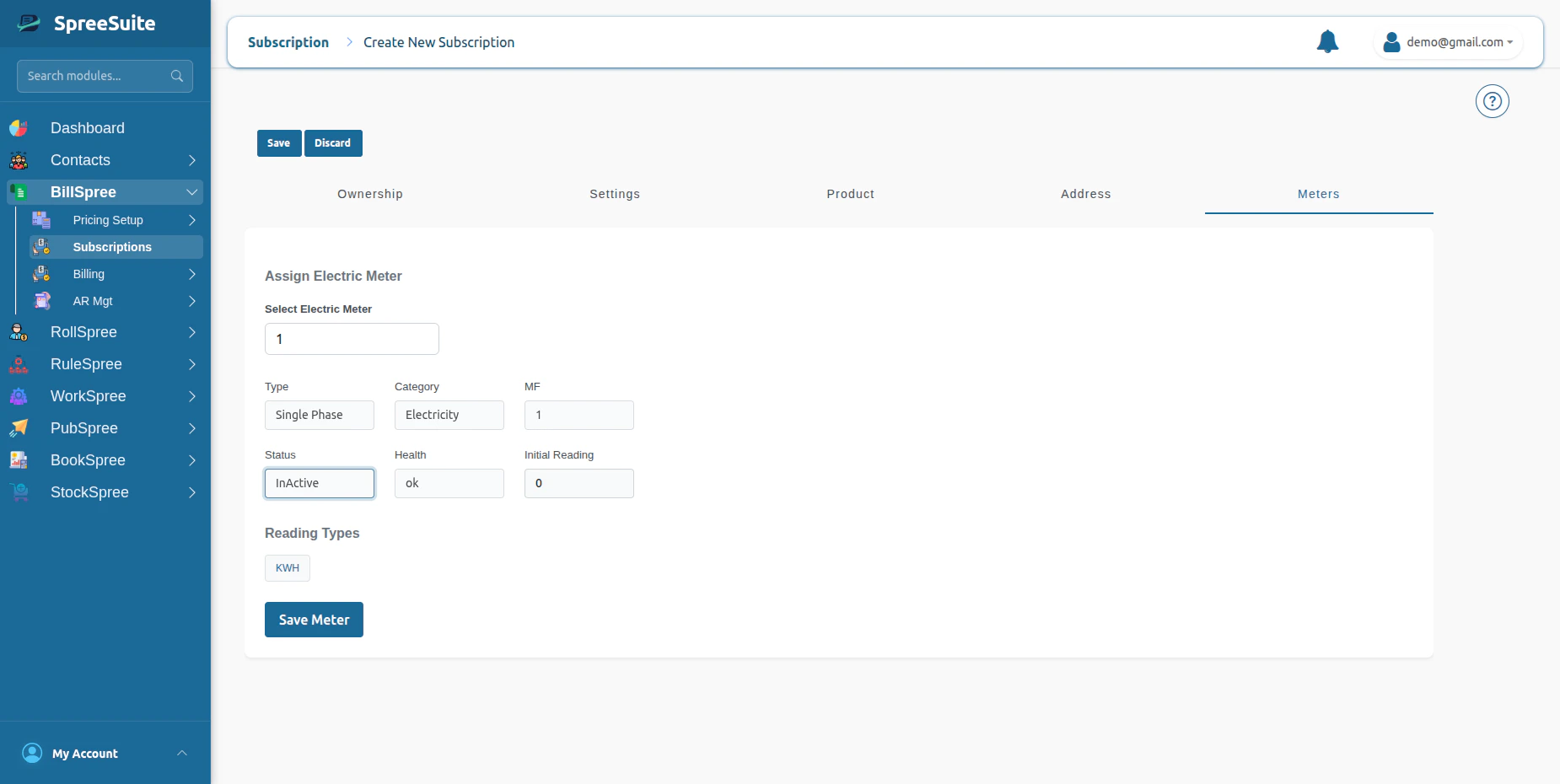
Upload Meter Readings
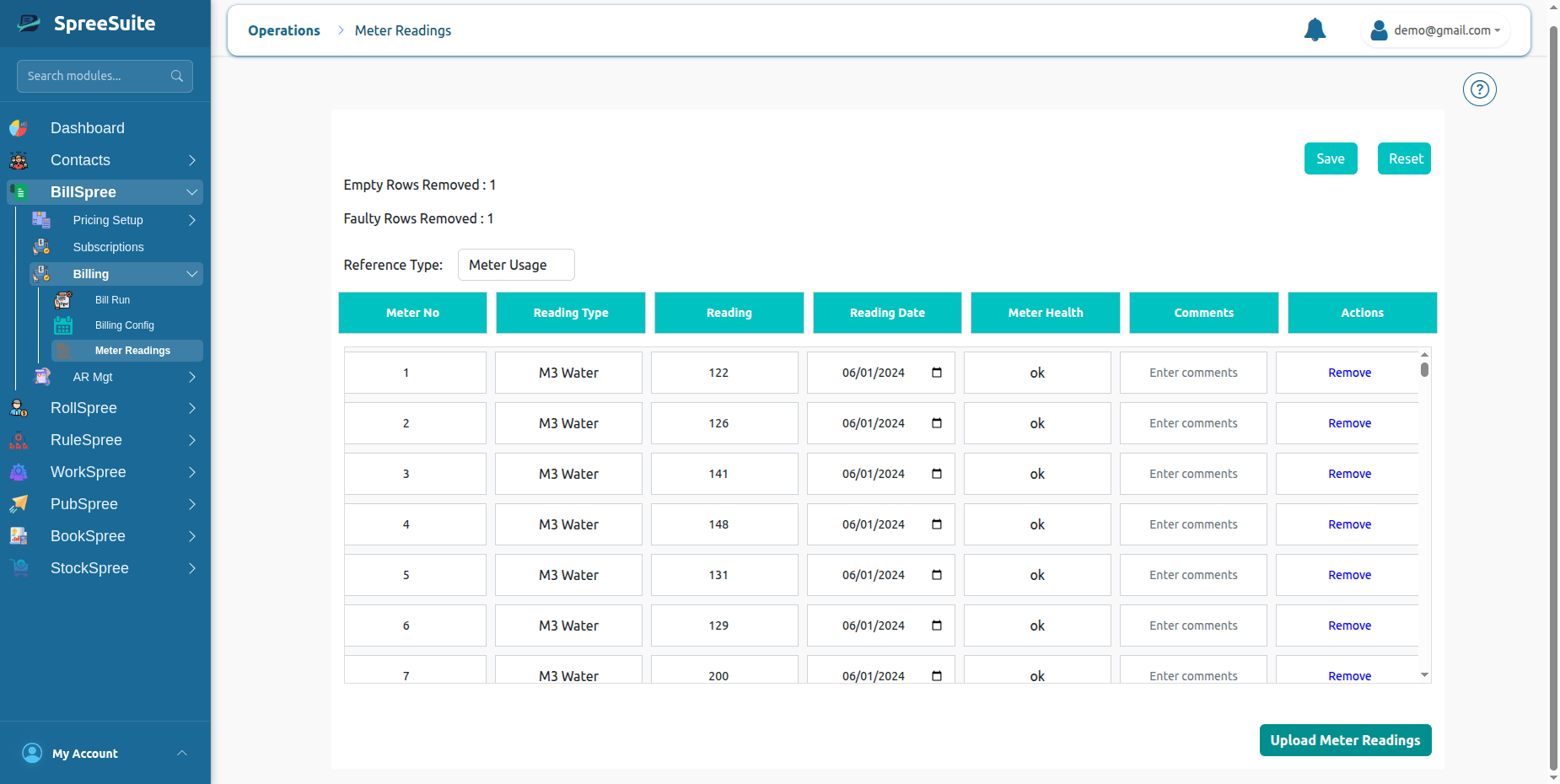
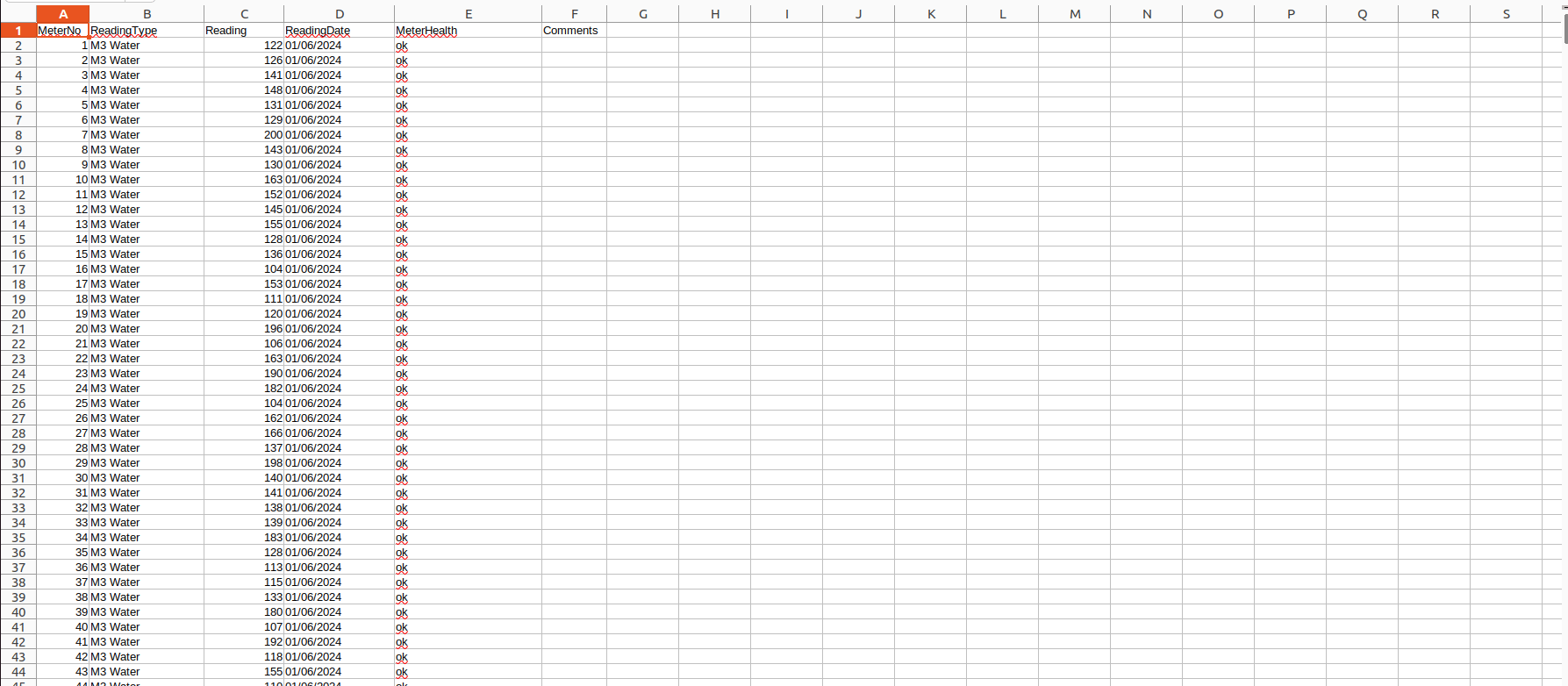
Before billing can be processed, meter readings must first be uploaded into the system. These readings represent the customer’s actual utility consumption for a billing cycle. 1- Go to Billspree →Billing →Meter Readings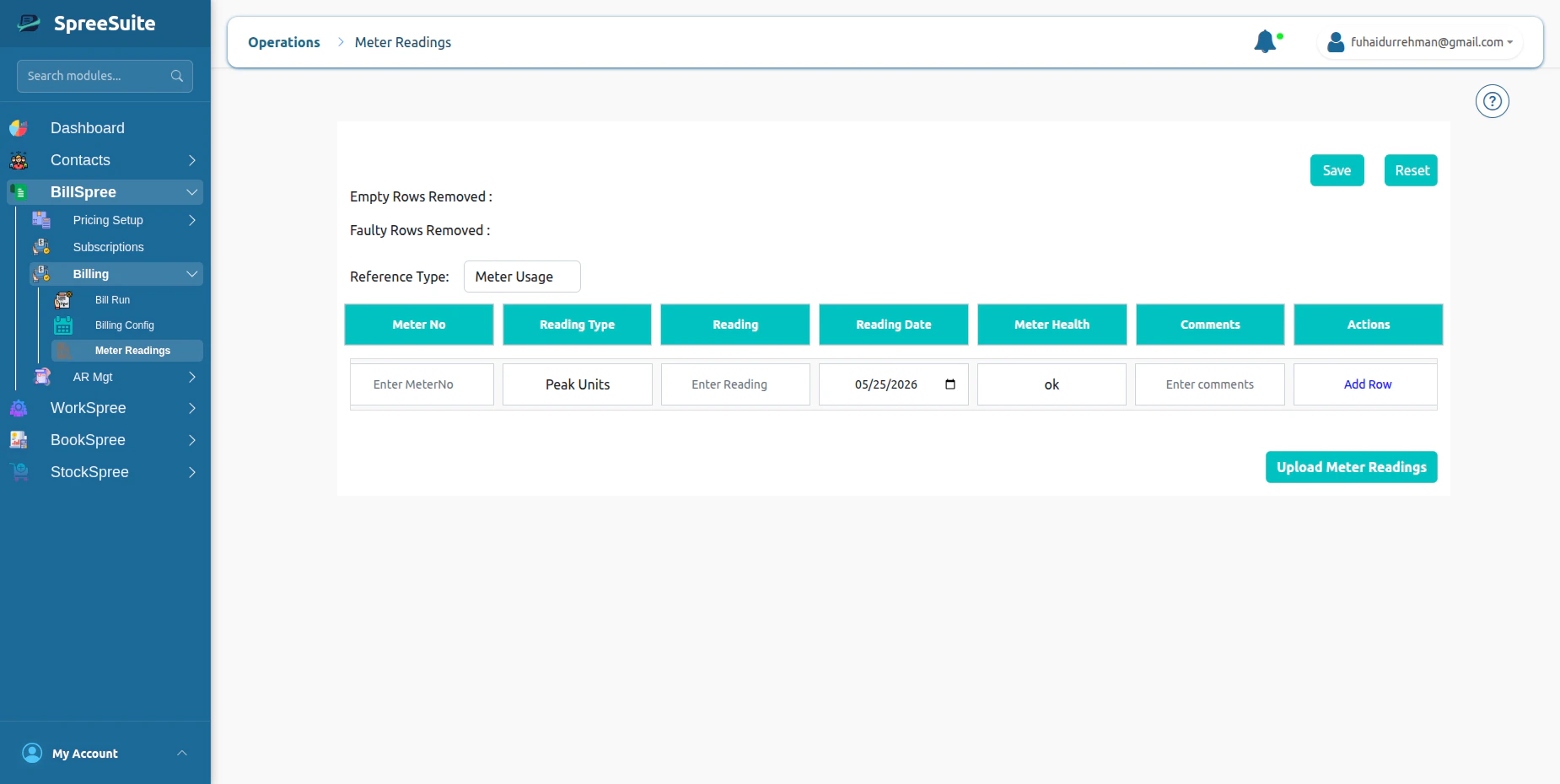
Unmetered Usage
Not all services have physical meters. Some services require usage values to be recorded manually or generated through operational processes. These values are known as unmetered usage.Common Examples
Fixed Service Quantities
A customer receives a predefined service quantity every billing cycle. Example:Subscription-Based Services
A customer subscribes to a recurring service. Example:Virtual Usage
Usage generated by systems rather than physical devices. Examples:- Cloud resources
- Virtual machines
- Digital service consumption
Benefits of Unmetered Usage
- Supports non-metered services
- Flexible billing models
- Easy service tracking
- Consistent billing workflows
Upload Unmetered Usage Data
Instead of uploading meter readings, the system accepts usage datasets that represent customer consumption or billable quantities. These uploads become the source for billing calculations. These readings represent the customer’s actual Usage of Billing cycle. 1- Go to Billspree →Billing →Meter Readings 2- Select Reference type UnMeter Usage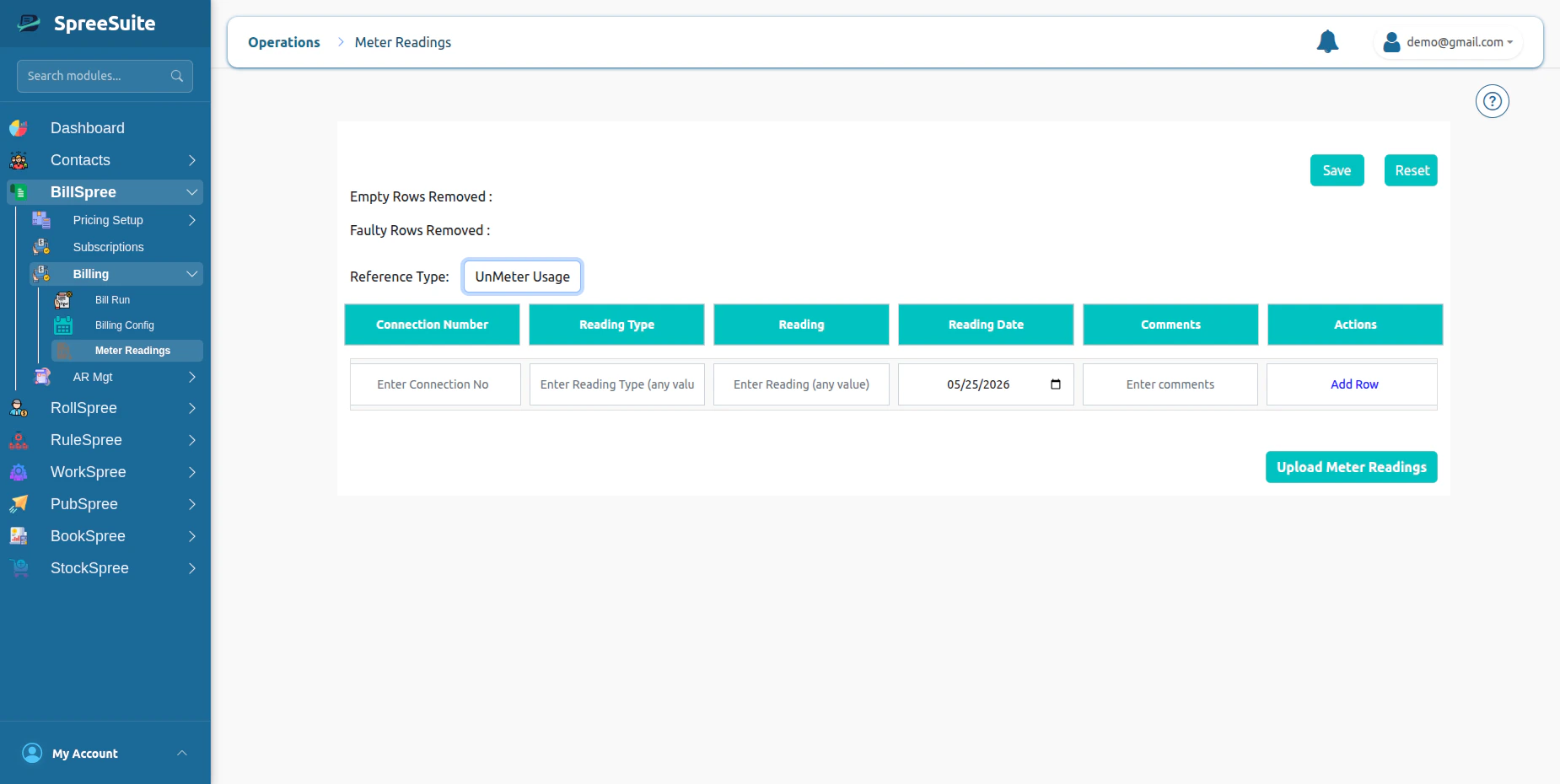
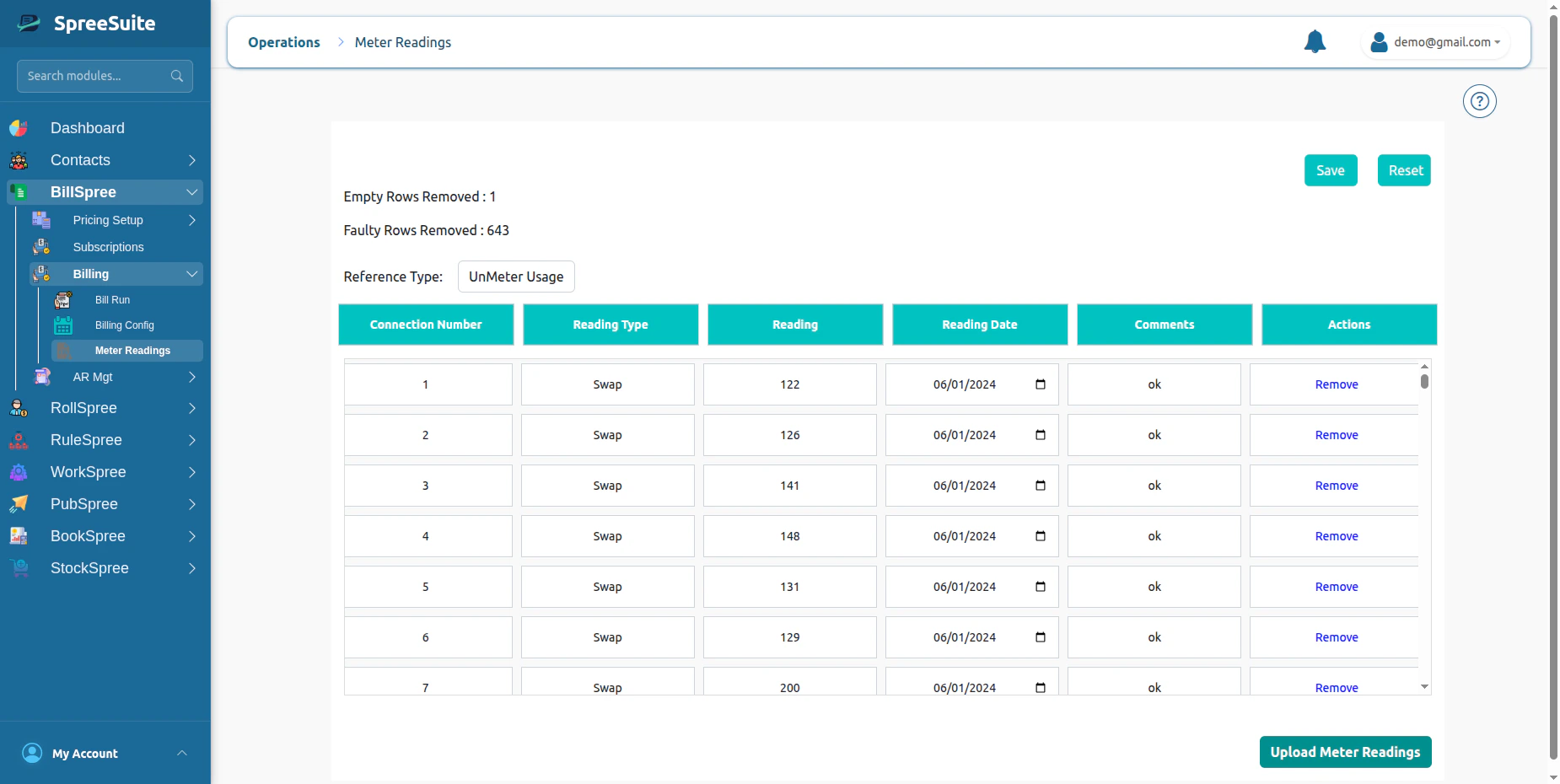
Unmetered Billing Flow
Manual Components
Manual components are additional billable items entered directly into the billing term. Unlike metered and unmetered usage, manual components usually represent adjustments, charges, or credits applied to specific customers. These components are included during bill calculation.Common Examples
Penalties
Late payment charges or policy violations. Example:Rebates
Credits provided to customers. Example:Service Adjustments
Corrections applied after usage review. Example:Upload Manual Comps
1-If your Pricing Context has Manual Comps, then click on batch action, upload the manual comps file