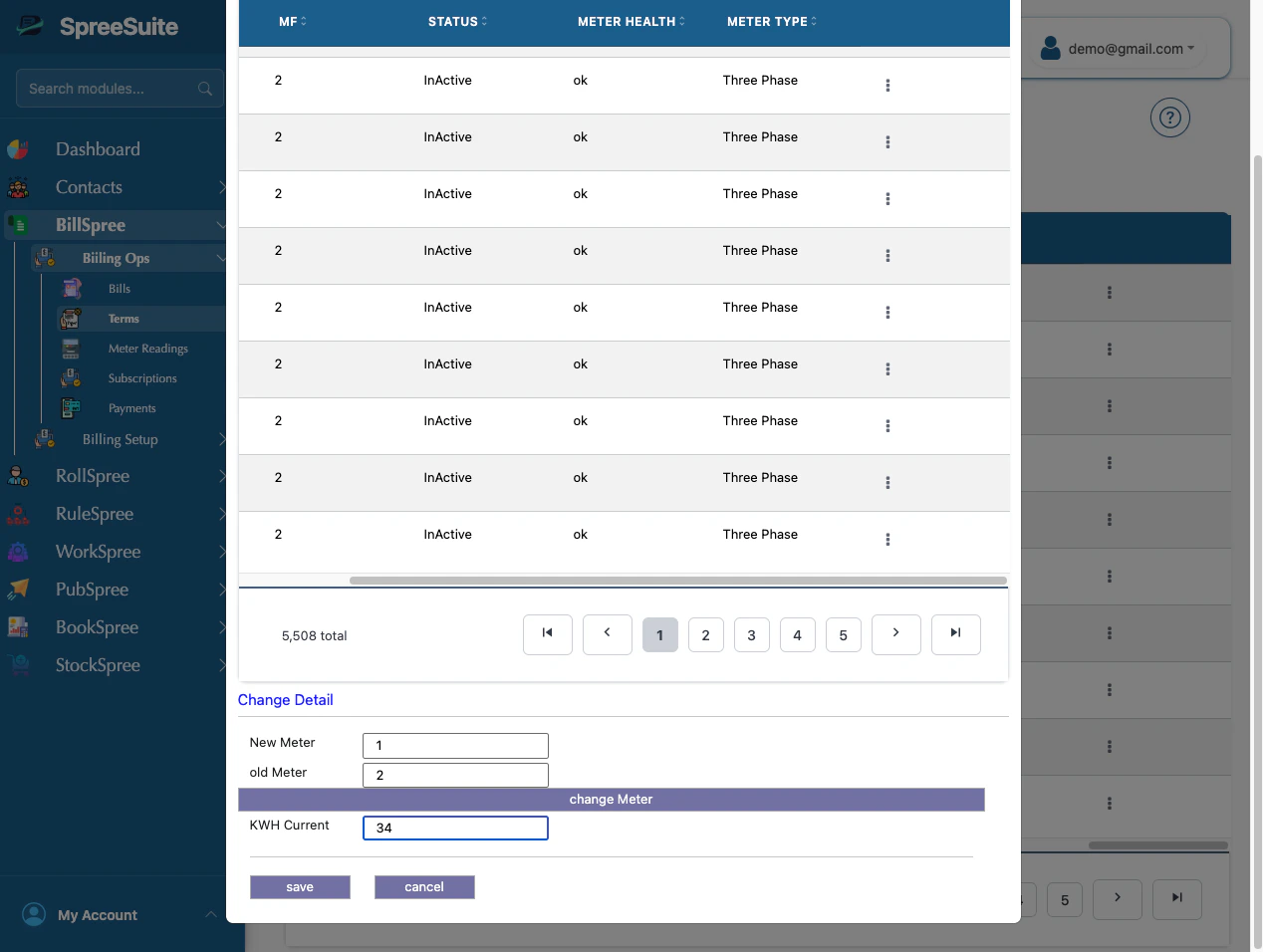
Overview
A Meter Change Operation is performed when an existing meter is replaced with a new meter while maintaining continuous billing for the customer. Meter replacement may occur due to:- Faulty meters
- Damaged meters
- Meter upgrades
- End-of-life equipment
- Calibration issues
- Smart meter installations
- Regulatory requirements
MCO Handling Strategy
To prevent incorrect billing, the Meter Change Operation marks the billing record as an MCO transaction. When billing is processed:- Negative usage generated due to meter replacement is identified.
- Standard consumption calculations are bypassed.
- Consumption differences caused by the meter replacement are treated as an adjustment scenario.
Adjustment-Based Resolution
Instead of billing:Example Adjustment
Billing Calculation
Since negative usage is invalid:
Adjusted usage becomes:
Summary
A Meter Change Operation replaces an existing meter with a new one while preserving consumption history, ensuring accurate billing, continuous service tracking, and a complete audit trail.How MCO is performed
- In term,
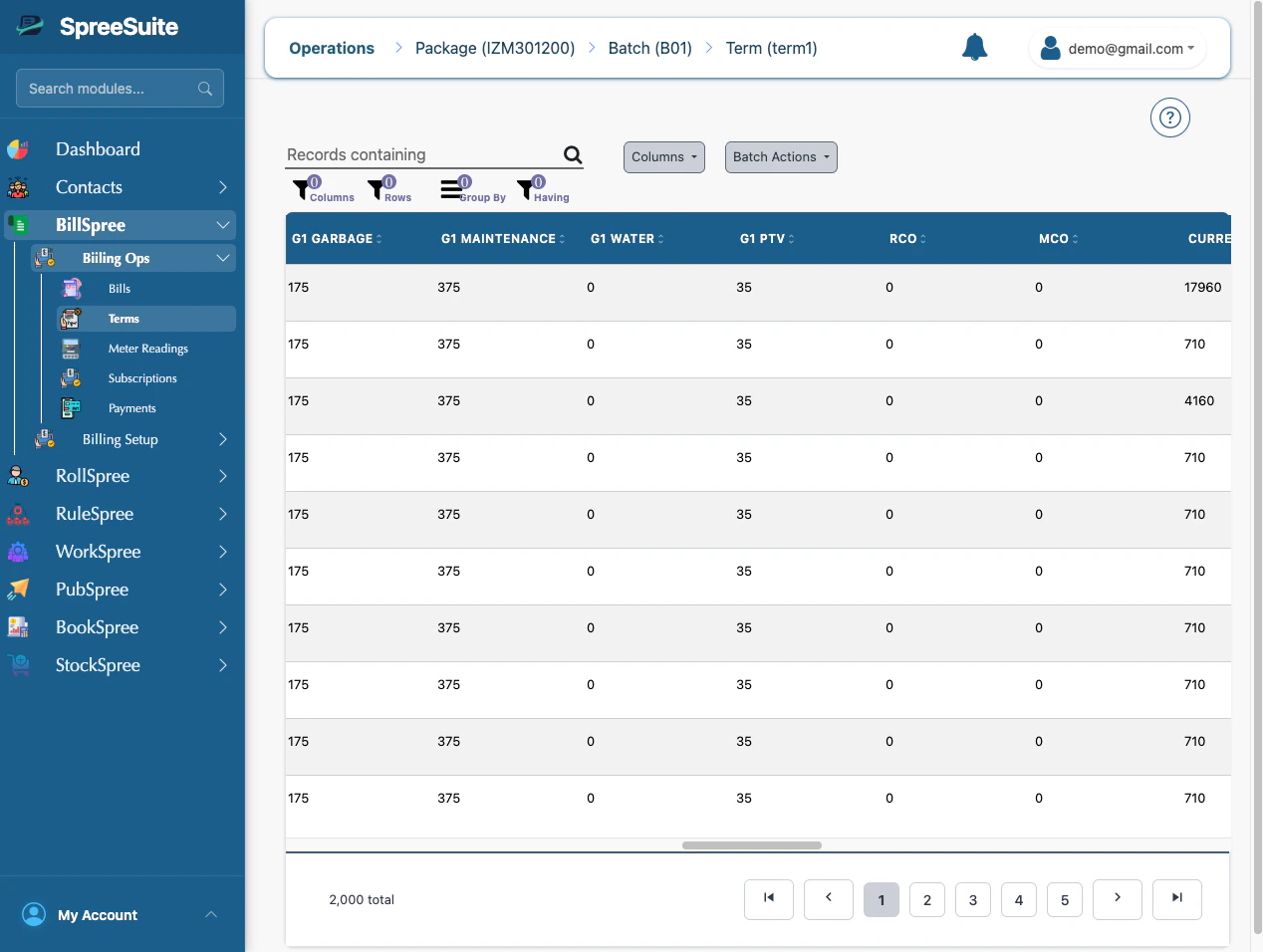
- Go on 3 dots,
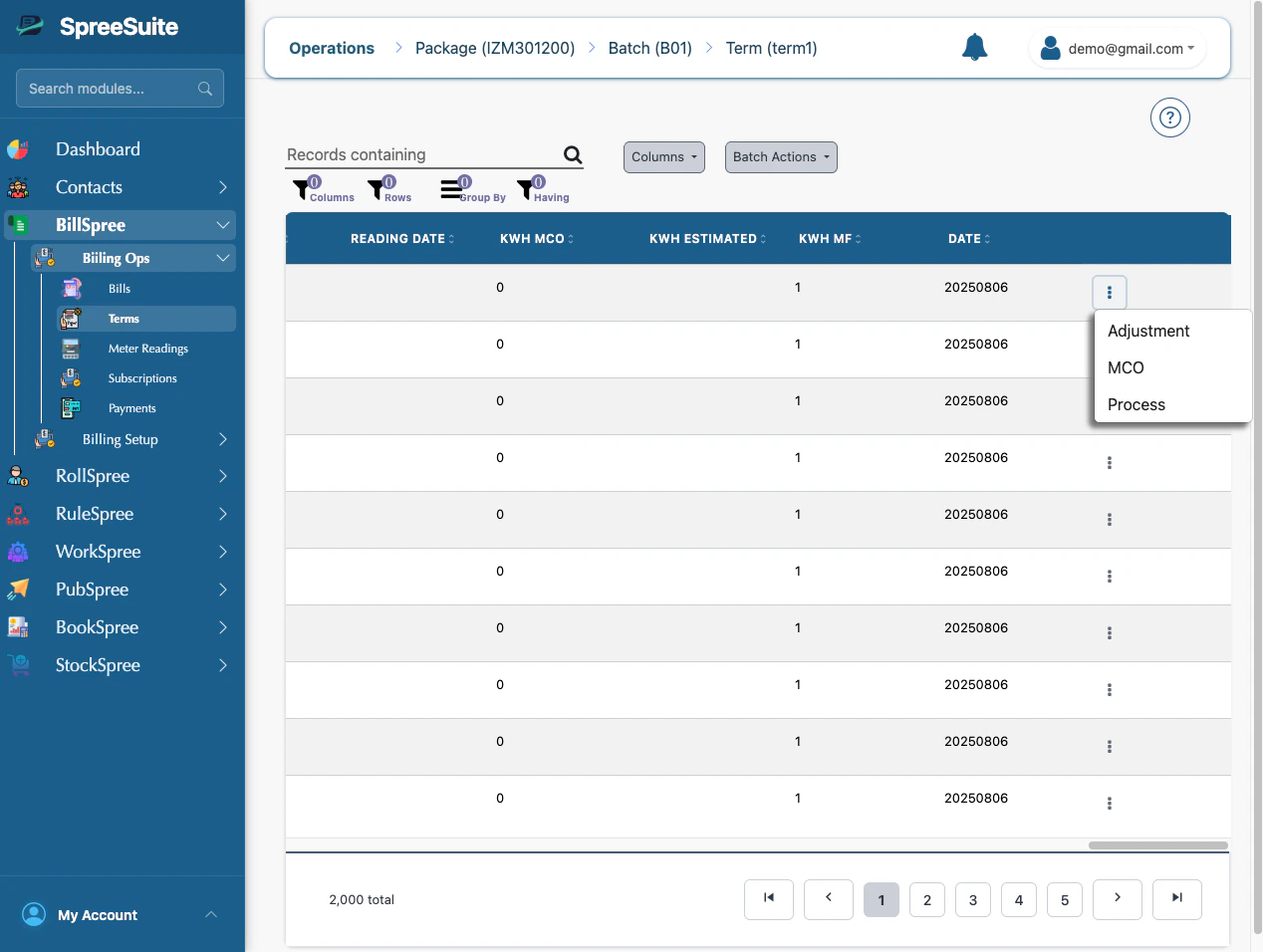
- Click on MCO, MCO Modals open
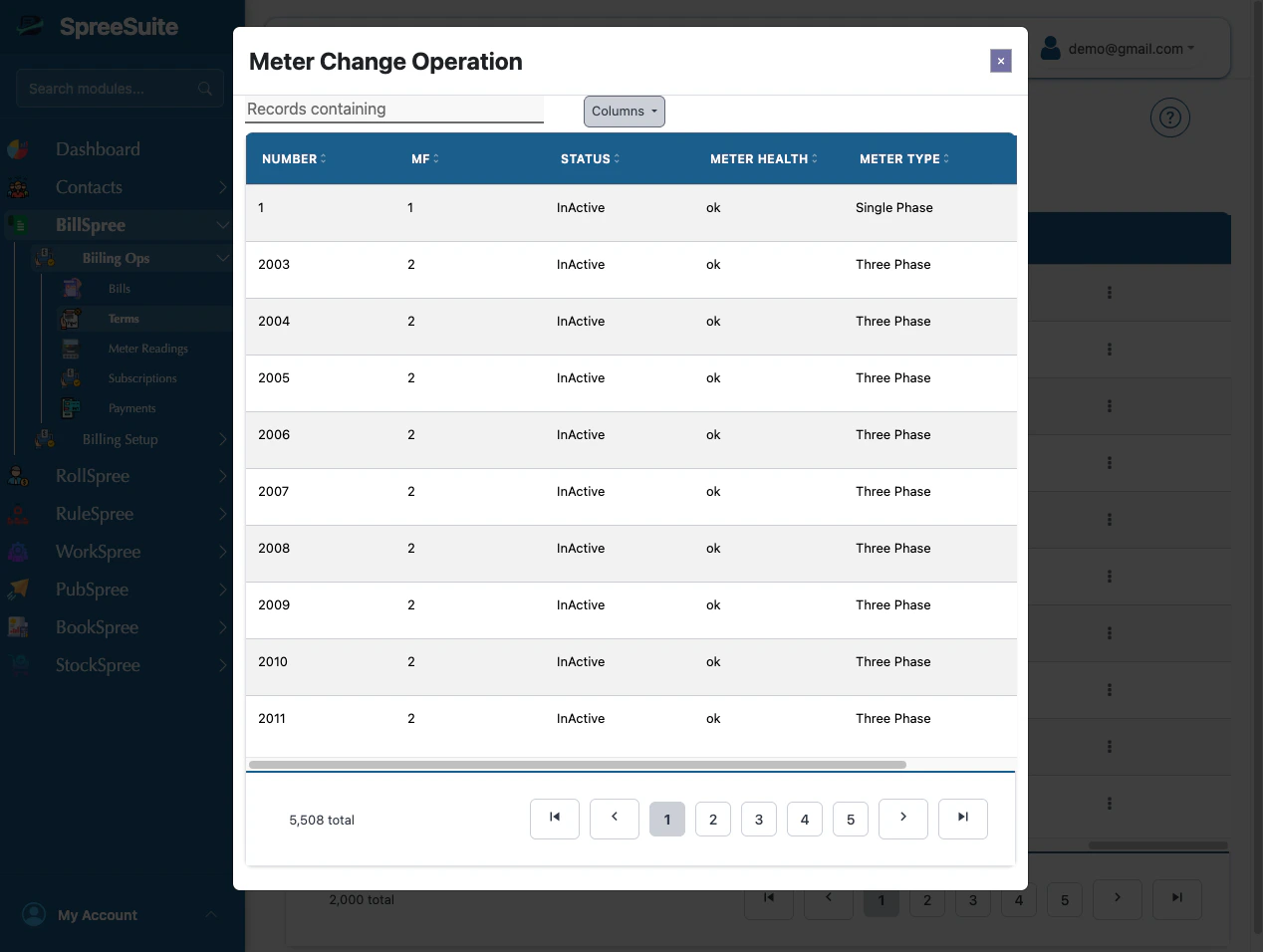
- Then go to their 3 dots, click on assign
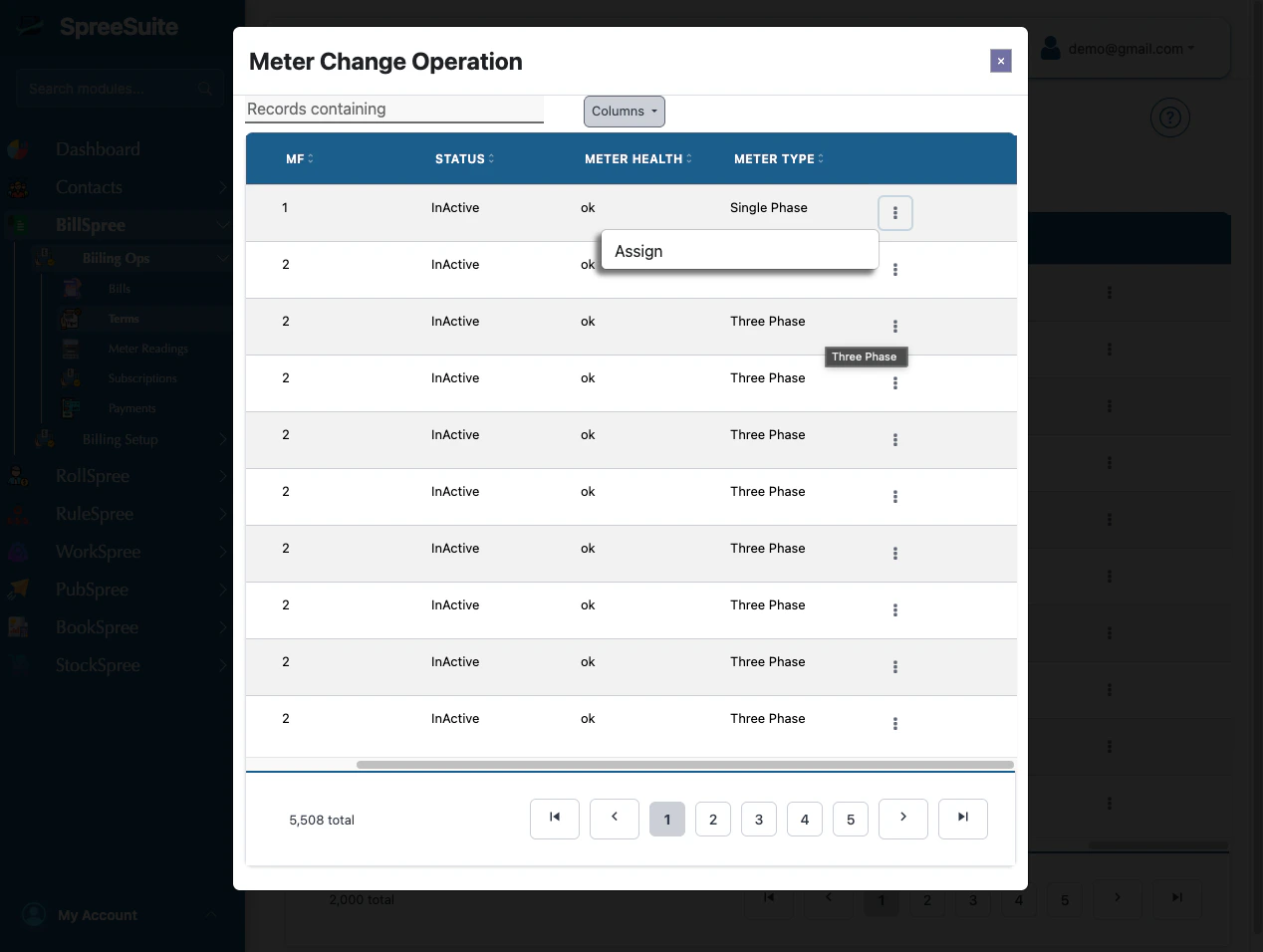
- When clicking on assign, select meters
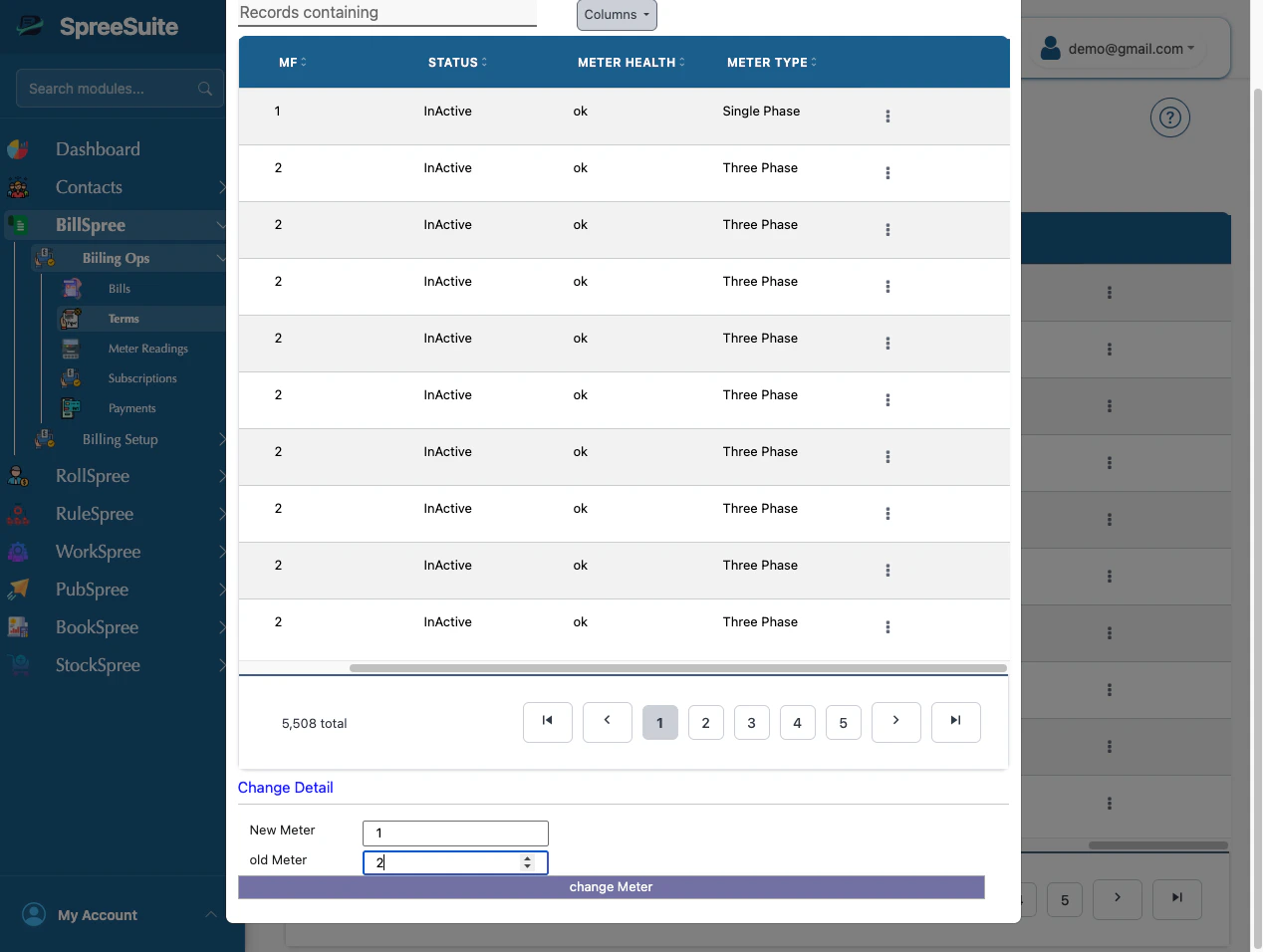
- Then add kWh and save it