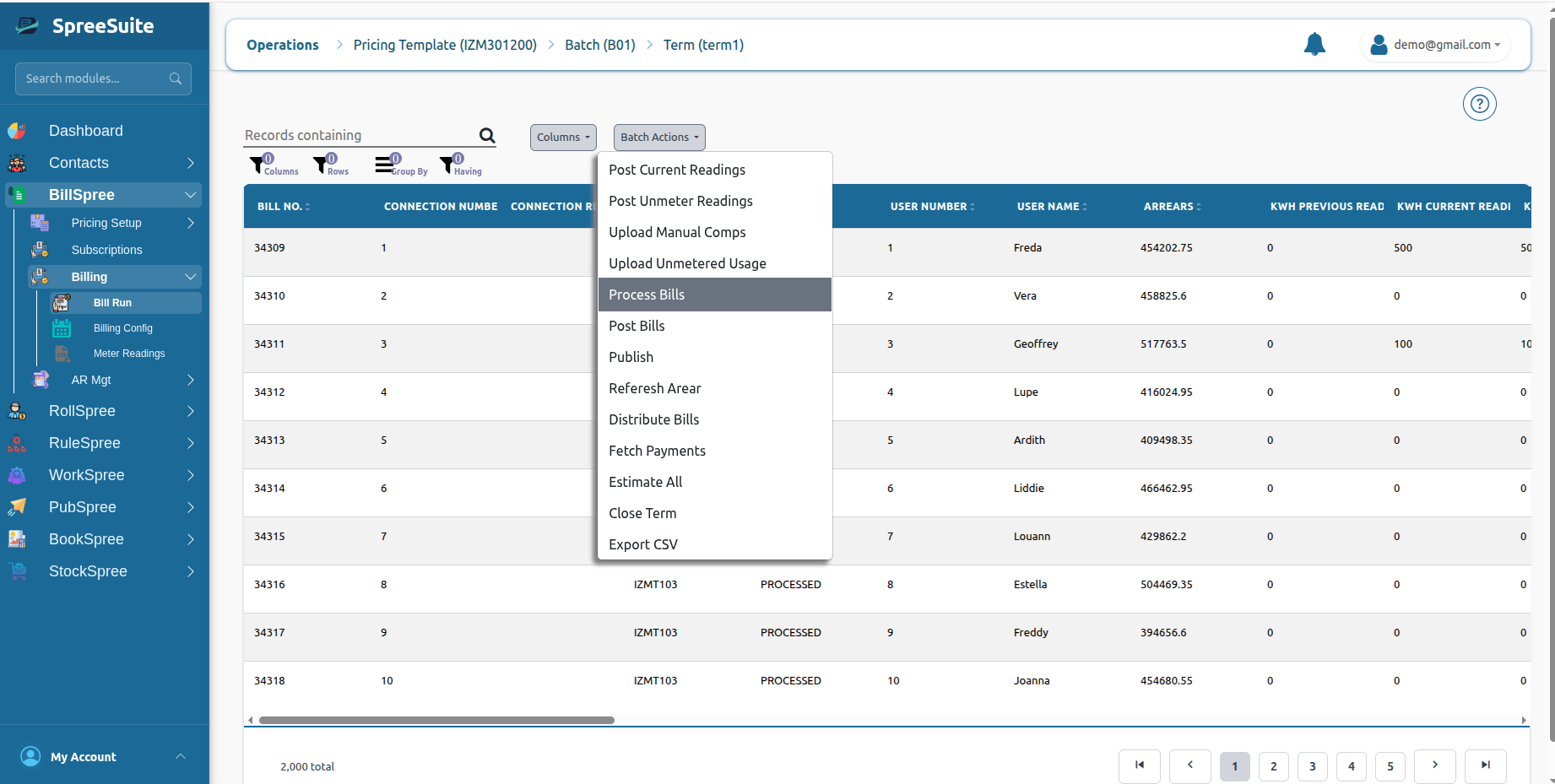
Process Bills is where the system calculates “how much each customer owes” based on all available billing data.
Why Bill Processing Is Important
Billing data collected in earlier steps is not yet financially complete. Before processing, the system only has:- Usage values (metered and unmetered)
- Manual charges and credits
- Estimated readings (if any)
- Arrears and balances
- Service configurations
- Final charges
- Taxes
- Discounts
- Total payable amounts
What Happens During Bill Processing
During bill processing, the system evaluates each customer’s billing data and applies configured pricing logic. This includes:- Service pricing rules
- Pricing Context or Pricing Module configuration
- Usage-based pricing
- Tiered billing logic
- Discounts and promotions
- Tax calculations
- Adjustments and surcharges
Core Activities
1. Apply Billing Rules
Billing rules define how services are priced. The system evaluates rules such as:- Flat rate pricing
- Per-unit pricing
- Tiered pricing (slabs)
- Minimum/maximum charges
- Pricing Context-based pricing
Example
2. Calculate Service Charges
Each service is evaluated individually based on usage or fixed pricing.Example
3. Calculate Taxes
Applicable taxes are applied based on jurisdiction and service configuration.Common taxes:
- VAT
- Sales tax
- Service tax
- Government levies
Example
4. Apply Discounts
Discounts reduce the total bill amount based on rules or promotions.Examples:
- Loyalty discount
- Early payment discount
- Promotional discounts
- Customer-specific discounts
Example
5. Calculate Totals
After applying all charges, taxes, and discounts, the system calculates final payable amounts.Final Calculation Structure
Input Data Used in Processing
Bill processing uses multiple data sources:1. Metered Usage
- Electricity
- Water
- Gas
- Utility consumption
2. Unmetered Usage
- Fixed services
- Subscription plans
- Virtual consumption
3. Manual Components
- Penalties
- Credits
- Adjustments
- One-time fees
4. Arrears
- Previous unpaid balances
- Partial payments
- Outstanding dues
5. Service Configuration
- Pricing rules
- Pricing Context definitions
- Meter parameters
- Tax rules
Example Billing Scenario
Customer: John Smith
Usage Data
Manual Components
Subtotal Calculation
Taxes
Final Bill
How to Process Bills
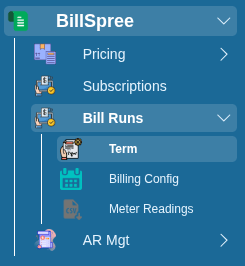
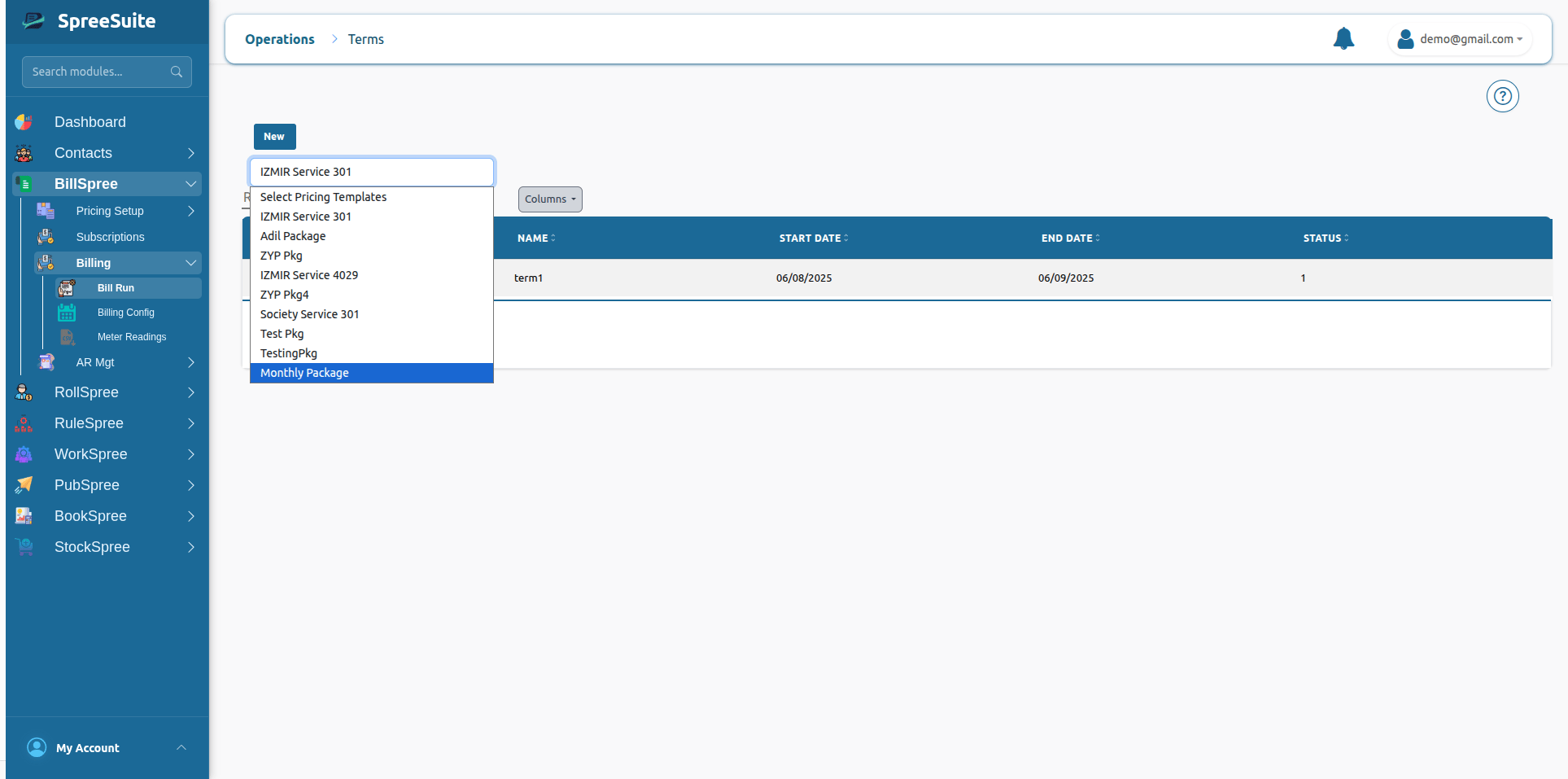
1-Go to BillSpree →Bill Runs →Term