Introduction
A Bill Term is the container for one cycle’s billing work. It is opened over a Billing Group, it holds every Billing Account in that group, and it carries its own start date, end date and due date. Every usage record, charge, calculation and posted bill belongs to a term. Nothing in the billing engine happens outside one.Three words that are easy to confuse.A Billing Period is a cycle and a billing day — monthly on the 15th. It decides when.A Bill Term is the container opened when that day arrives. It decides what is in scope.A bill run is the work performed on the term — rating, adjusting, processing, posting. It is what happens.
Why terms exist
Terms give the billing engine a boundary to work within:- Usage is attributed to a cycle rather than floating loose
- Every draft, adjustment and posted bill is grouped under the term that produced it
- Progress is trackable — how many bills were created, processed and posted for that cycle
- A term can be reviewed and re-processed as a unit before anything is committed
What a Bill Term Contains
A Bill Term has two sections, and they mirror the two halves of an invoice.
The sequence runs:
- The billing orchestrator opens a Bill Term against a Billing Group whose Billing Period has fallen due. This happens automatically — terms are not created by hand.
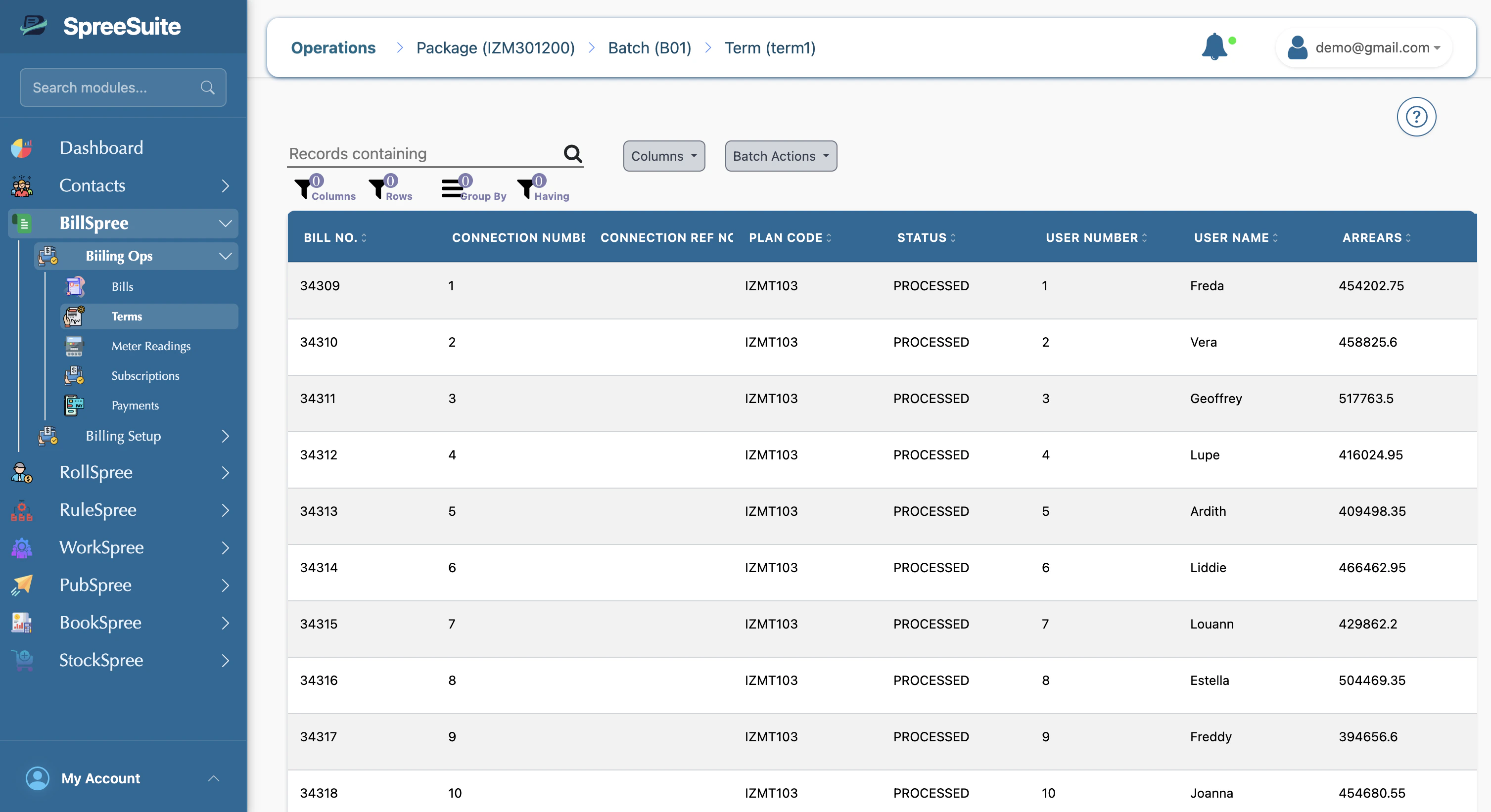
- Each Billing Account in that group is brought into the term.
- All of that account’s Subscriptions land in the subscription section.
- Each Subscription is rated on its Plan. Subscriptions sharing a Plan run the same rules — only their Subscription Properties differ, so a rule’s conditions decide which branch fires and the amounts come out different.
- Every component’s calculated value is summed across the Subscriptions and carried into the summary section.
- The Billing Account’s own Pricing Module then calculates that summary — which is how a rule like Late Payment applies once, to the whole outstanding balance, rather than separately per Subscription.
Why the account type changes what the summary can do
Summing requires that the Subscriptions share a vocabulary of components. Whether they do is exactly what Single vs. Composite decides. Single — every Subscription in the account is on the same Plan, so they all carry the same components. All of them sum through, custom and predefined alike. If the Plan defines ten components, the summary section receives all ten and the account’s Pricing Module can work with any of them. Composite — the Subscriptions sit on different Plans, which may belong to different Pricing Contexts. Those contexts can define entirely different custom components, under different names and in different numbers, so there is no general way to add them together. Only the eight predefined components — Subtotal, Late Payment, Net Total, and Tax 1–5 — exist on every Pricing Context, so those are the only ones the summary section can be built from.This is why those eight components are compulsory on every Pricing Context. They are not there for validation tidiness — they are the shared vocabulary that makes a consolidated bill possible at all. See Component Rules and Constraints.
Where terms come from
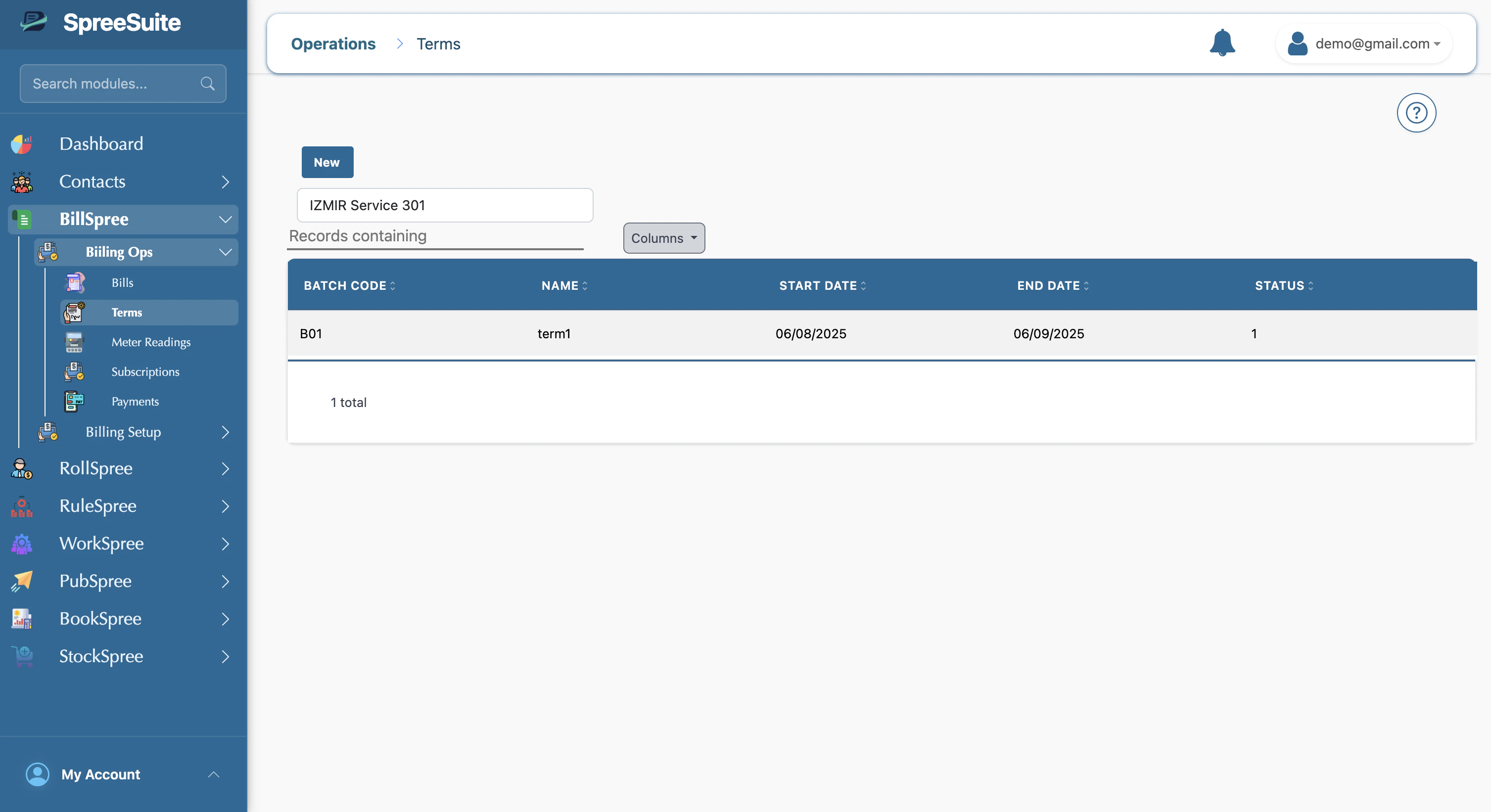
Terms are opened automatically. The billing orchestrator runs continuously, finds every Billing Group whose Billing Period has fallen due, and opens a term over each one. Nobody creates a term by hand. The bill run table shows all terms and their progress.