Overview
Publishing Bills is the stage where finalized and posted bills are prepared for customer communication and external consumption. At this point, bill calculations have been completed and officially posted. The publishing process collects all bill-related information, formats it into a publishable structure, and makes it available to downstream systems responsible for document generation, customer notifications, and bill delivery. In simple terms:Publish Bills is the step that transforms posted billing records into customer-ready bills that can be printed, viewed online, or distributed through other channels.Publishing does not change financial values. It simply prepares and distributes finalized bill information.
Why Publishing Is Important
A posted bill exists within the billing system, but customers cannot see or receive it until it is published. Publishing enables:- Bill document generation
- Customer communication
- Portal visibility
- Print processing
- Email delivery
- Integration with external systems
What Happens During Publishing?
The publishing process gathers all information associated with a finalized bill and prepares it for downstream delivery services. This includes:- Customer information
- Billing period details
- Service charges
- Usage information
- Outstanding balances
- Taxes and adjustments
- Payment information
Information Included in Published Bills
Customer Information
Customer details help identify who the bill belongs to. Typical information includes:- Customer Name
- Account Number
- Subscription Number
- Service Address
- Contact Information
Example
Bill Summary
The bill summary provides a high-level financial overview.Example
This section is typically the first thing customers review.
Billing Components
Detailed charges are included to provide transparency.Example
Customers can see exactly how the total bill was calculated.
Usage Details
For usage-based services, consumption information is published.Example
This helps customers understand their consumption patterns.
Outstanding Balances
Any unpaid amounts from previous billing periods are included.Example
Publishing arrears information ensures customers have visibility into their total liability.
Example Publishing Scenario
Consider a customer whose bill has already been posted.Posted Bill
During publishing, the system prepares:
- Customer details
- Billing period information
- Usage breakdown
- Charge breakdown
- Outstanding balance
- Payment information
Delivery Channels
After publishing, bills can be delivered through multiple channels.Printed Bills
Bills can be generated as printable documents and mailed to customers.Customer Portal
Customers can log in and view their bills online.Third-Party Systems
External systems can retrieve published bill information for additional processing.Publishing vs Posting
These stages are often confused but serve different purposes.
Think of posting as creating the official bill, while publishing makes that bill visible to customers.
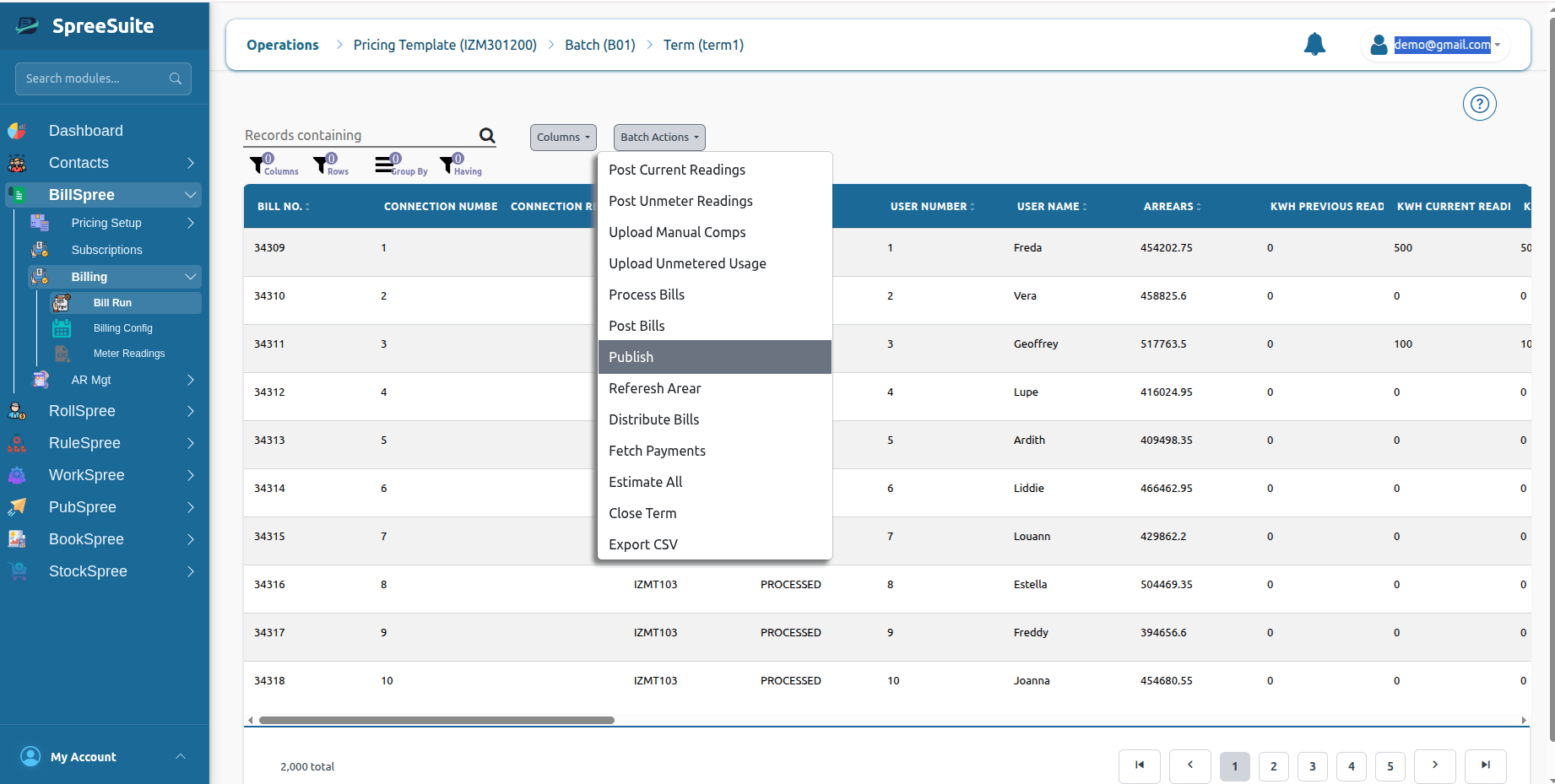
How to Punlis Bills
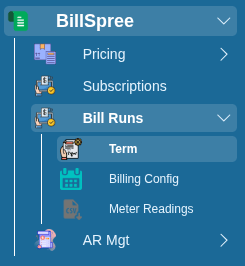
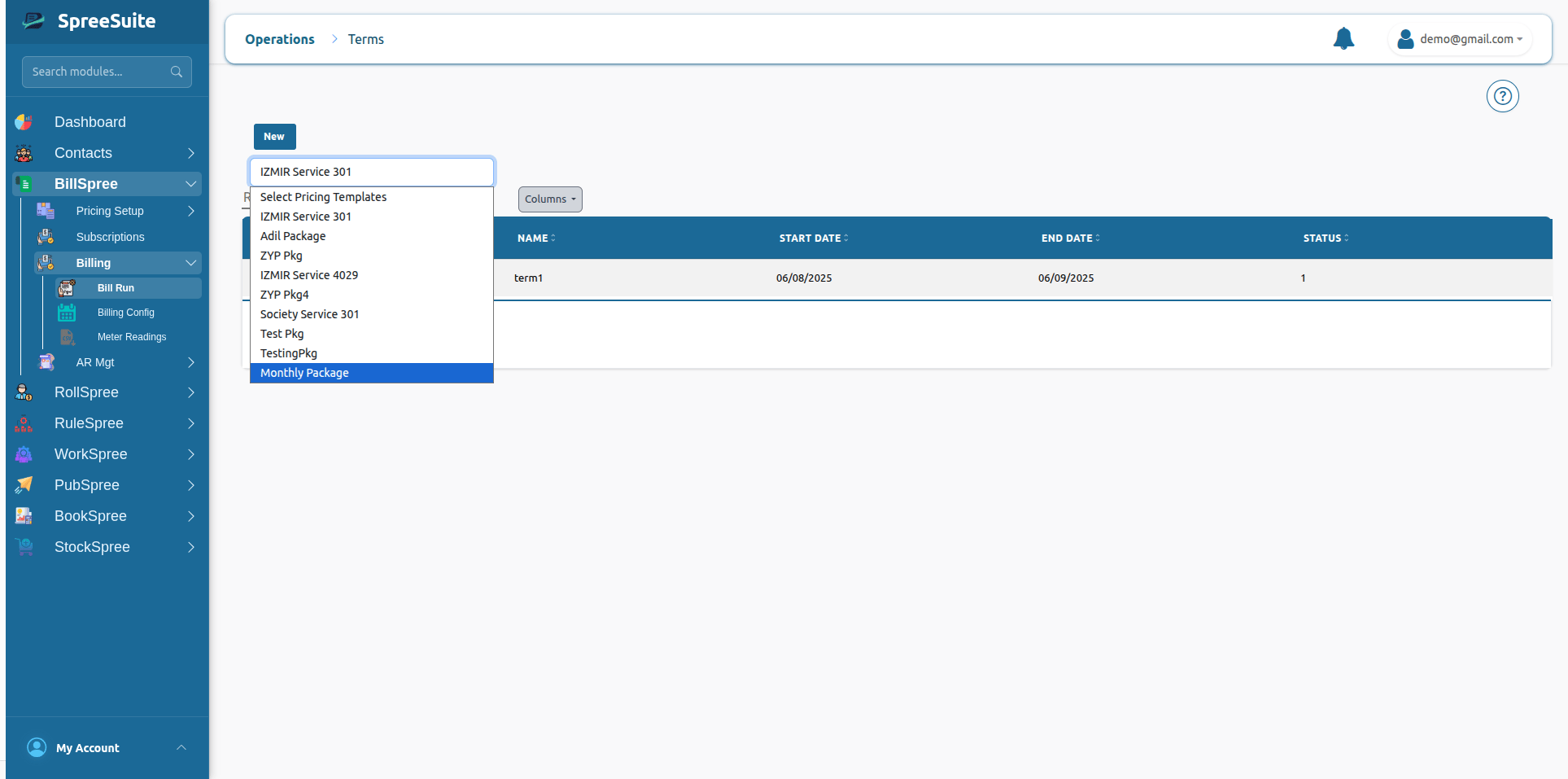
1-Go to BillSpree →Bill Runs →Term