Overview
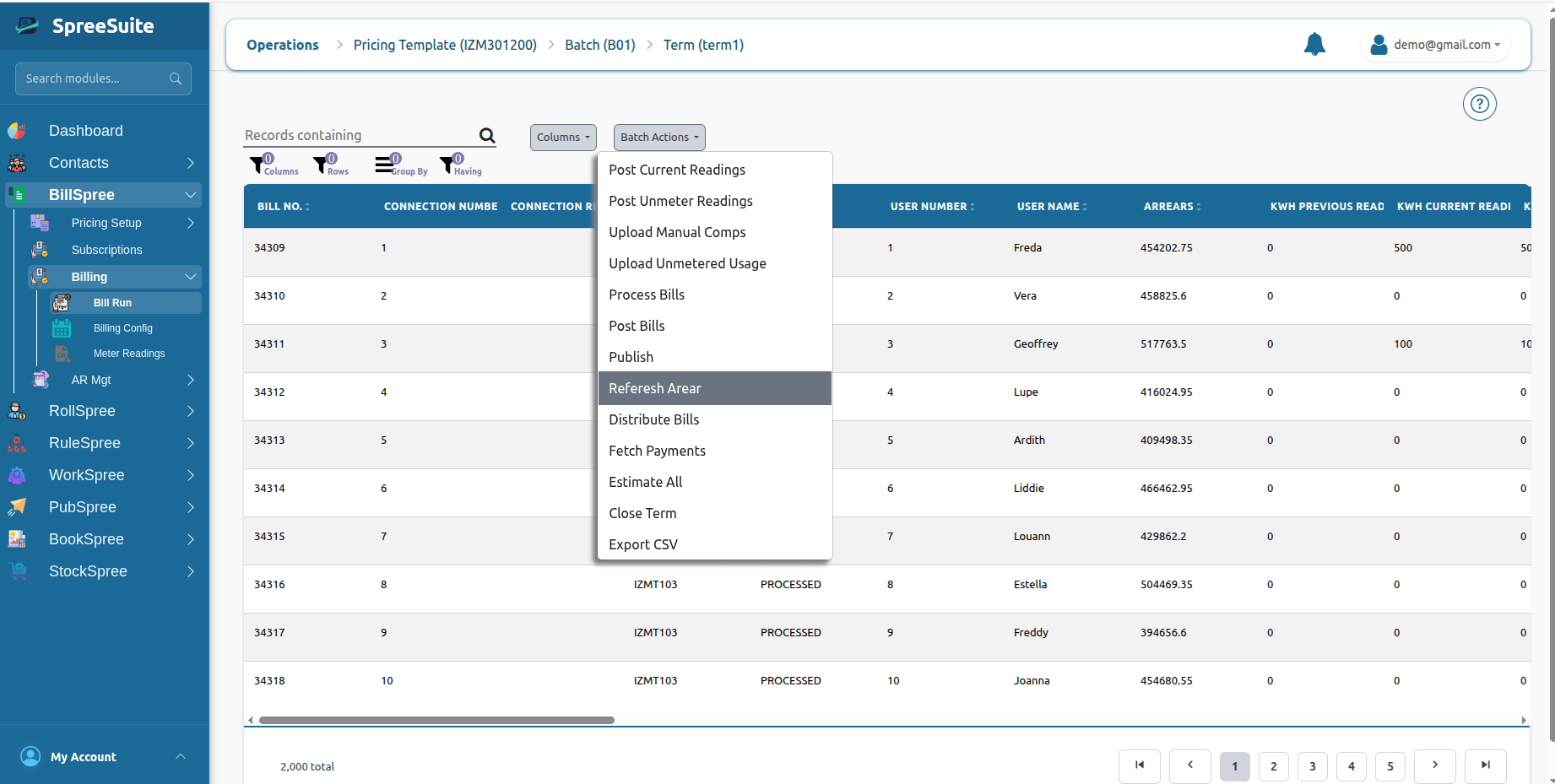
Before bills are finalized and posted, the billing system refreshes arrears to ensure that any outstanding balances from previous billing periods are included in the current bill. Arrears represent unpaid amounts that a customer still owes from earlier billing cycles. By refreshing arrears, the system retrieves the latest account balance information and updates the billing records before bill generation is completed. This step helps ensure that customers receive an accurate view of both their current charges and any outstanding amounts owed.What Are Arrears?
Arrears are unpaid balances carried forward from previous billing periods. These balances may include:- Unpaid invoices
- Partially paid bills
- Outstanding service charges
Example
Suppose a customer has the following outstanding balance from the previous month.
During the January billing cycle, the customer incurs new charges:
After refreshing arrears, the system combines both amounts:
The customer receives a bill showing the complete amount owed.
What Information Is Refreshed?
The refresh process may include:Outstanding Balances
Amounts that remain unpaid from previous billing cycles.Partial Payments
Payments received after previous bill generation.Example Billing Scenario
Consider a customer being billed for February 2025.Previous Billing Period
Current Billing Period
After arrears refresh:
The final bill reflects the customer’s complete financial obligation.
Common Business Scenarios
Late Payments
A customer pays only part of a previous bill. The remaining amount is carried forward and included after arrears refresh.Missed Payments
No payment is received for a previous bill. The full outstanding amount appears in the current bill. The refresh process updates the customer’s balance before bill posting.Result
After arrears are refreshed, the current term contains the latest outstanding balances for all applicable customer accounts. This ensures that final bills accurately reflect both current charges and unpaid balances from previous billing periods.How to Refresh Arrears
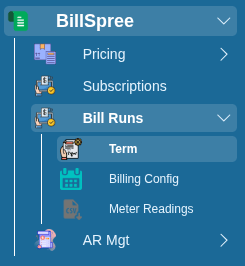
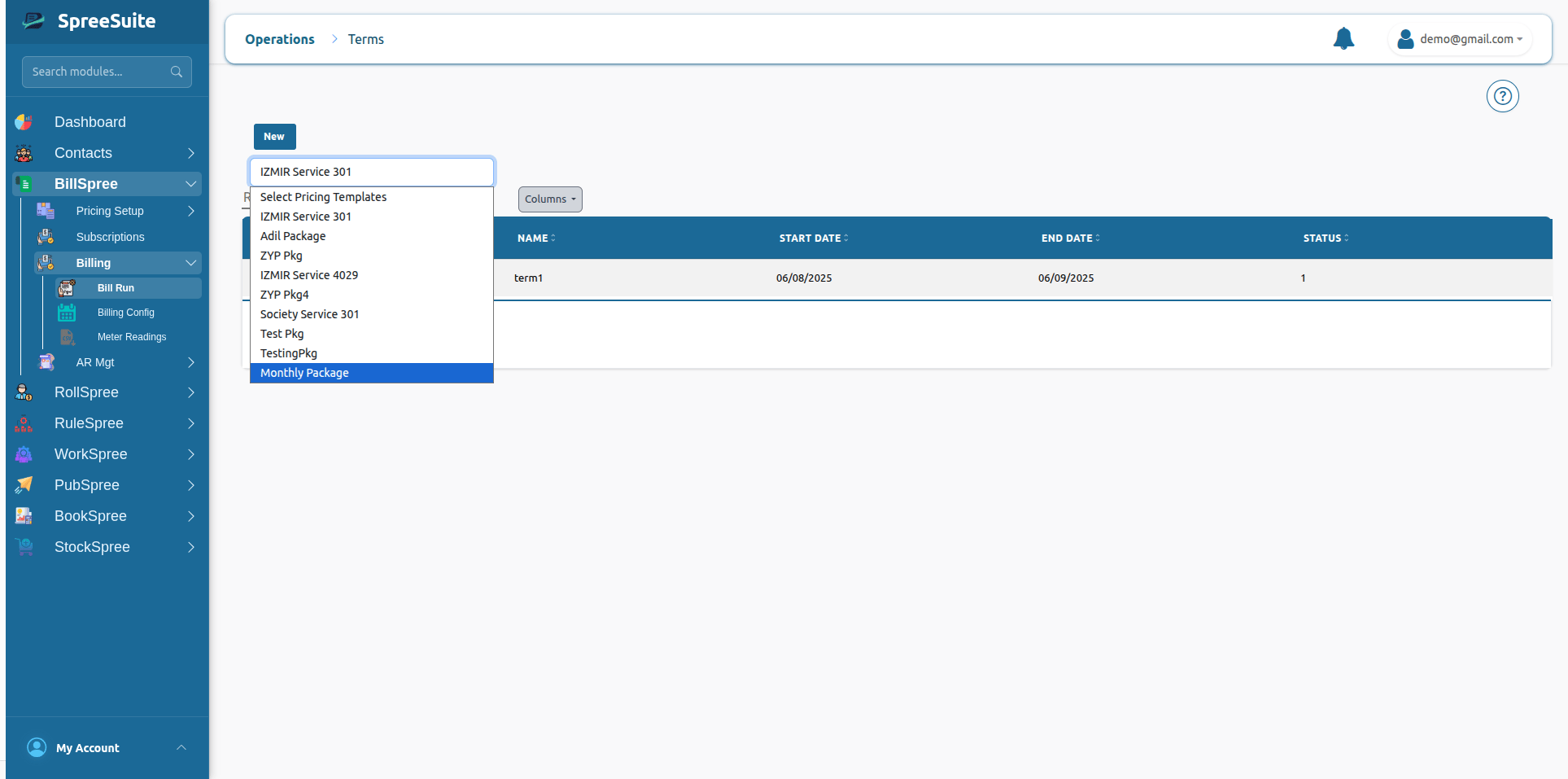
1-Go to BillSpree →Bill Runs →Term