Reports in BookSpree
BookSpree automatically creates reports for you based on the transactions you record. You don’t need to do any math; the system does it for you!1. Trial Balance
This report check if your books are “balanced.” It lists all your accounts and their current totals. In simple terms: it makes sure that all money moving out matches all money moving in.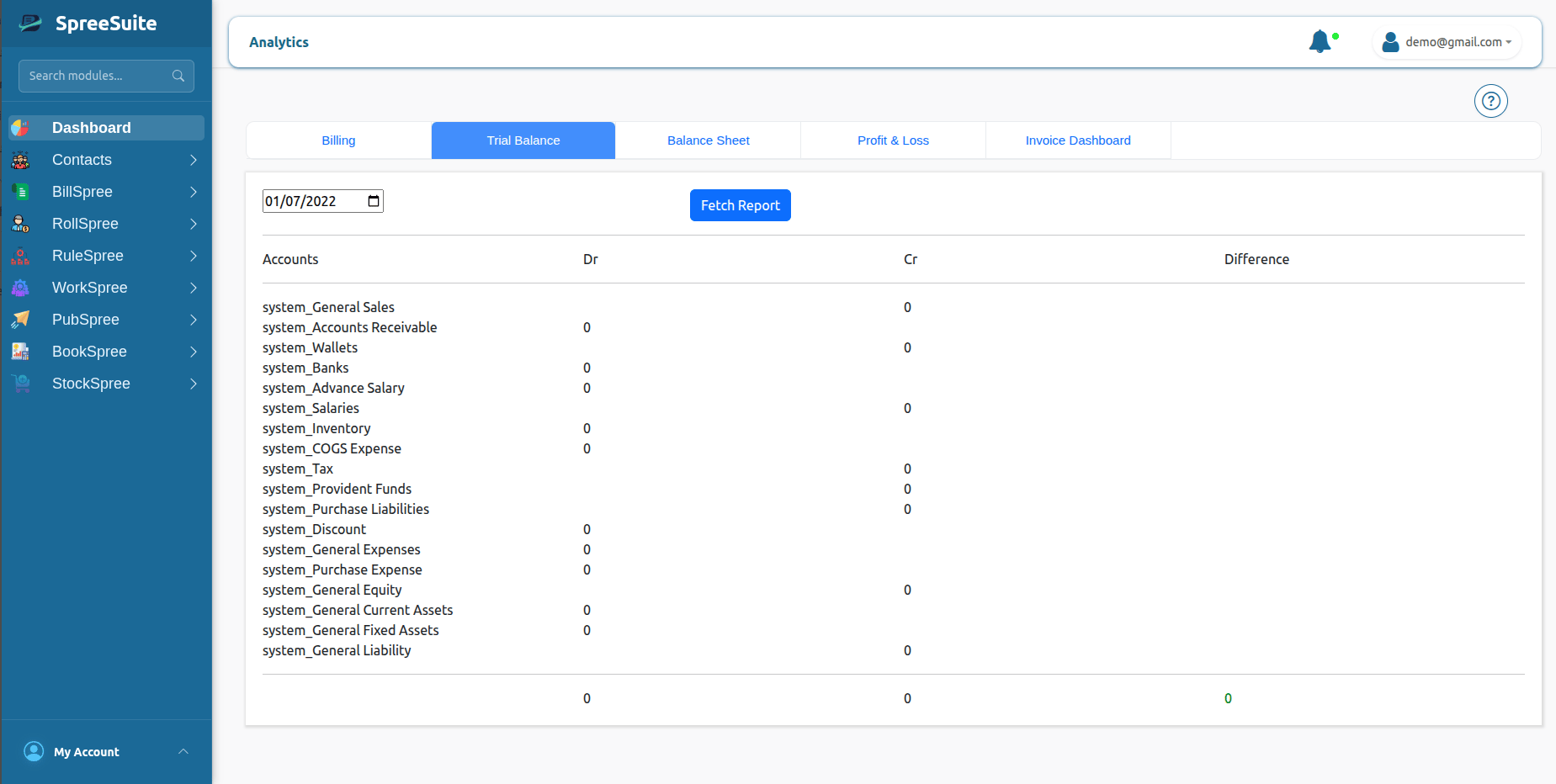
2. Balance Sheet
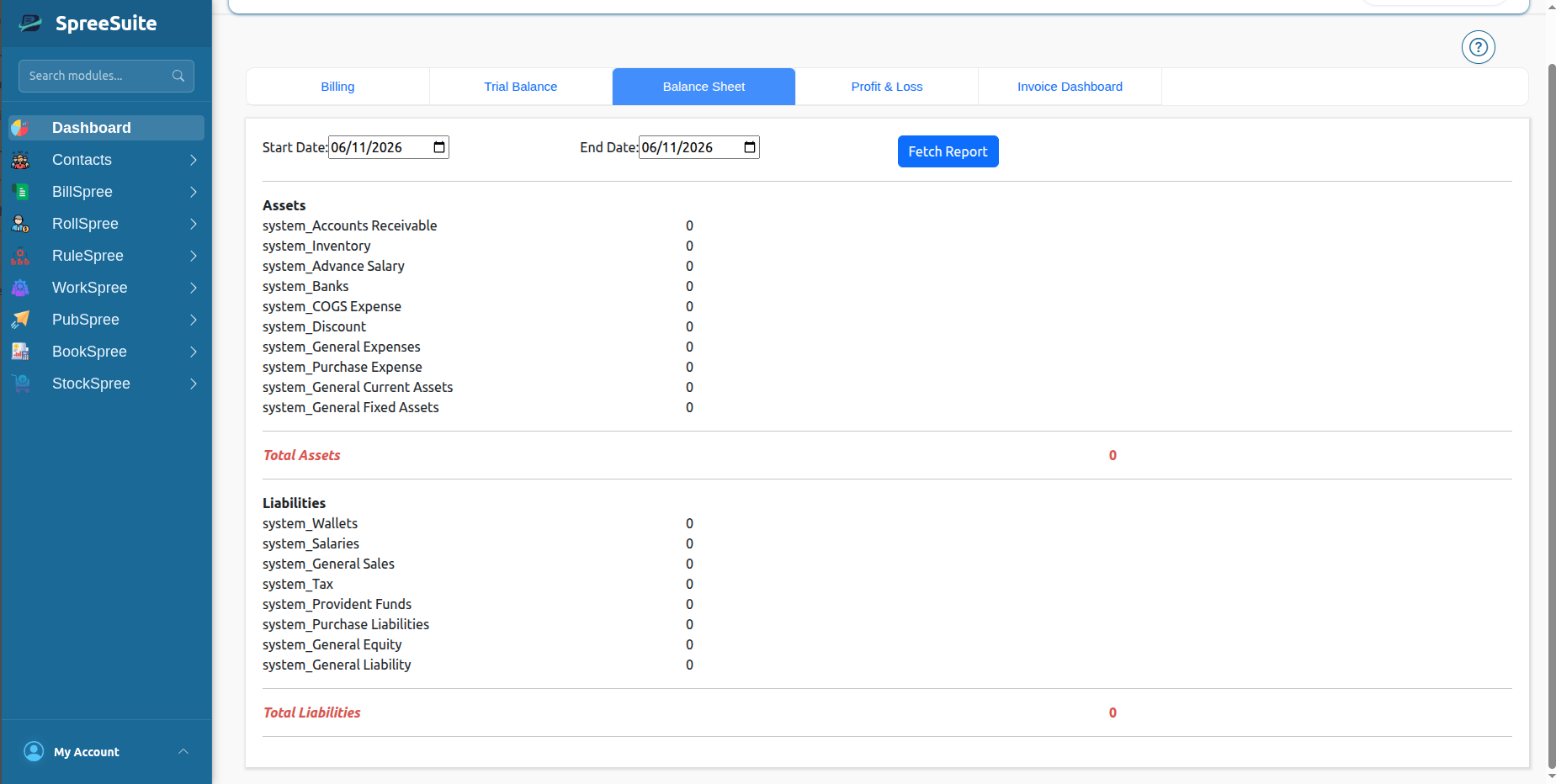
This is a “Snapshot” of your business. It tells you:- What you OWN (Assets like Cash, Computers).
- What you OWE (Liabilities like Loans, Unpaid Bills).
- Your Value (Equity).
3. Profit & Loss (P&L)
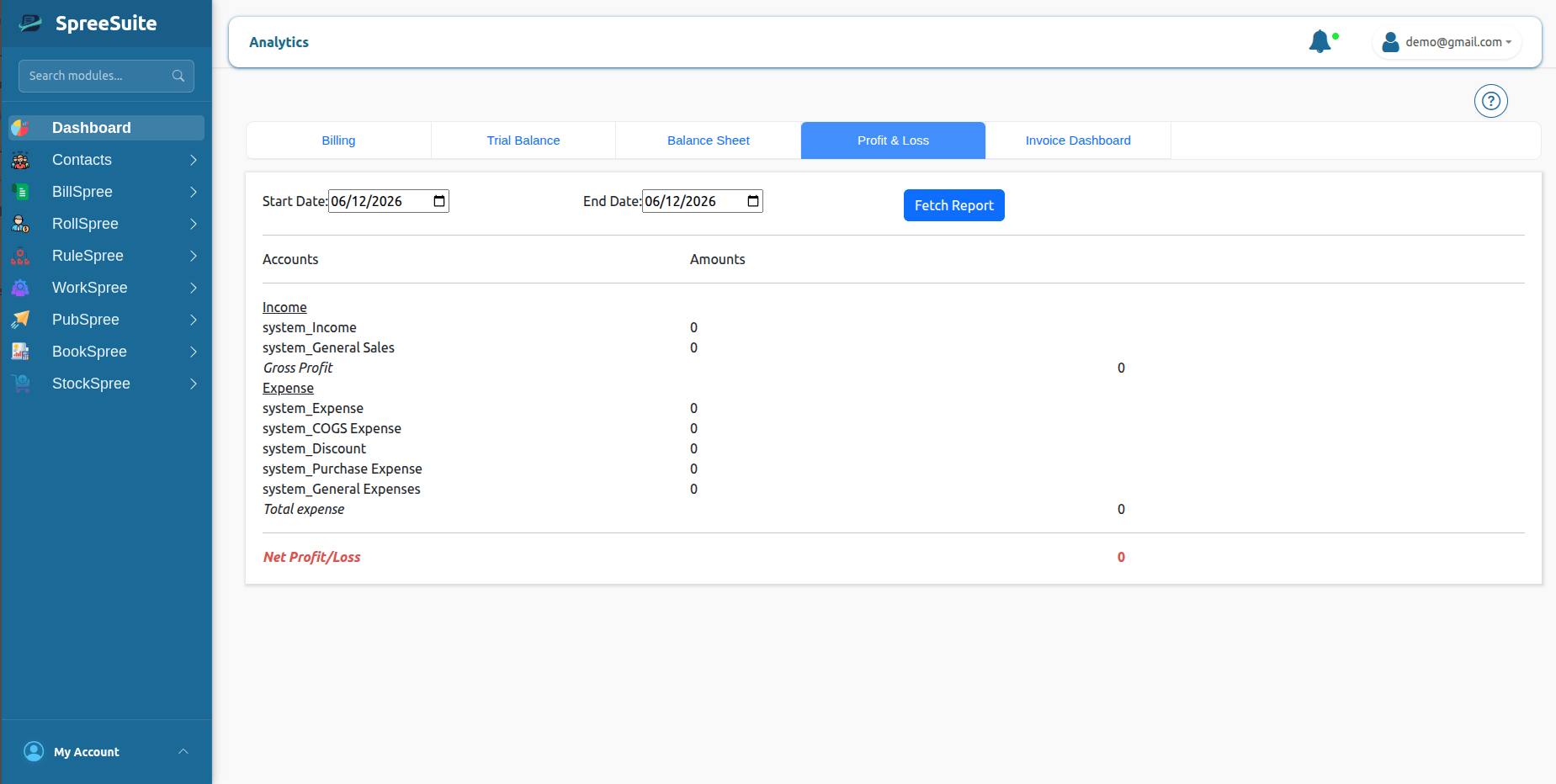
This is the most important report for most owners. It tells you:- Income: How much money you made from sales.
- Expenses: How much money you spent to run the business.
- Net Profit: How much money is left over (Money Made - Money Spent).
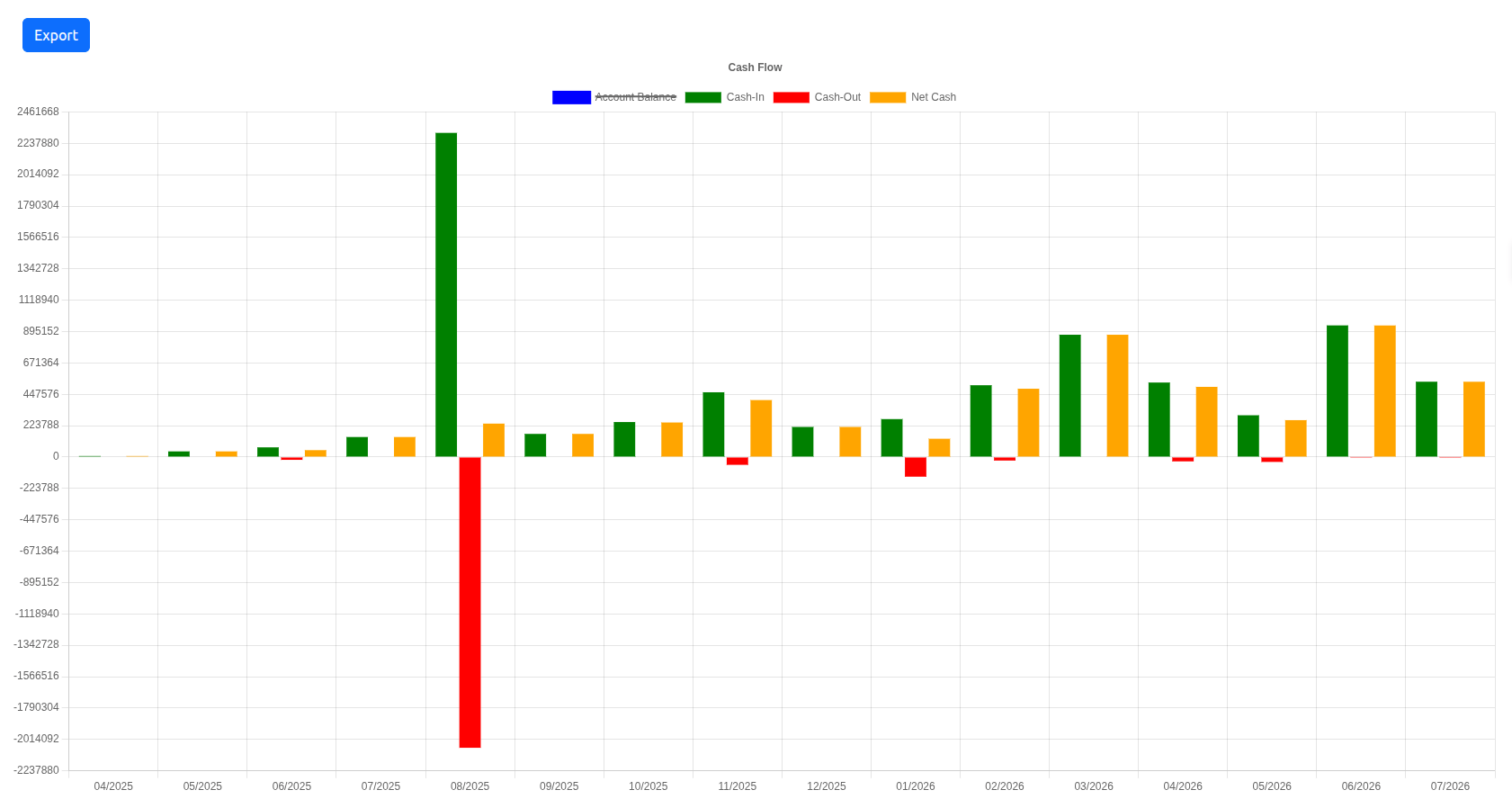
4. Cash Flow
This tracks money actually moving in and out of your accounts, by month:- Cash-In: Money received in that month.
- Cash-Out: Money paid out in that month.
- Net Cash: The difference between the two (Cash-In minus Cash-Out).
- Account Balance: Running account balance over time.
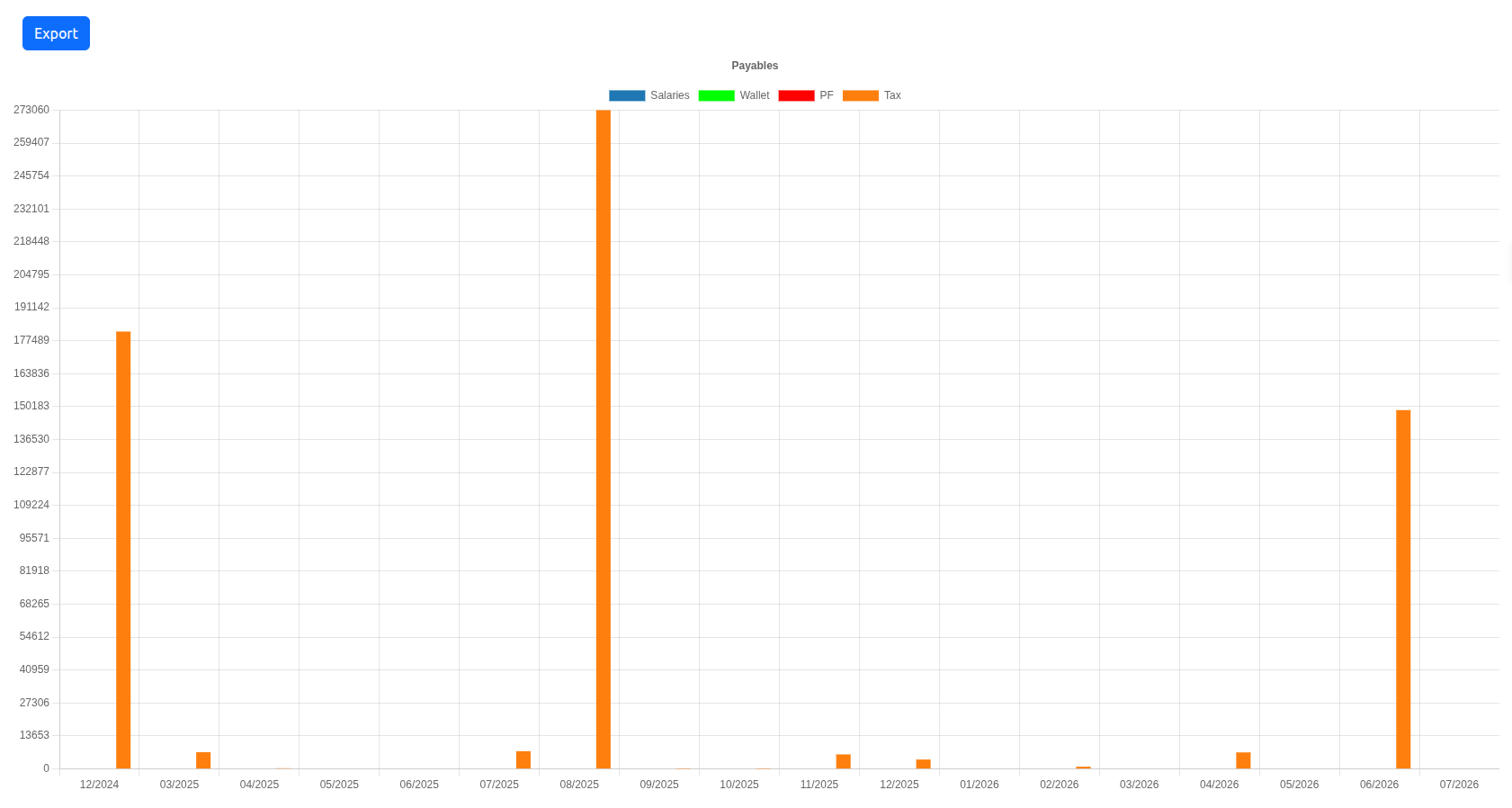
5. Payables (Tax)
This tracks what you owe by category, by month:- Salaries, Wallet, PF, and Tax: Each a separate payable category — the chart only lights up bars for categories that actually have activity in the selected range.