What is a New Entry?
A New Entry is the primary method for adding individual accounting transactions to your records. Think of it as writing a new line in a physical ledger or diary—it’s how you tell the system that a financial event has occurred.
In Simple Words
You use New Entry when you want to record something that happened with your money. For example:
- A payment you made (e.g., buying office supplies).
- Money you received (e.g., a customer paying an invoice).
- Moving money between accounts (e.g., transferring funds from your Cash box to your Bank account).
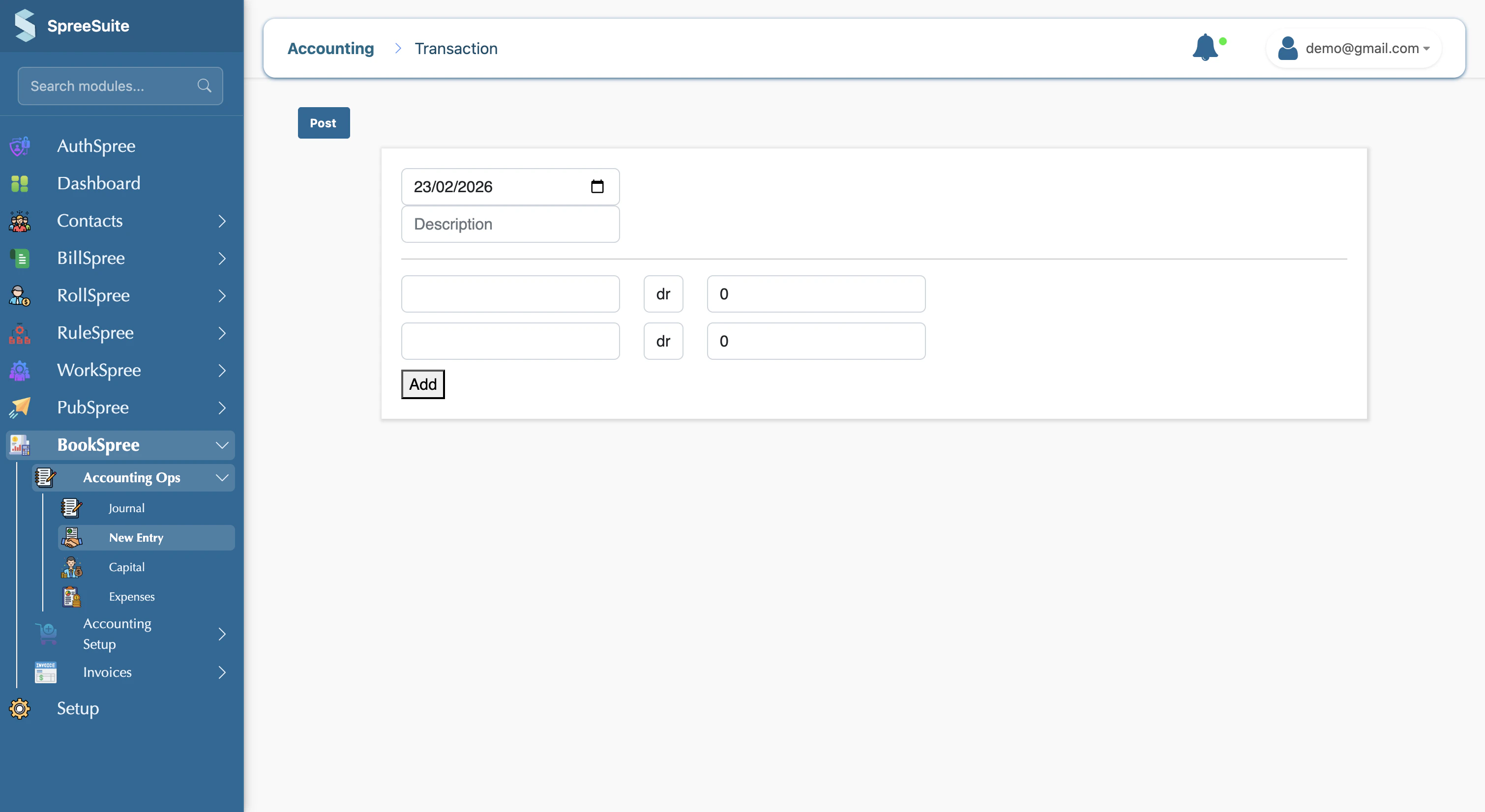
When you create a new entry, you pick the date, write a short description, choose the appropriate account, and enter the amount. Once you save (post) the transaction, it is stored securely and will automatically appear in your Journal and all financial Reports.
To ensure your records are accurate, every new entry requires:
- Date: The exact day the transaction took place.
- Description: A brief note explaining the purpose of the transaction (e.g., “Monthly Internet Bill”).
- Account: The category where the money is moving to or from (e.g., “Office Expenses” or “Petty Cash”).
- Amount: The total value of the transaction.
Navigation
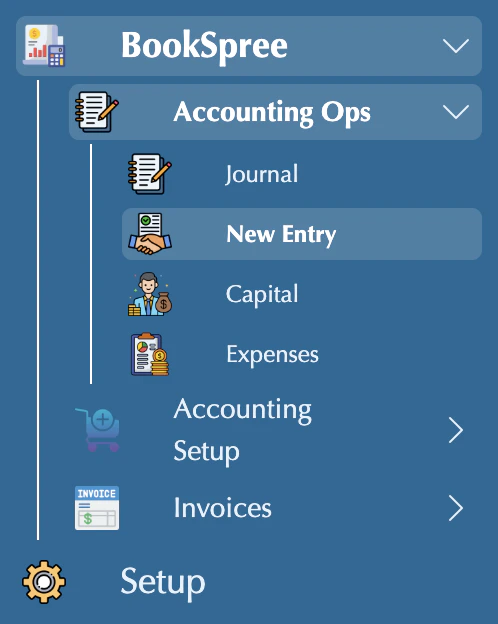
You can access the New Entry screen by navigating to: Journal in the sidebar → New Entry (route: make transaction).
Always provide a clear description for your entries. This makes it much easier to understand your business history when you review your reports months later!