
Overview
This flow applies to single, non-recurring invoices — see One-off Invoice — as opposed to Subscription Bills, which are generated automatically through the Term (Bill Run) process.Step-by-Step Payment Flow
- Navigate to BookSpree on the sidebar
- Click on BookSpree
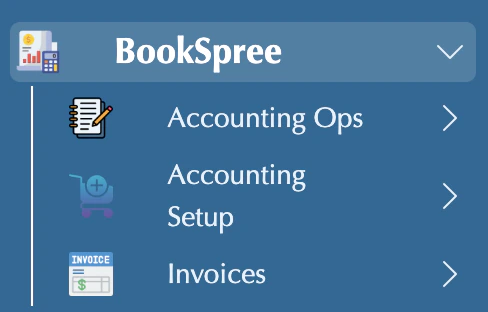
- Click on Invoices
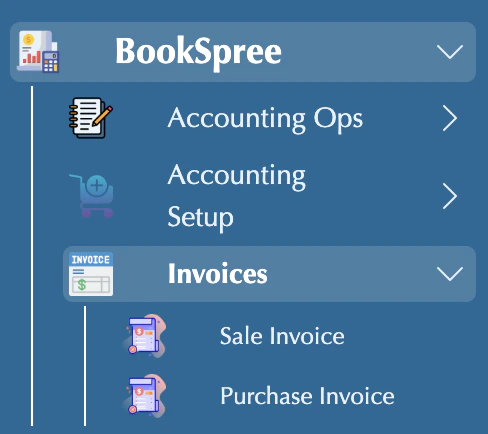
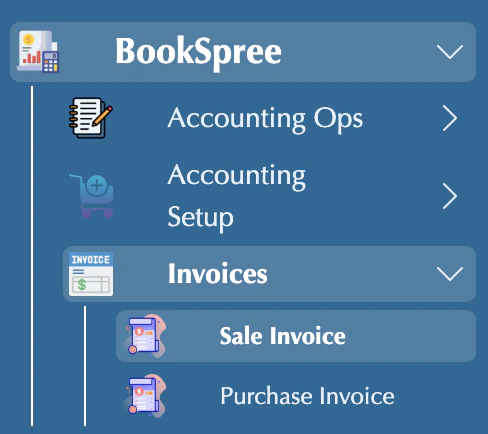
- Click on Sales/Purchase Invoice
- Your Invoices are showing in the list
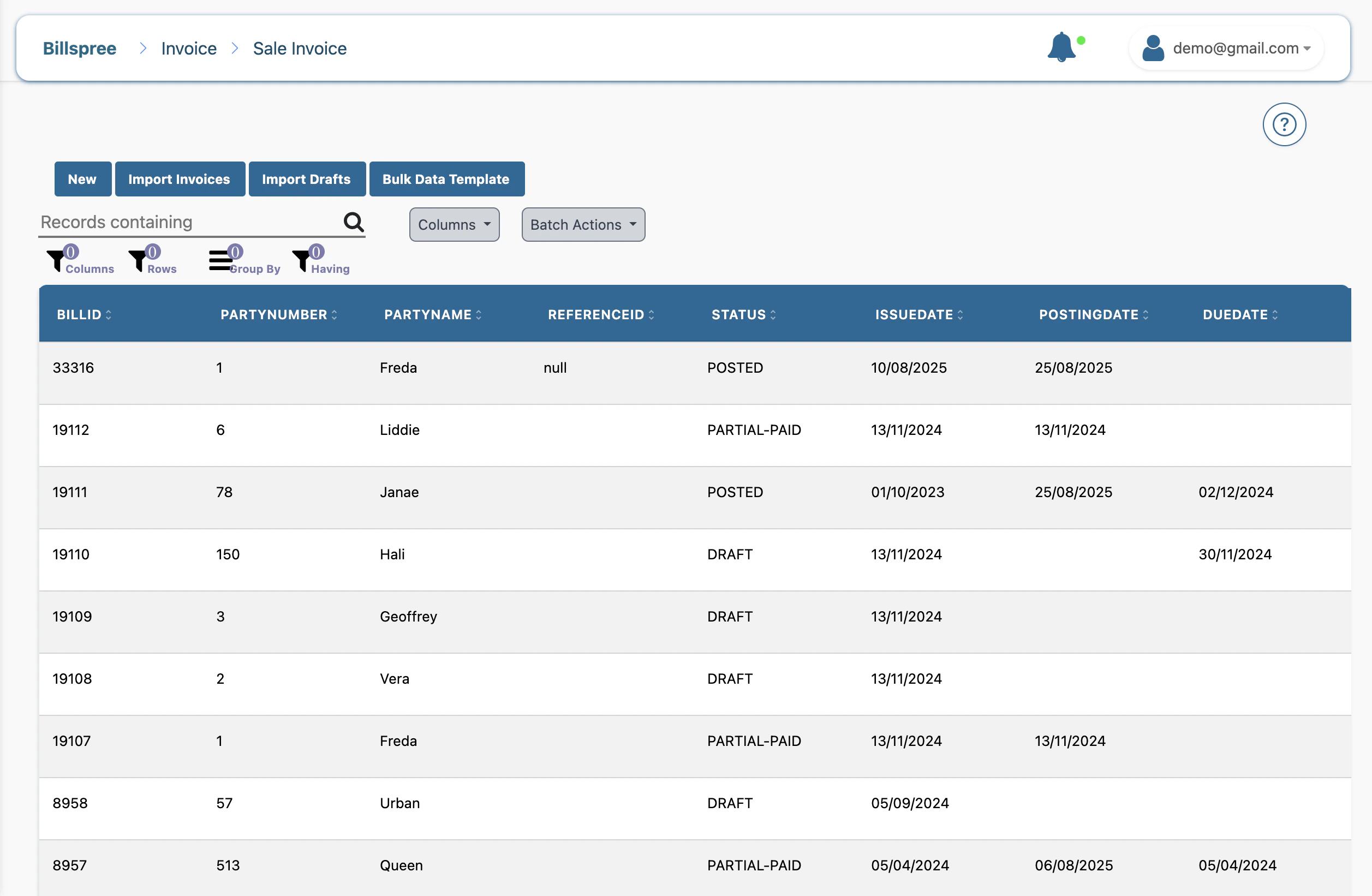
- Click on your invoice
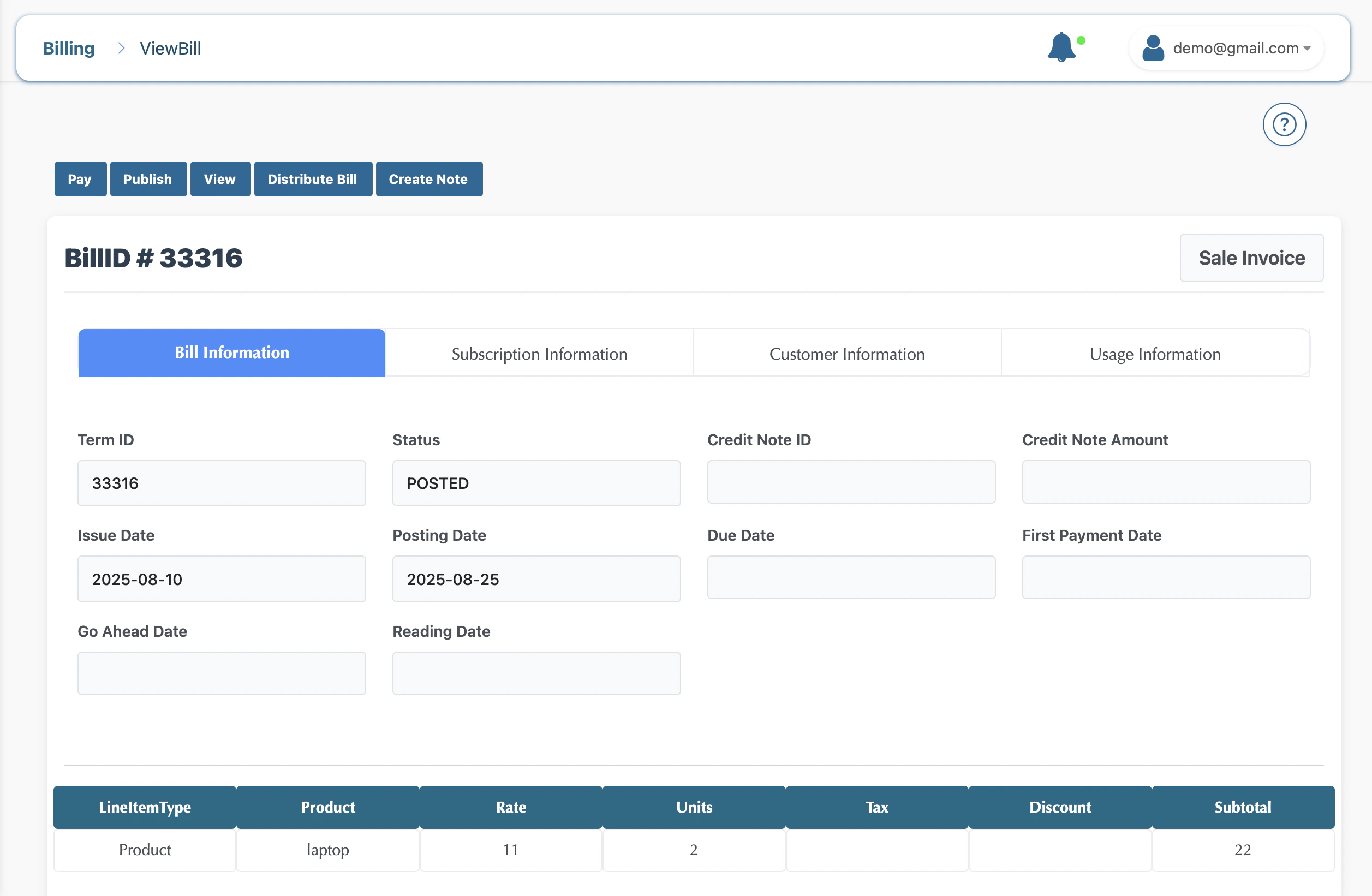
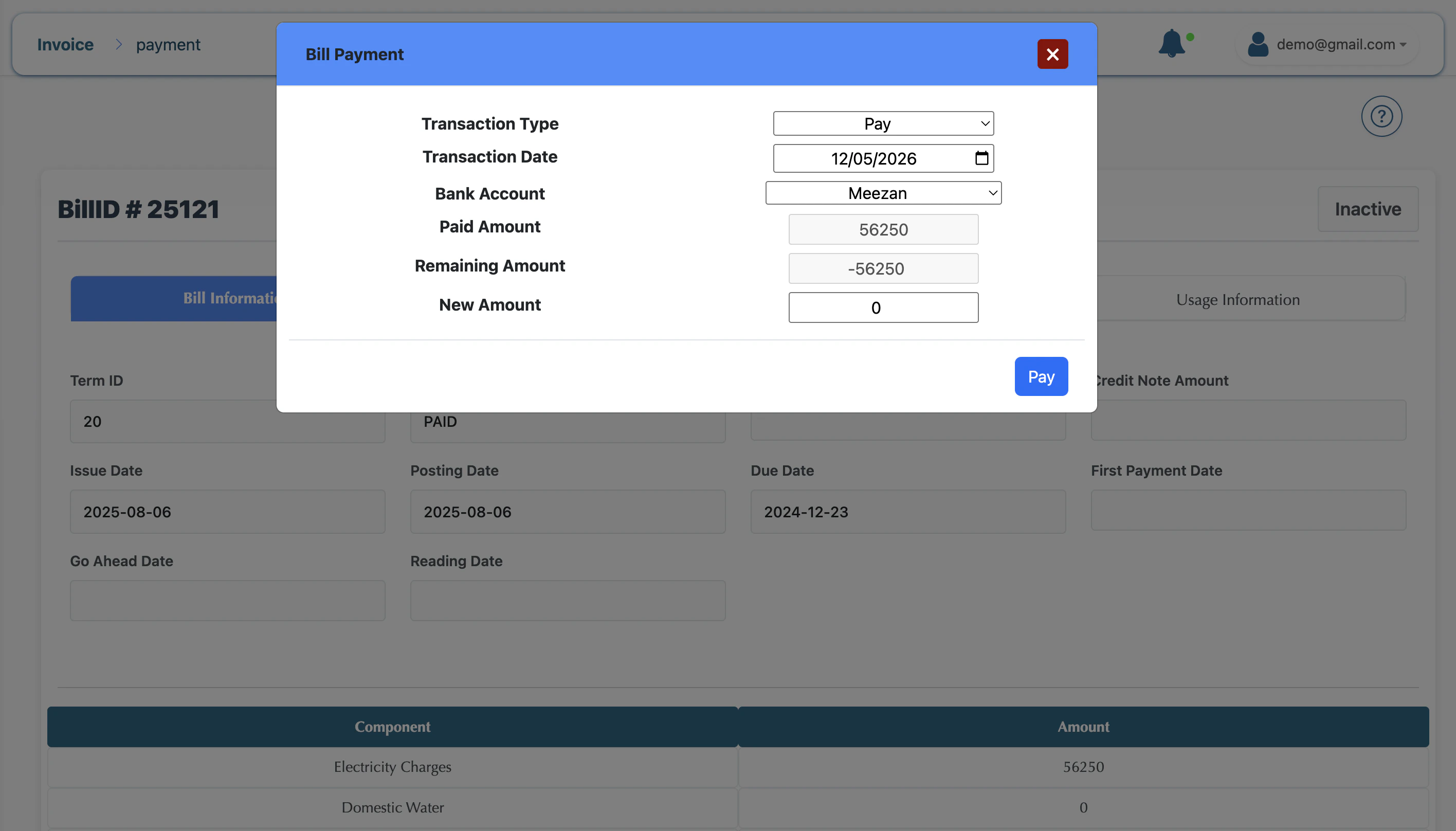
- Click on Pay, and the modal opens
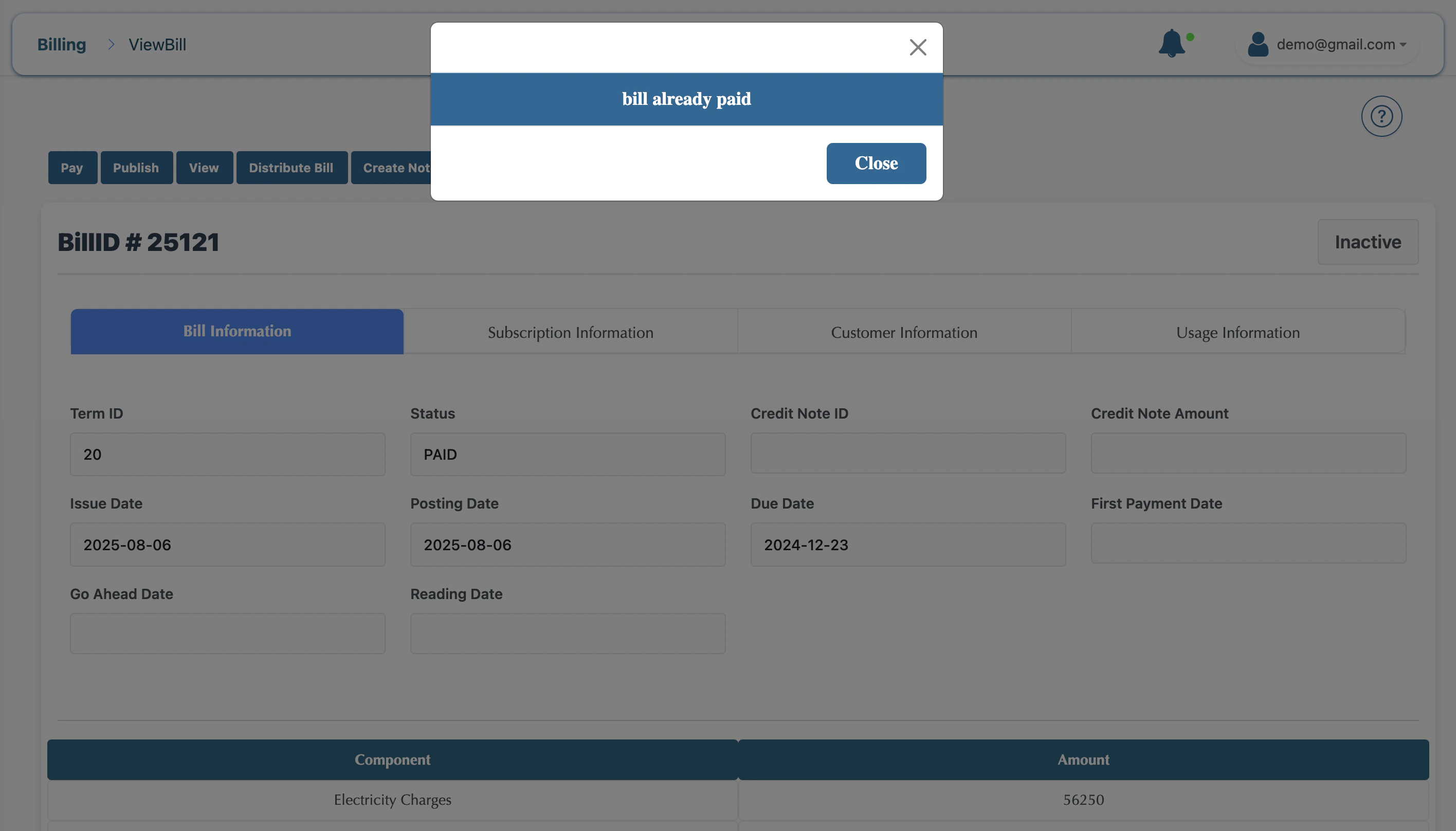
Key Statuses
- Draft: The bill is being calculated and can be adjusted.
- Posted: The bill is finalized, but may not yet be visible to the customer.
- Published: The bill is finalized and available for the customer to view/pay.
- Paid: The payment has been received, and the balance is cleared.