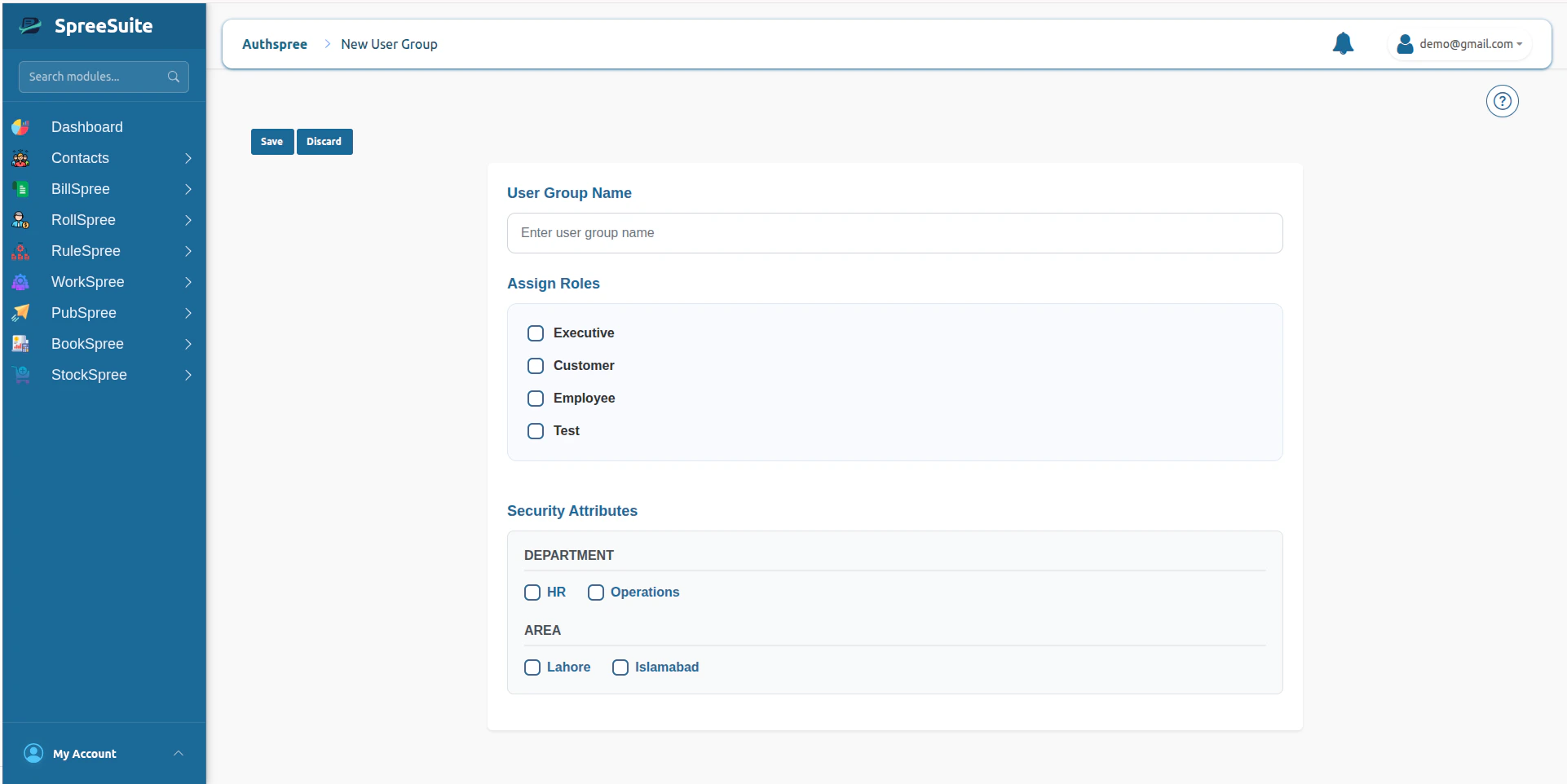
- Roles
- Security Attributes
Purpose of User Groups
User Groups are designed to:- simplify large-scale access management
- assign multiple users to shared roles
- apply shared security attributes
- centralize department-level authorization
- support hierarchical access governance
- reduce repetitive user-level configuration
Create User Group
- Click on My Account
- Click on My Team
- Click on the User Group tab
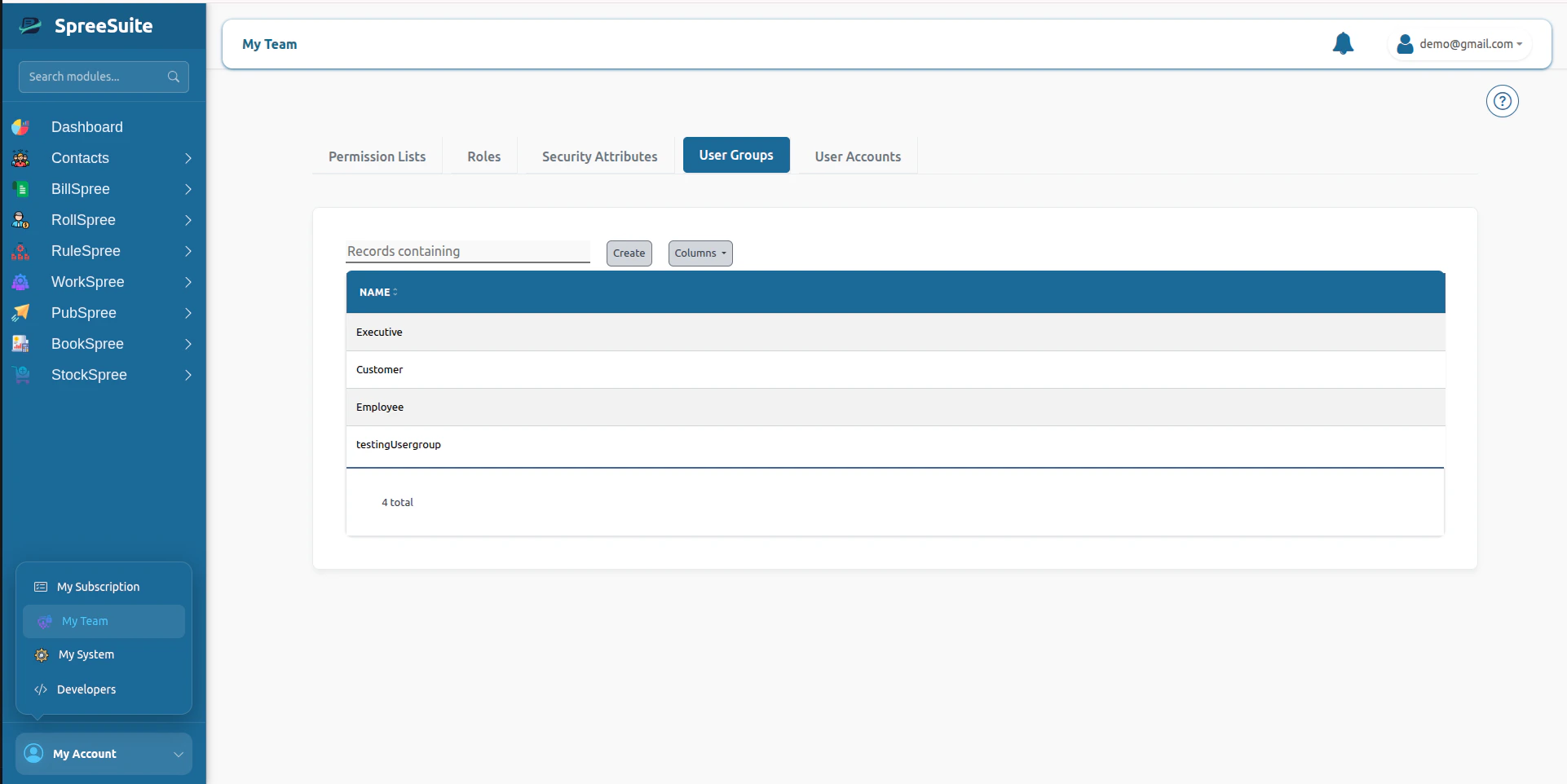
- Click on the Create button
- Add name and select Role and Attributes
- click save button to create User GroupSummary