Introduction
A Subscription is a customer’s active service — an electricity connection, a water supply, a seat count, whatever they signed up for. It is created from a Plan: a Pricing Module with the Plan flag ticked, which is the only kind of module a customer can subscribe to.
It is the billable unit, and every subscription is rated entirely on its own. Its own Plan, its own rules, its own result — nothing about one subscription’s calculation depends on another’s.
What a subscription contributes is data. The Pricing Context declared what would be needed and the module supplied the rates and rules; the subscription is where the actual values live. Its Subscription Properties hold this customer’s answers — their SLA tier, their committed seats, their region. Its Usage holds this cycle’s meter readings and consumption. Those are the inputs every rule reads when a bill run executes.
A subscription does not produce a bill. It produces charges. The bill is produced by the Billing Account the subscription is assigned to, which gathers the subscriptions on it and works out the totals. A subscription not assigned to a billing account is never billed at all.
A subscription is also either a Base or an Add-On, decided by the module it came from. An Add-On attaches to a Base subscription and cannot carry Add-Ons of its own.
Subscription Setup
Setting up a subscription is the final step in the billing lifecycle. Follow this process to enroll a customer in a Plan.
1. List of Subscriptions
2. Navigate to Subscriptions
To view your active and disconnected subscriptions, click on Subscriptions in the main sidebar. You can manage existing records or create a new one by clicking the + New button.
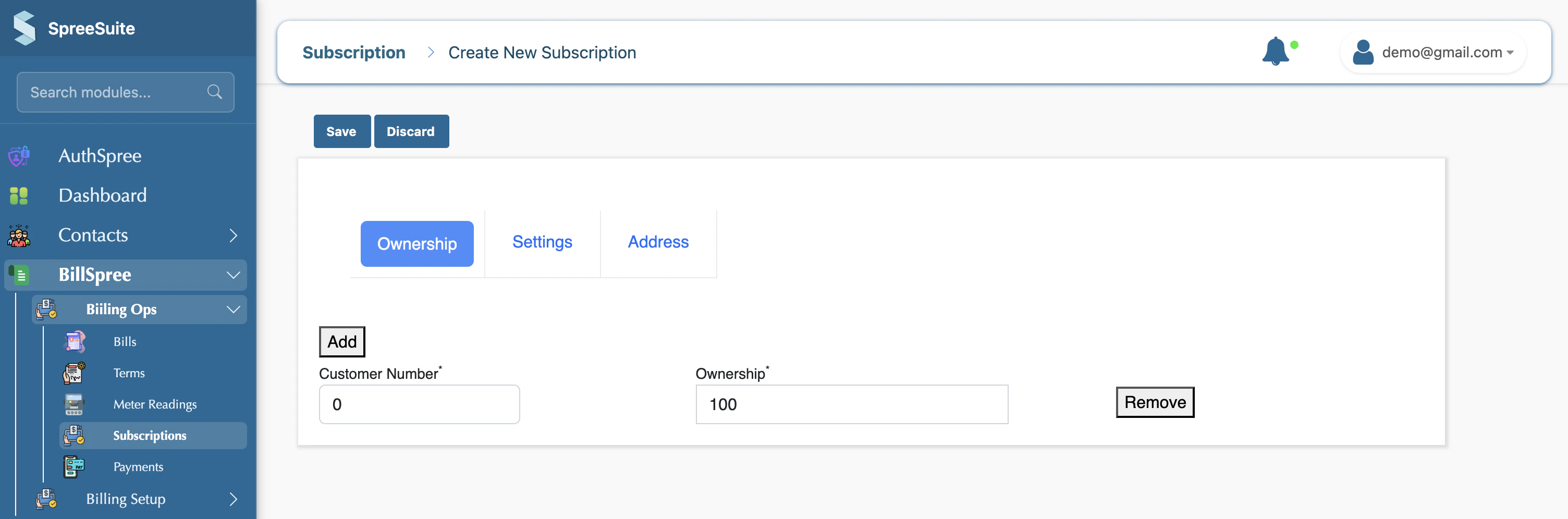
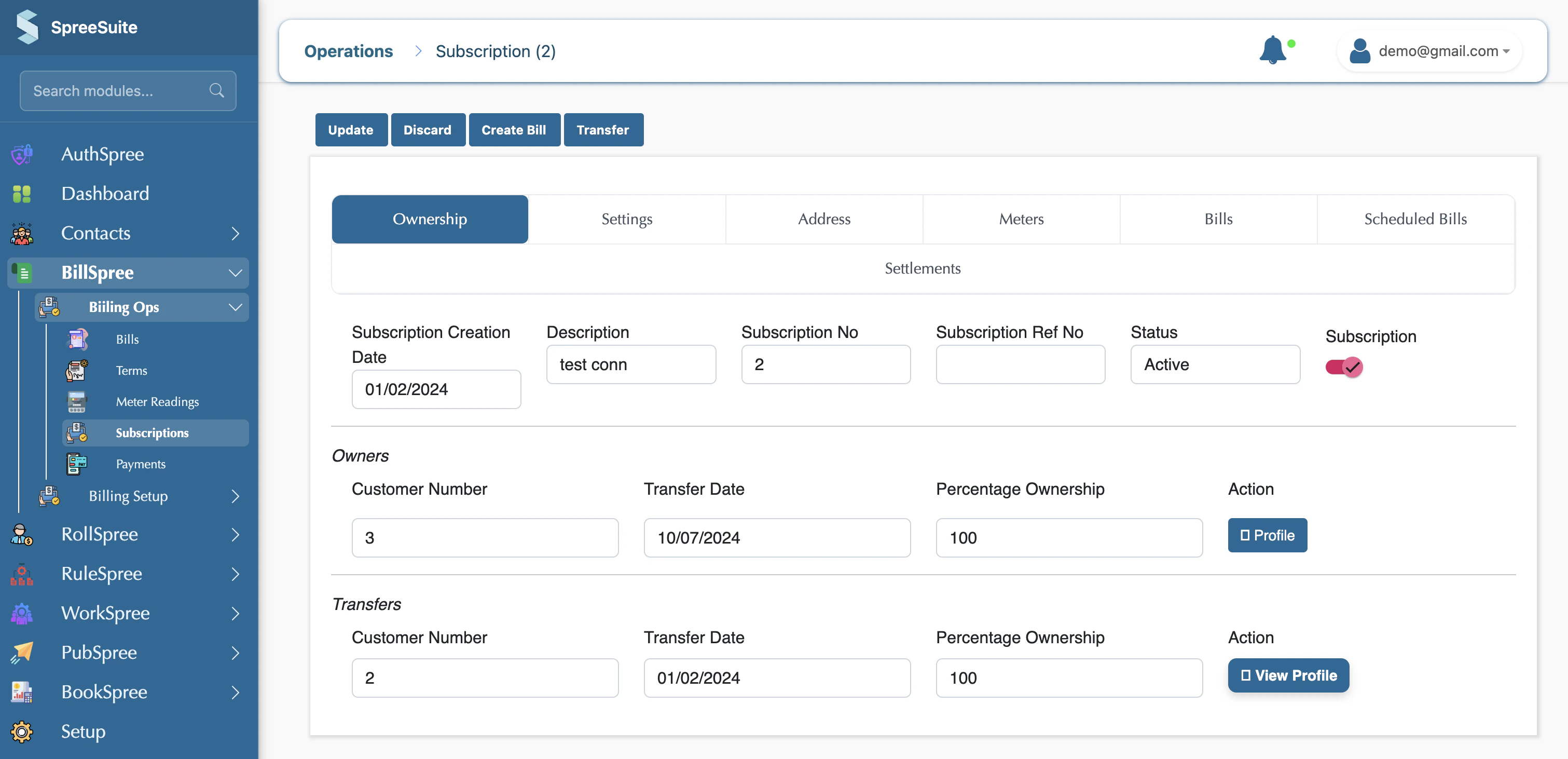
a. Select Customer number here.
In the Customer Details section, you must provide the unique identifier for the customer you want to subscribe.
- Customer Number: Enter the system-generated ID for the customer.
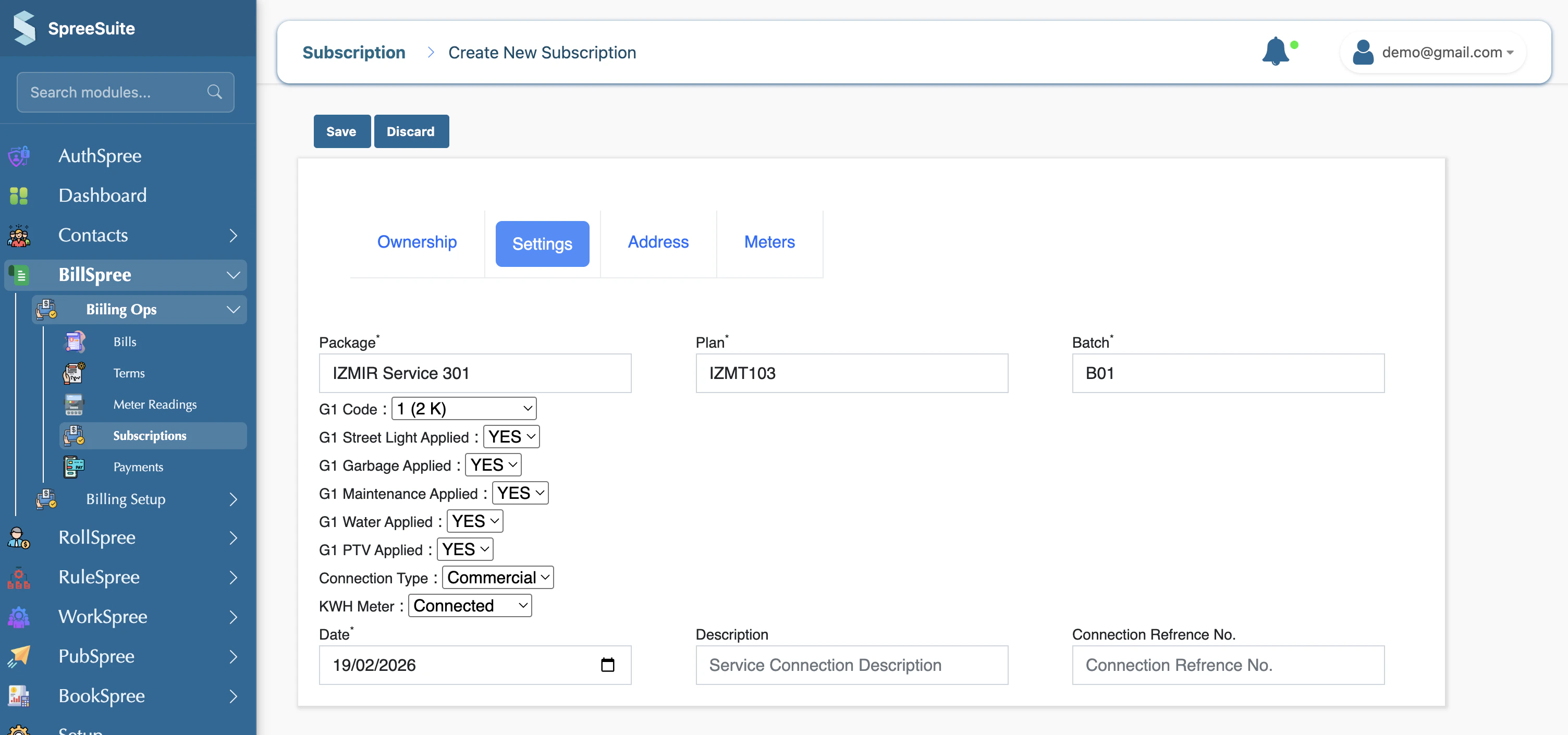
b. Select Pricing Context and Billing Group in the settings tab.
Click the Select Pricing Context dropdown to choose from your defined Pricing Contexts
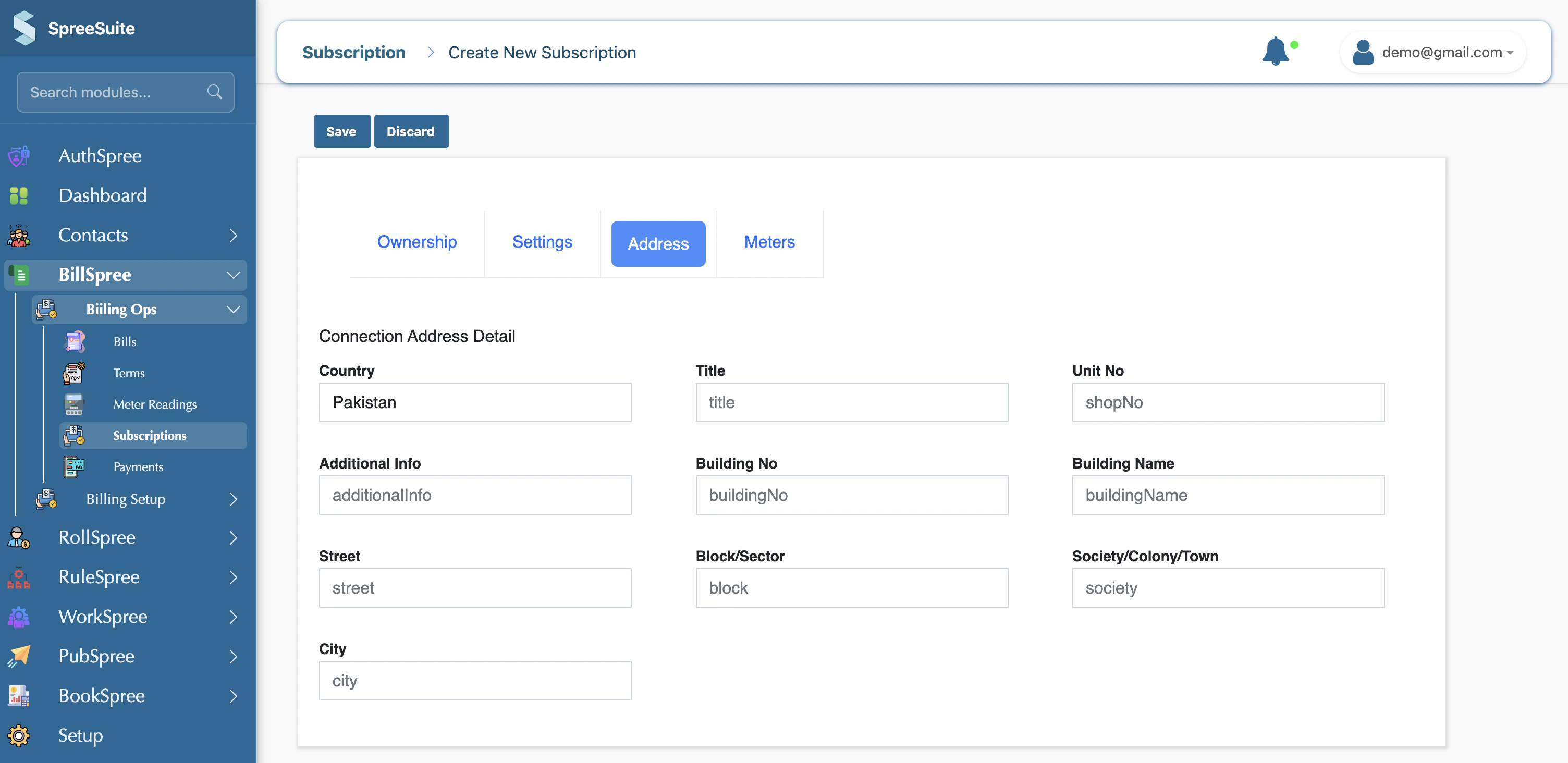
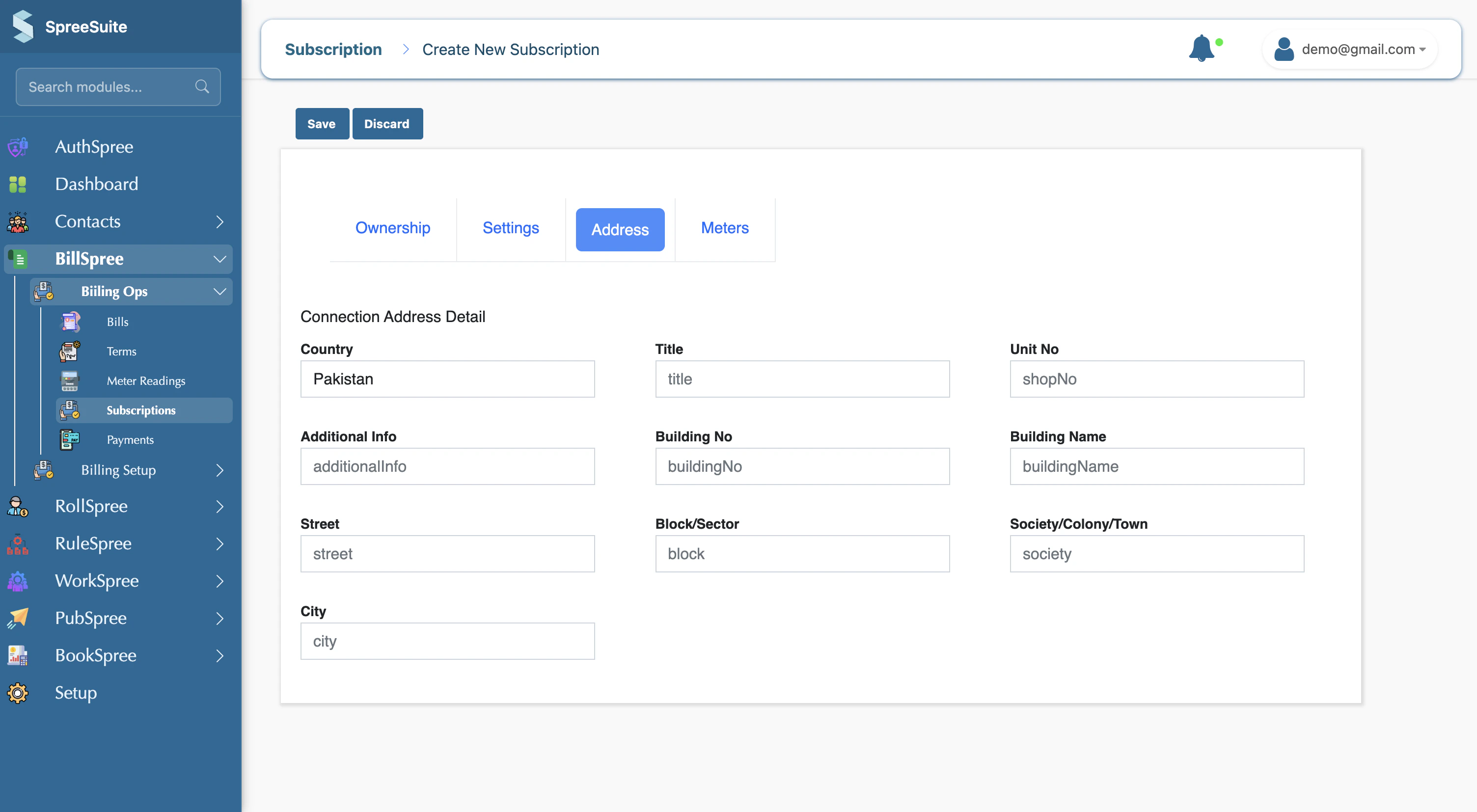
Address
c. Add Address
Meters
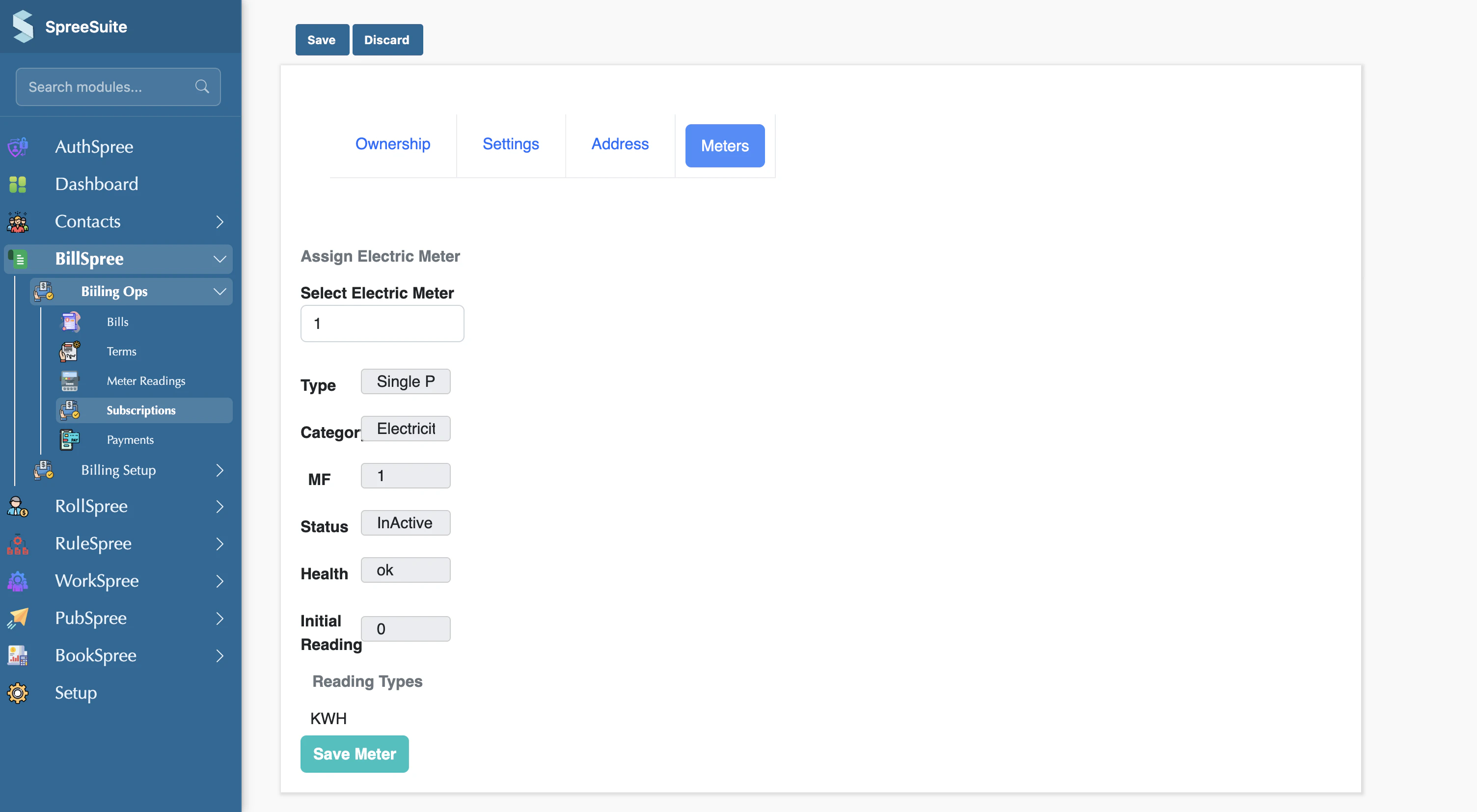
d. Attach Meters
Other Scenarios
Upload Bulk subscription
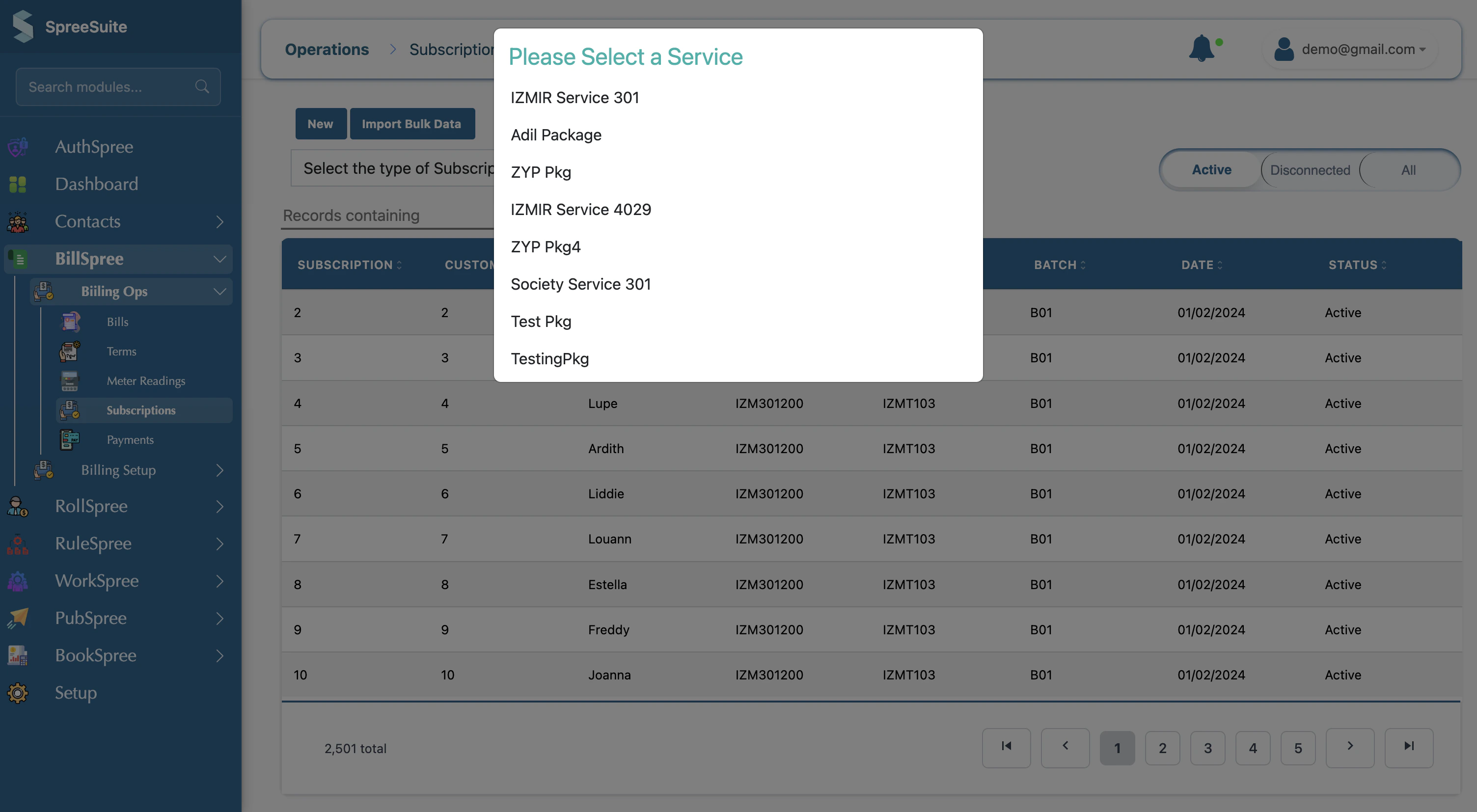
You can also upload a subscription file in bulk
- Click on Import Bulk Data
- Select Pricing Context
If you have a large number of subscribers to migrate, use the Import Bulk Data feature on the Subscriptions page to upload a CSV file
RCO
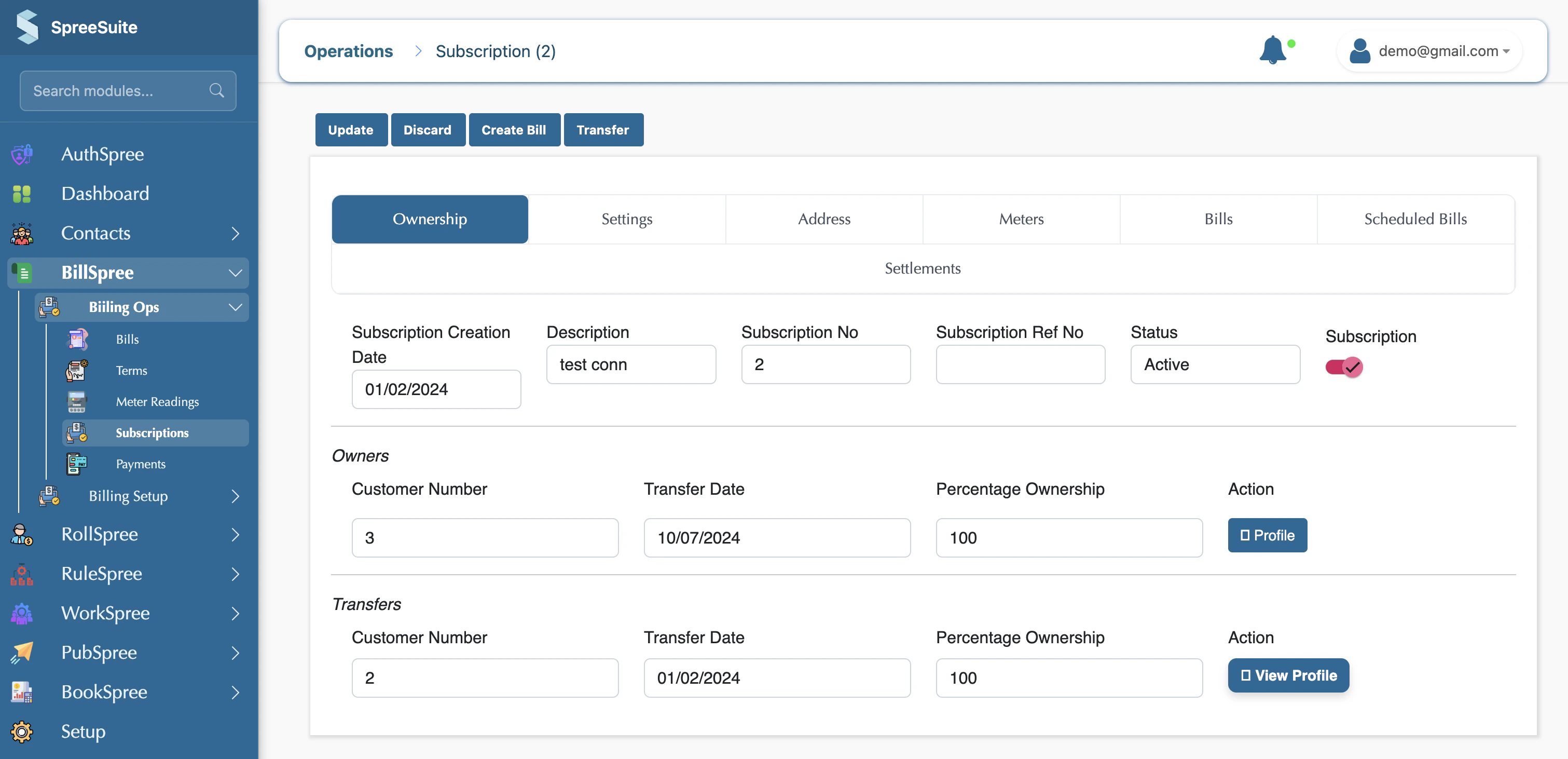
You can reactivate the subscription by toggling the button
DCO
You can deactivate the subscription by toggling the button
Move Term
In some cases, a billing Term may already be created before new subscriptions are added into the system. Any subscription created after the Term generation will not automatically become part of that existing Term.
To include the newly created subscription in an already generated Term, use the Move Term action available against the subscription record.
This allows you to manually attach the subscription to the existing billing Term without recreating the Term or repeating the billing process.
Typical use case:
- A monthly billing Term for July is already generated.
- A new customer subscription is created afterward.
- Since the subscription did not exist during Term creation, it is excluded from that Term.
- Click Move Term against the subscription to include it in the previously created Term.
Billing account
A billing account means multiple subscriptions are combined into one single bill.
But if you want a separate bill for each subscription, then you will create a different billing account for each subscription. Then, the number of billing accounts will be equal to the number of bills generated.
Otherwise, by default, all subscriptions inside one billing account will generate only one combined bill.