Authspree is the security and access control app in SpreeSuite. It controls who can log in and what they can do. Real-world exampleDocumentation Index
Fetch the complete documentation index at: https://spreesuite.mintlify.app/llms.txt
Use this file to discover all available pages before exploring further.
- Create accounts for new employees
- Assign them the “Employee” role
- Permit that role to view bills, but not delete them
- Group them into “Sales Team” for easier management
What are Permission Lists
When you click on permissions, it shows a list of permissions that were made by the system as a default permissions list.Create Permission List
- Click on Authspree
- Click on the Permission lists tab
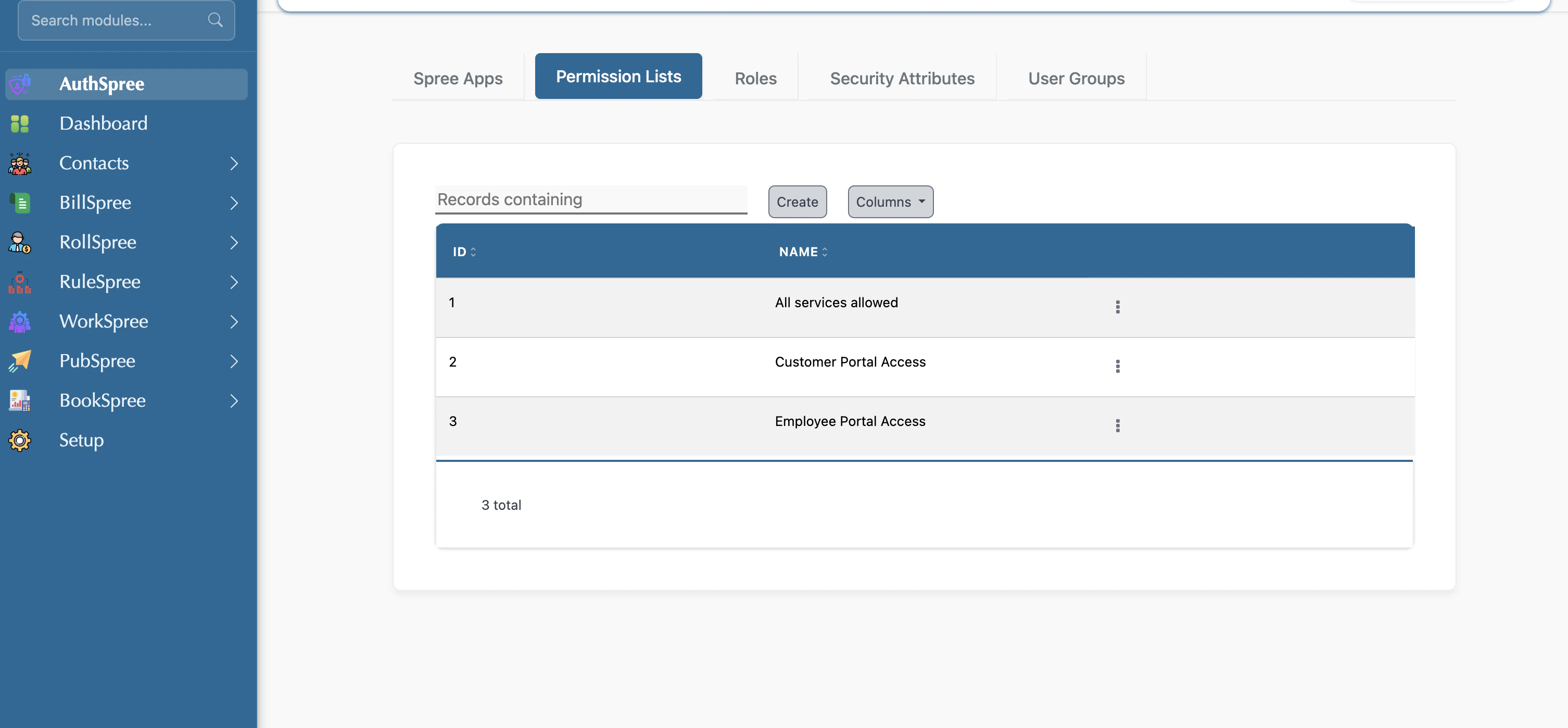
- Click on the create button
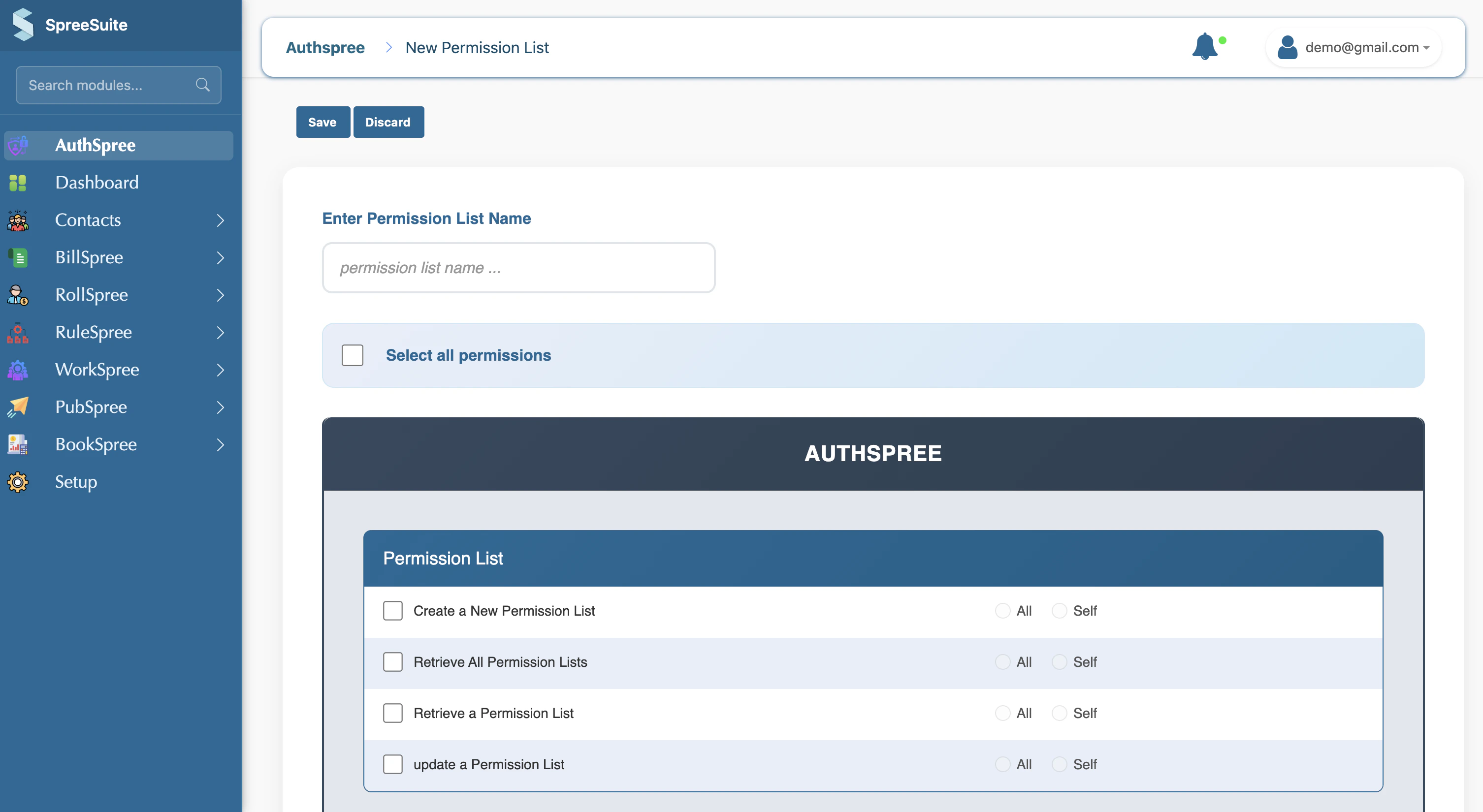
- Select the permission you want
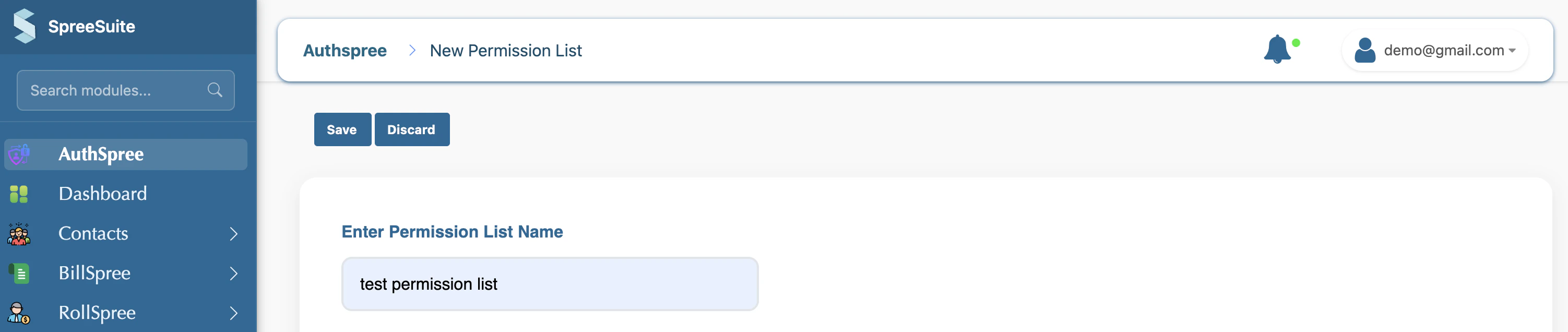
- Enter name for list
- Click on the save button. Your permission list shows:

What are Roles
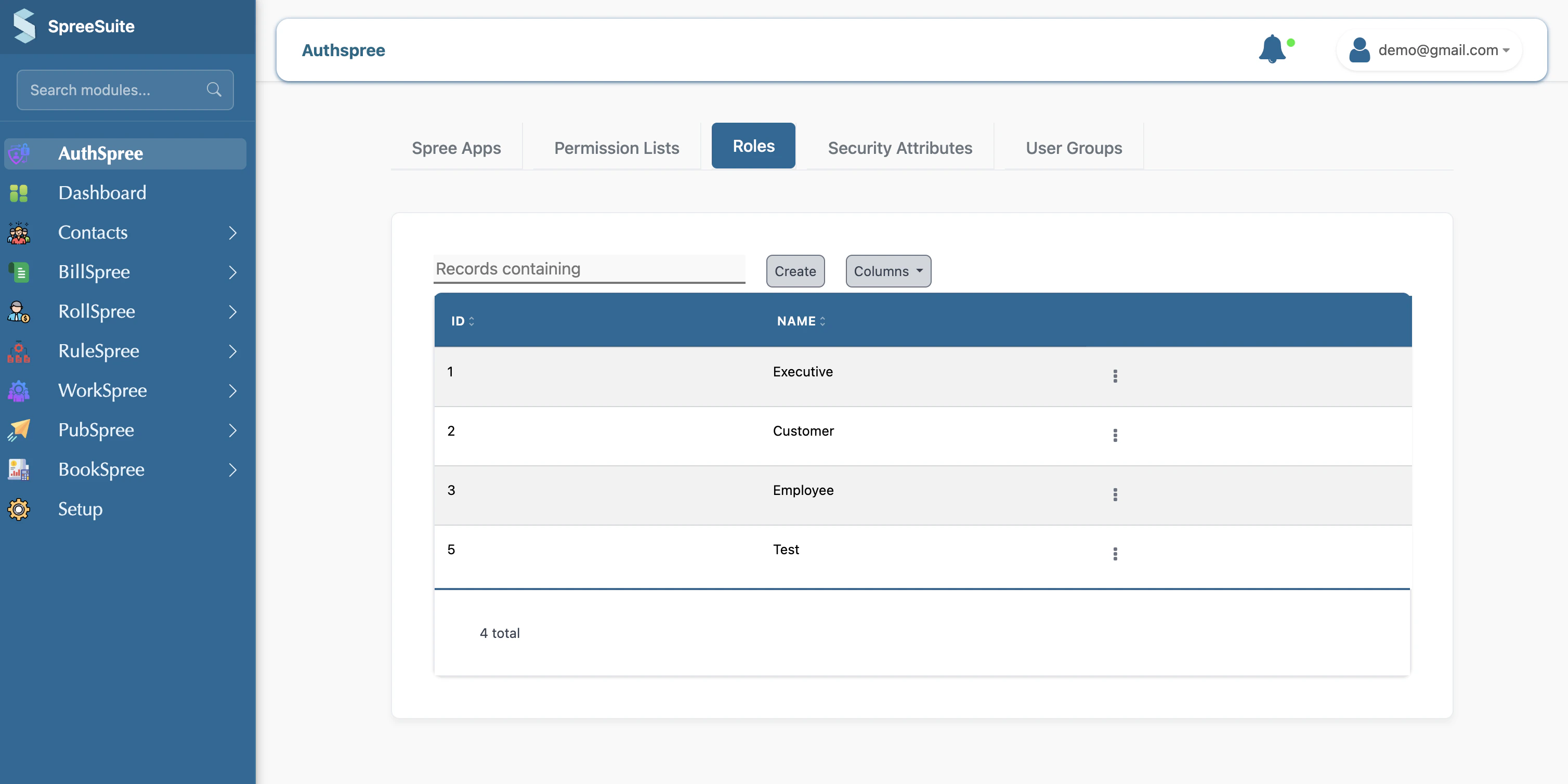
A Role is a logical grouping of permissions that corresponds to a job function or responsibility. There are three system roles by default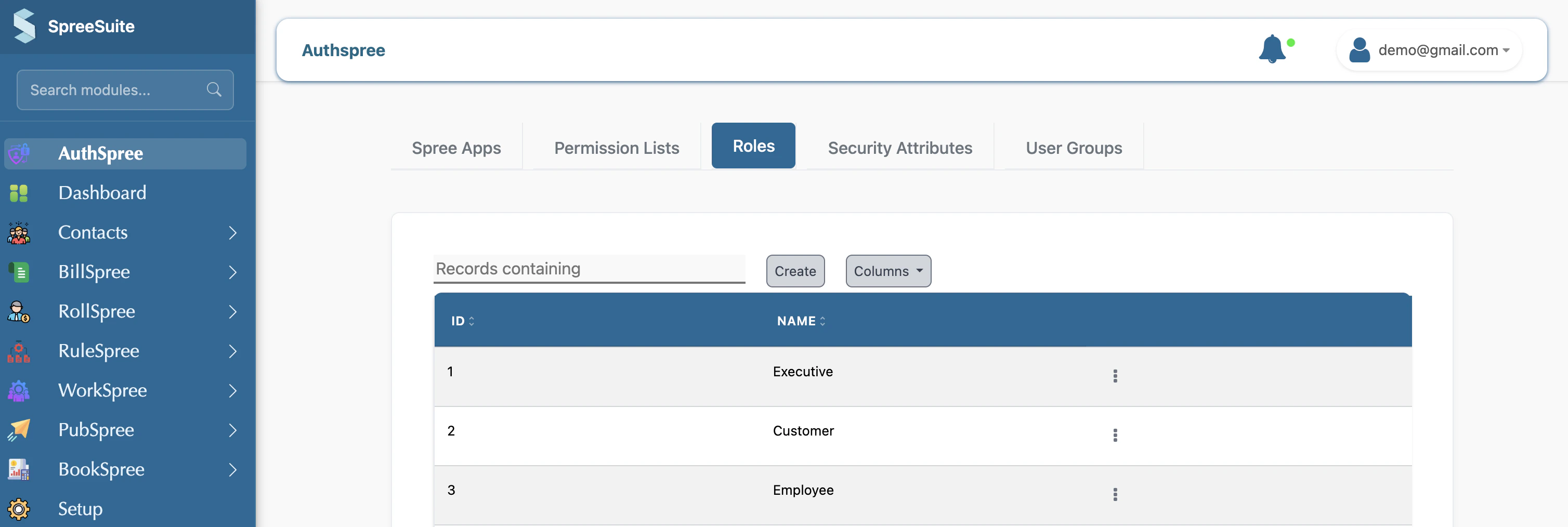
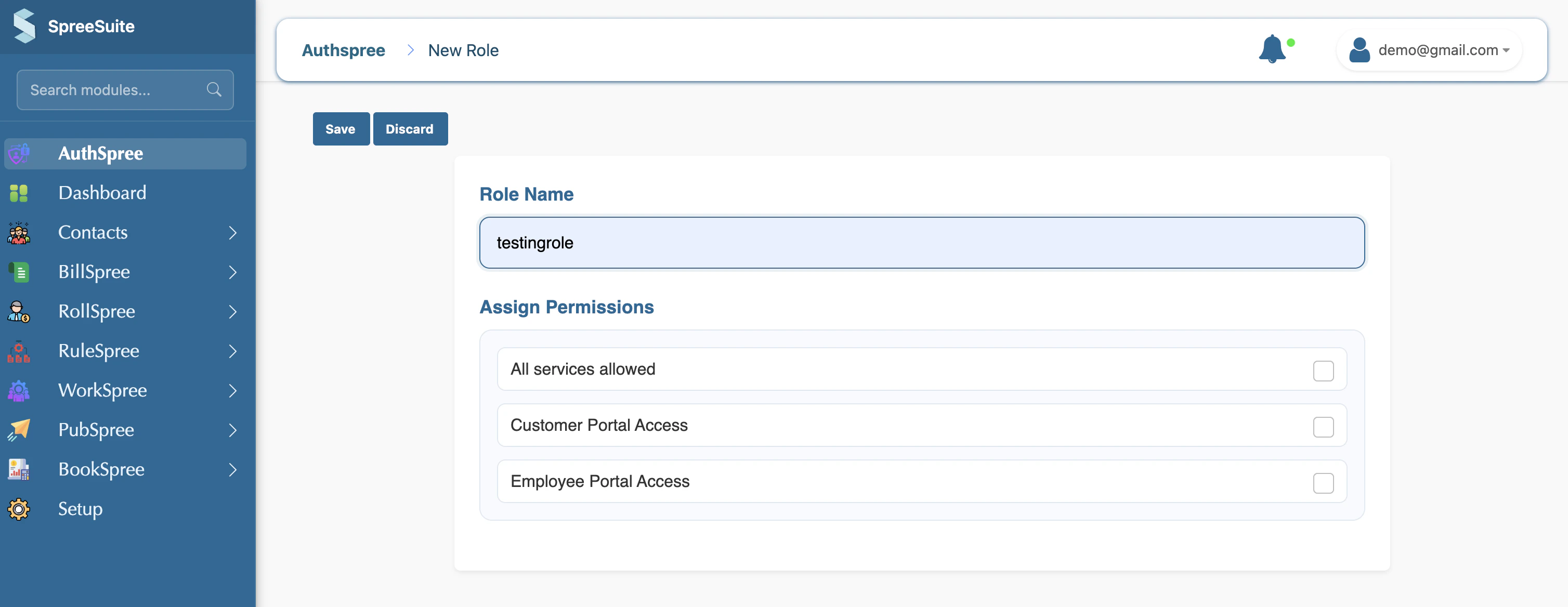
Create Roles
1- Click on the Create button 2- Assign Permissions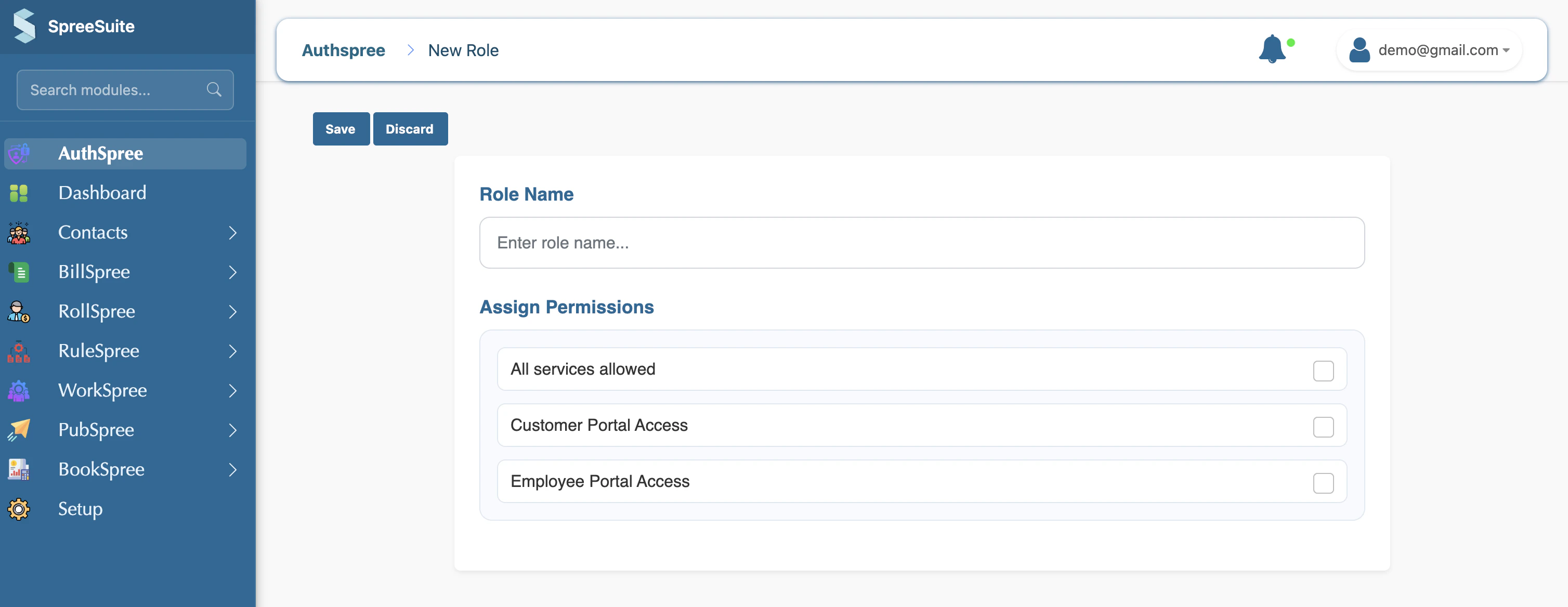
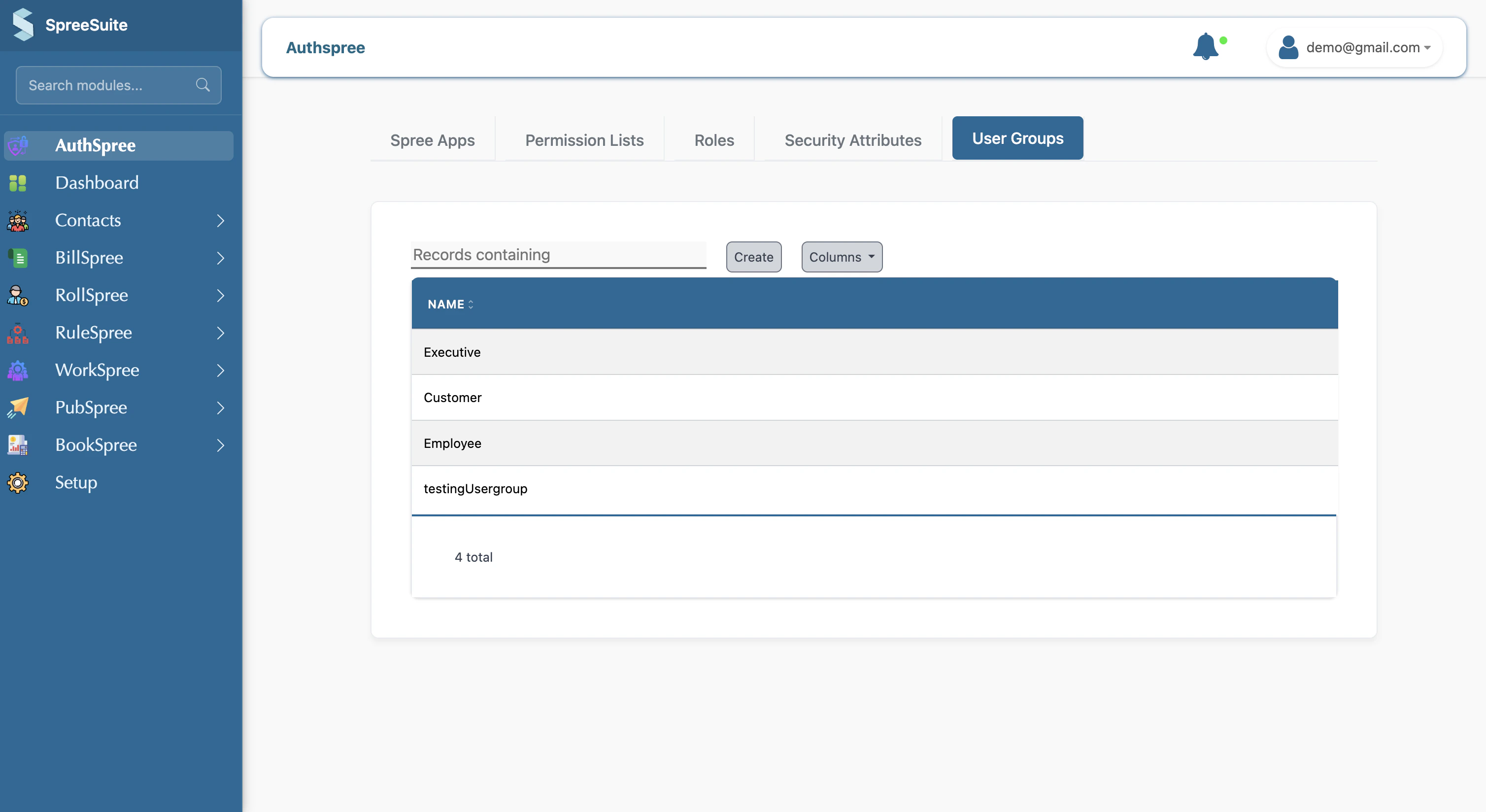
What are User Group
A User Group is a logical grouping of permissions that corresponds to a job function or responsibility. Here is a list view of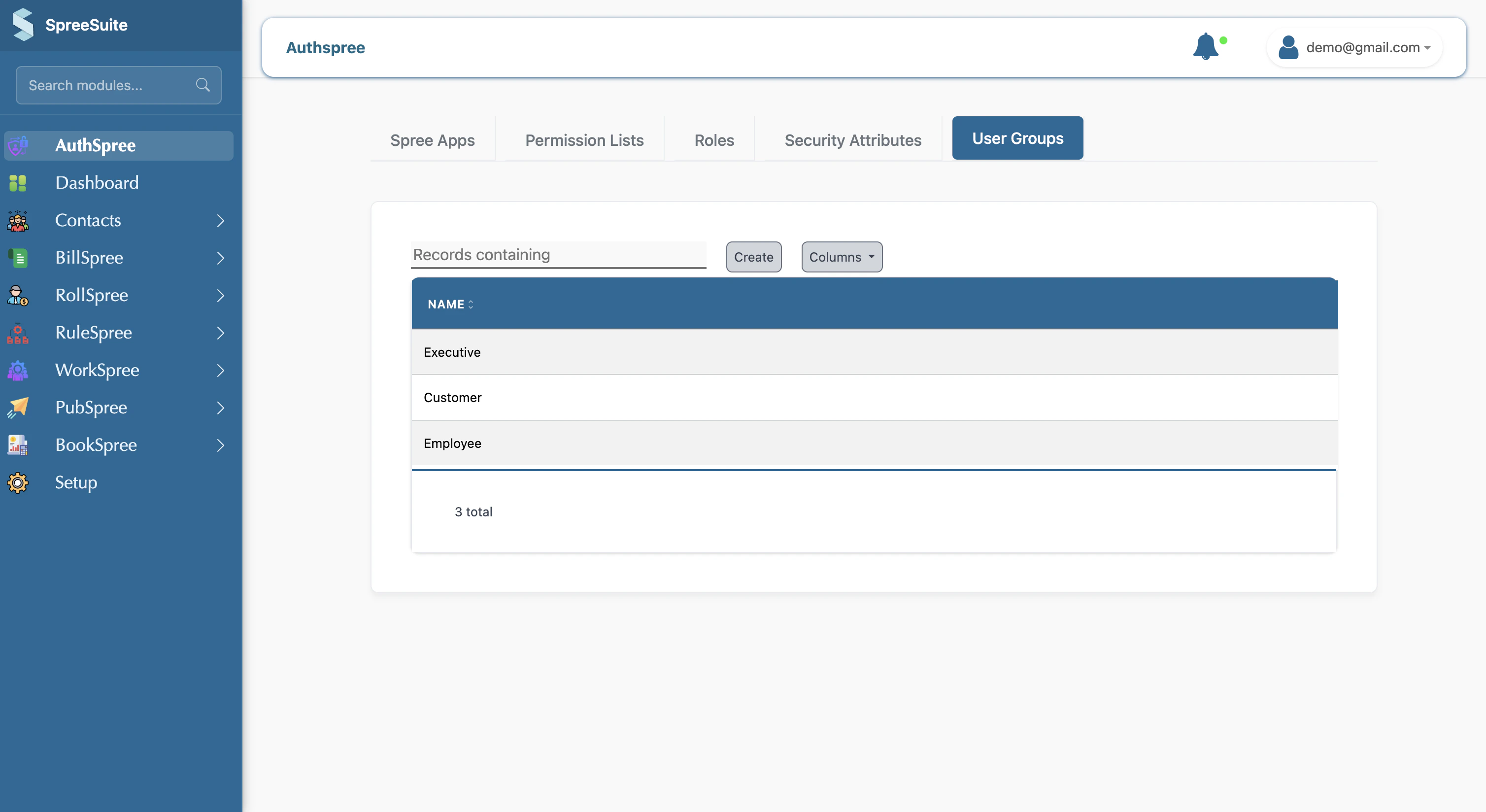
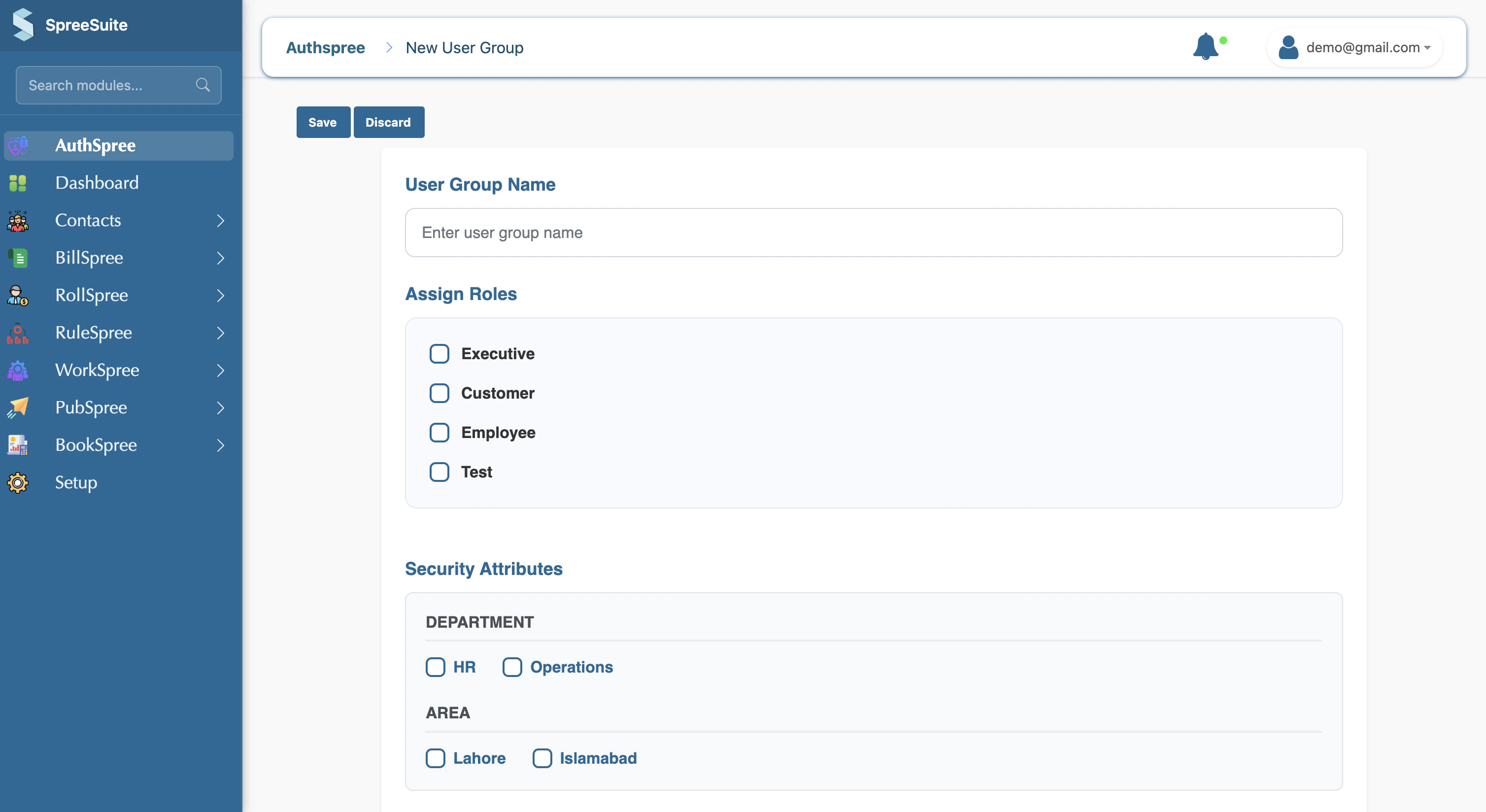
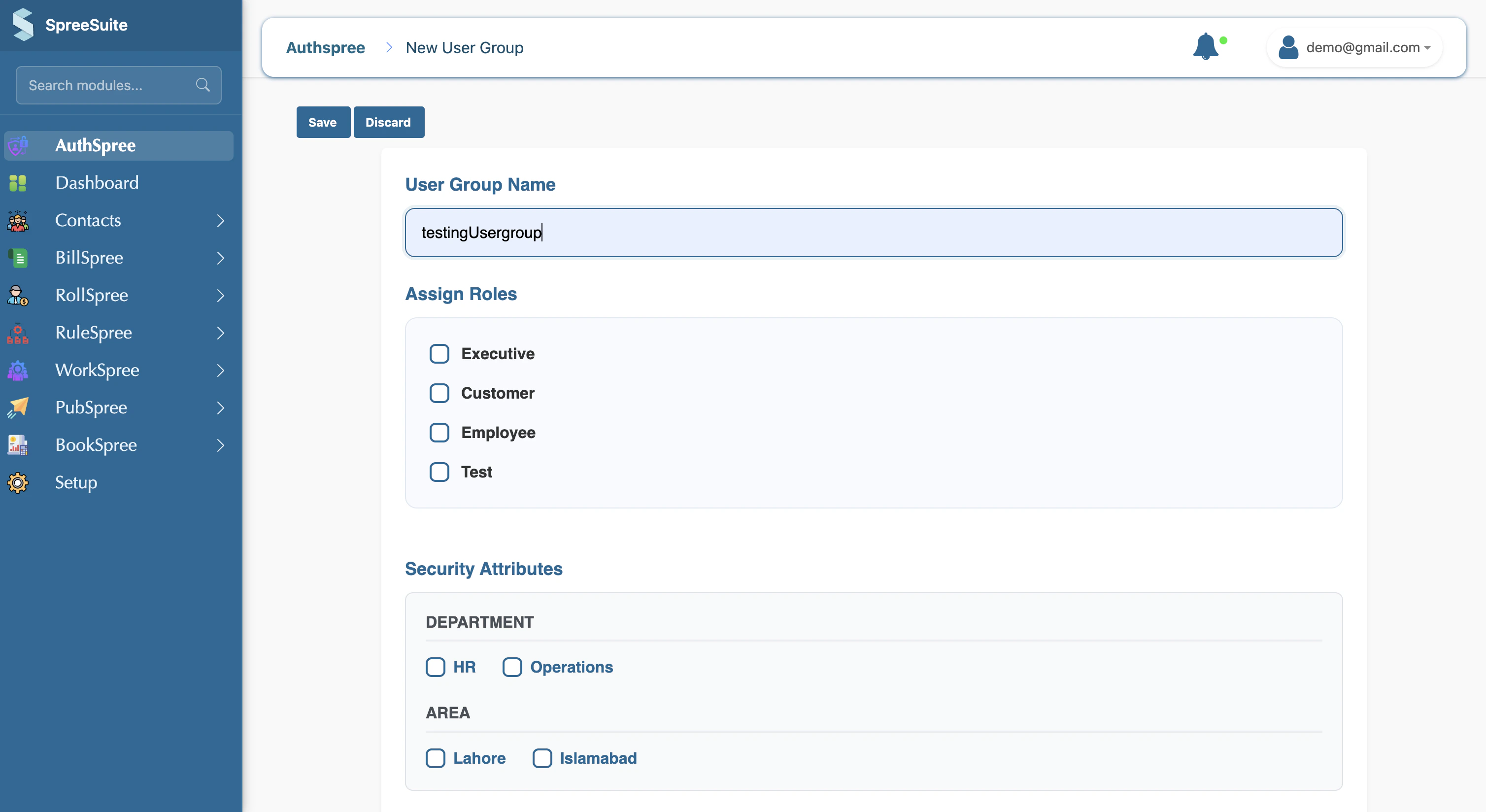
Create User Group
1- Click on the Create button 2- Assign Permissions