Documentation Index
Fetch the complete documentation index at: https://spreesuite.mintlify.app/llms.txt
Use this file to discover all available pages before exploring further.
What are Discounts?
The Discounts section allows you to create and manage promotional offers and price reductions that you can apply to your sales. Whether it’s a seasonal sale or a loyal customer reward, this section helps you track how much you’re discounting.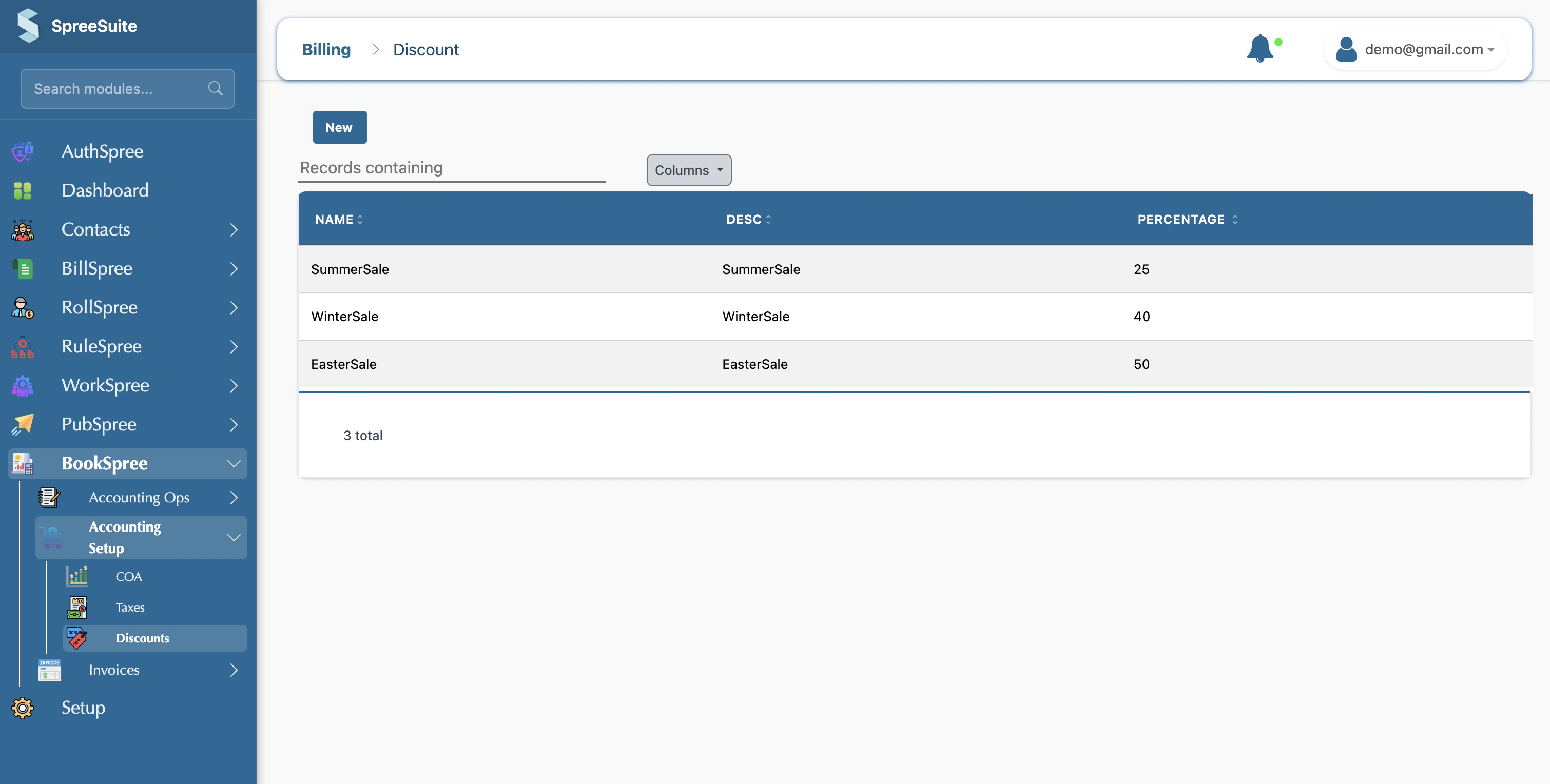
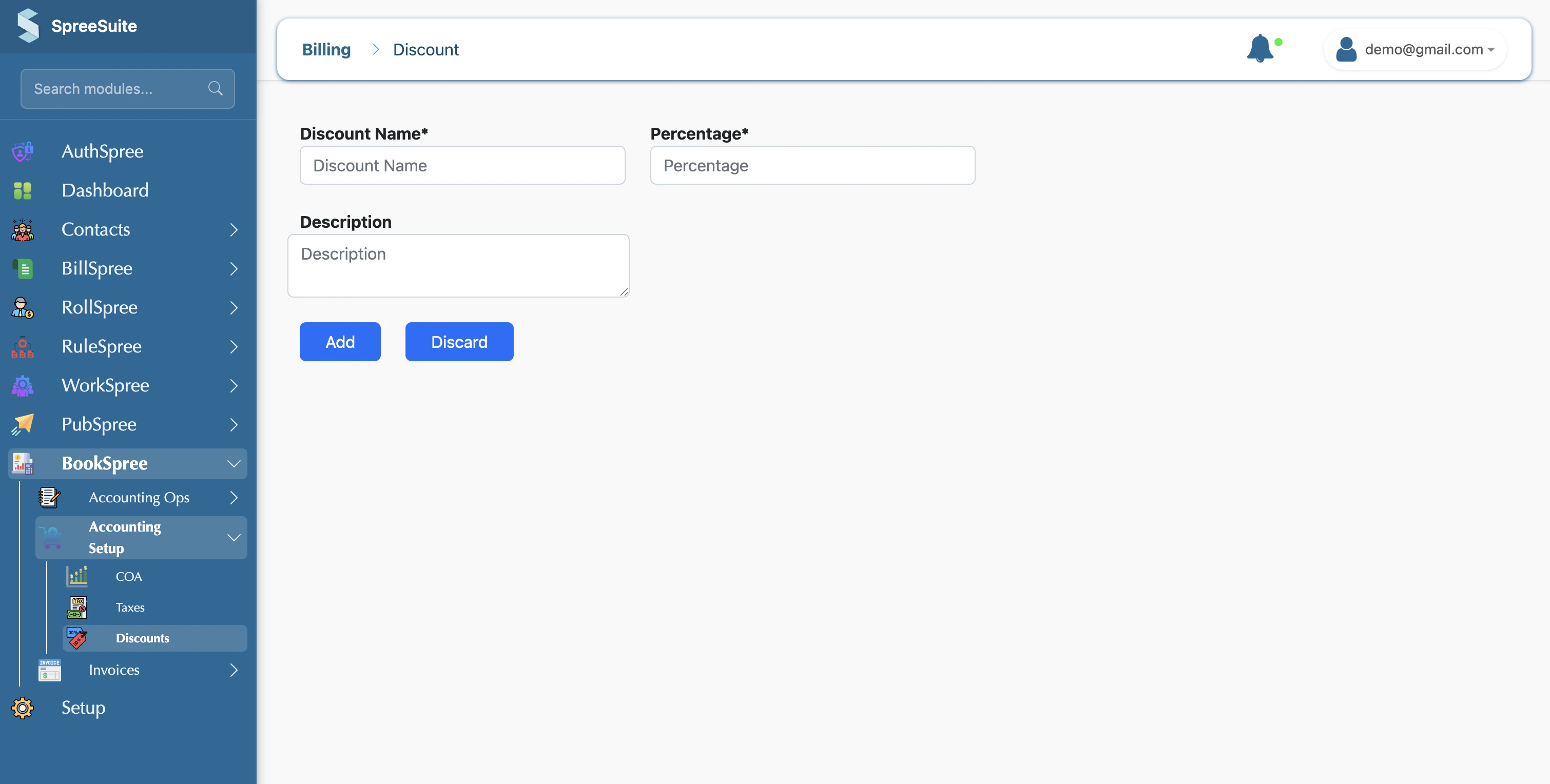
- Name: A clear title for the offer (e.g., “New Customer Discount”).
- Percentage: The amount to be deducted from the price (e.g., “5”).
- Description: An optional note about who the discount is for or when it expires.
Managing Your Offers
- Discount List: See all your active discount types in one place.
- Easy Application: Quickly apply “No Discount”, “Summer Sale 5%”, or any other saved offer to your sales documents.
- Reporting: Track the total value of discounts given to understand the impact on your revenue.
Where to Find It
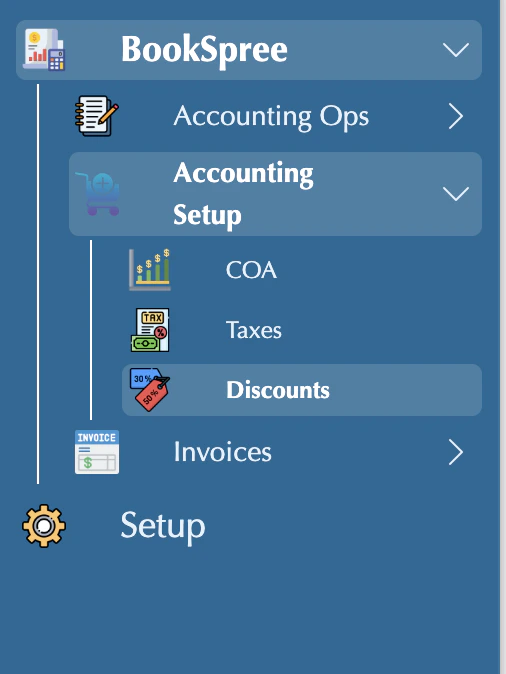
You can find these settings by navigating to: Accounting Setup in the sidebar → Discounts.