> ## Documentation Index
> Fetch the complete documentation index at: https://docs.techfootintl.com/llms.txt
> Use this file to discover all available pages before exploring further.
# New Entry
> Learn how to record new accounting transactions in BookSpree.
## **What is a New Entry?**
A **New Entry** is the primary method for adding individual accounting transactions to your records. Think of it as writing a new line in a physical ledger or diary—it's how you tell the system that a financial event has occurred.
**In Simple Words**
You use **New Entry** when you want to record something that happened with your money. For example:
* A payment you made (e.g., buying office supplies).
* Money you received (e.g., a customer paying an invoice).
* Moving money between accounts (e.g., transferring funds from your Cash box to your Bank account).
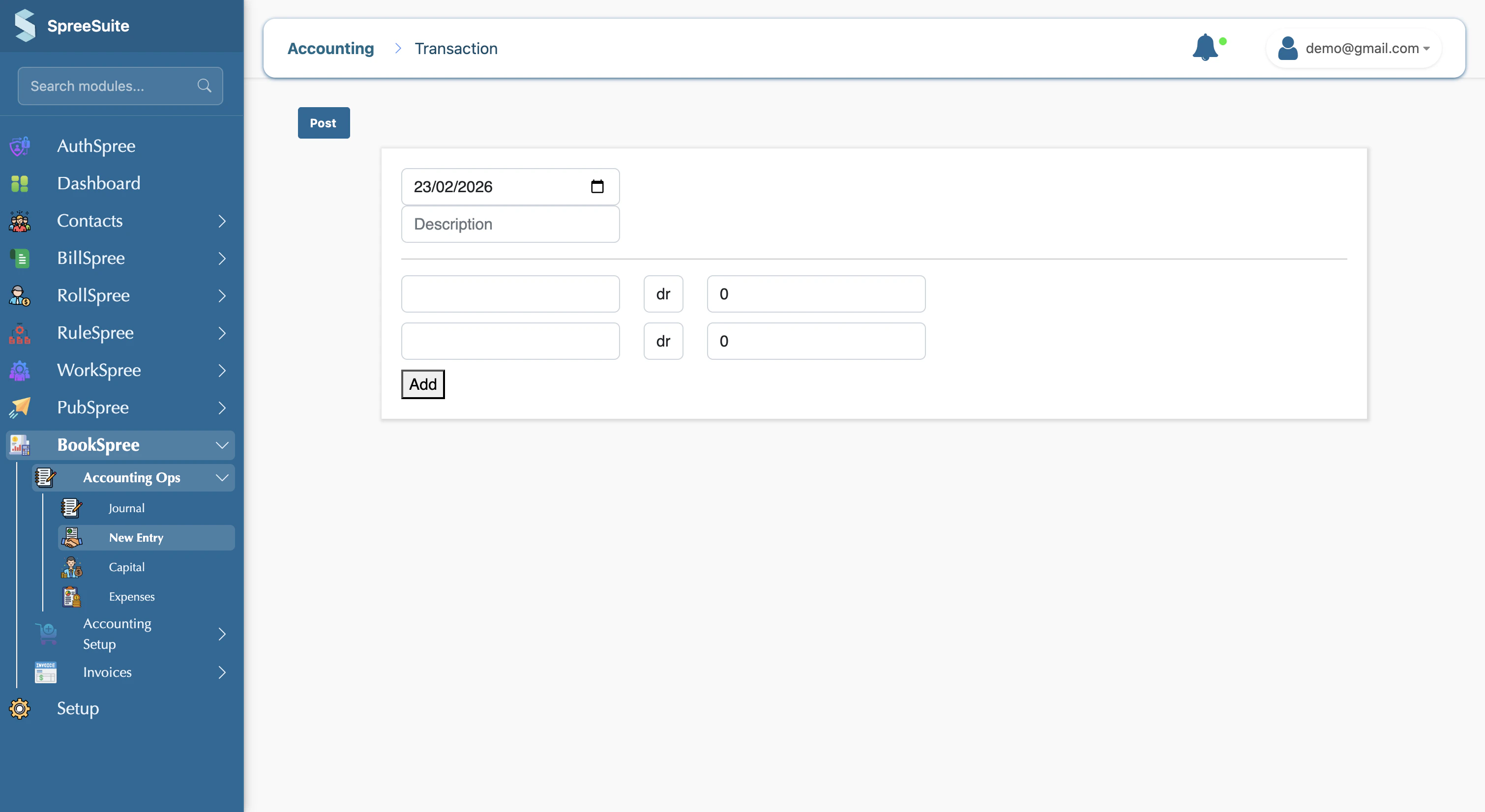
When you create a new entry, you pick the date, write a short description, choose the appropriate account, and enter the amount. Once you save (post) the transaction, it is stored securely and will automatically appear in your **Journal** and all financial **Reports**.
 ## **Key Information to Provide**
To ensure your records are accurate, every new entry requires:
* **Date**: The exact day the transaction took place.
* **Description**: A brief note explaining the purpose of the transaction (e.g., "Monthly Internet Bill").
* **Account**: The category where the money is moving to or from (e.g., "Office Expenses" or "Petty Cash").
* **Amount**: The total value of the transaction.
## **Navigation**
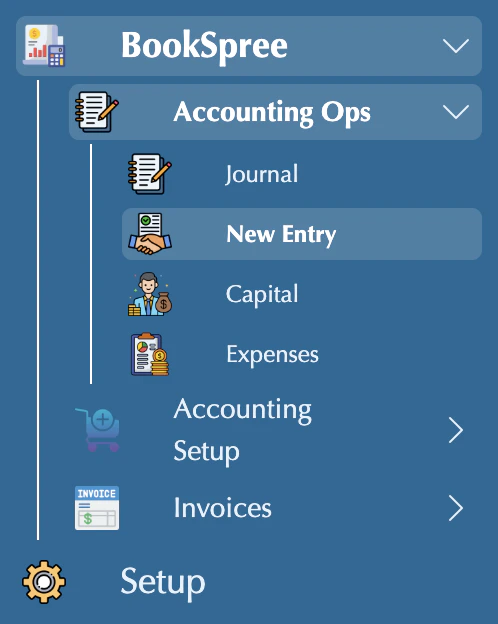
You can access the New Entry screen by navigating to: **Journal** in the sidebar → **New Entry** (route: `make transaction`).
## **Key Information to Provide**
To ensure your records are accurate, every new entry requires:
* **Date**: The exact day the transaction took place.
* **Description**: A brief note explaining the purpose of the transaction (e.g., "Monthly Internet Bill").
* **Account**: The category where the money is moving to or from (e.g., "Office Expenses" or "Petty Cash").
* **Amount**: The total value of the transaction.
## **Navigation**
You can access the New Entry screen by navigating to: **Journal** in the sidebar → **New Entry** (route: `make transaction`).
 Always provide a clear description for your entries. This makes it much easier to understand your business history when you review your reports months later!