> ## Documentation Index
> Fetch the complete documentation index at: https://docs.techfootintl.com/llms.txt
> Use this file to discover all available pages before exploring further.
# One-off Invoice
> Creating and managing single, non-recurring invoices for customers.
## What is a One-off Invoice?
A **One-off Invoice** is a single billing document generated for a specific sale or service that does not repeat. Unlike recurring subscriptions, these are created manually whenever a product is sold or a unique service is provided.
## Overview
Package bills (also known as Subscription Bills) are generated through the **Term** (Bill Run) process. These bills represent the recurring charges, usage-based fees, and add-ons associated with a customer's subscription package.
## Step-by-Step Payment Flow
1. Navigate to **BookSpree on the sidebar**
2. Click on BookSpree
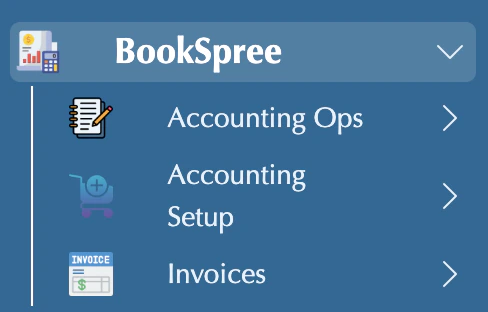 3. Click on Invoices
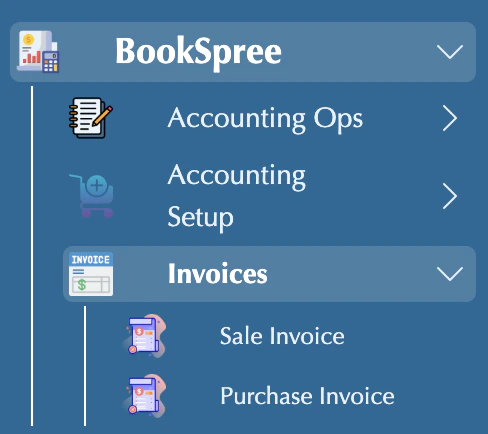 4. Click on Sales/Purchase Invoice
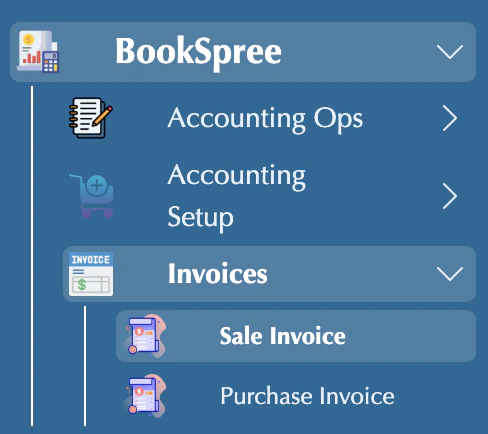 5. Your Invoices are showing in the list
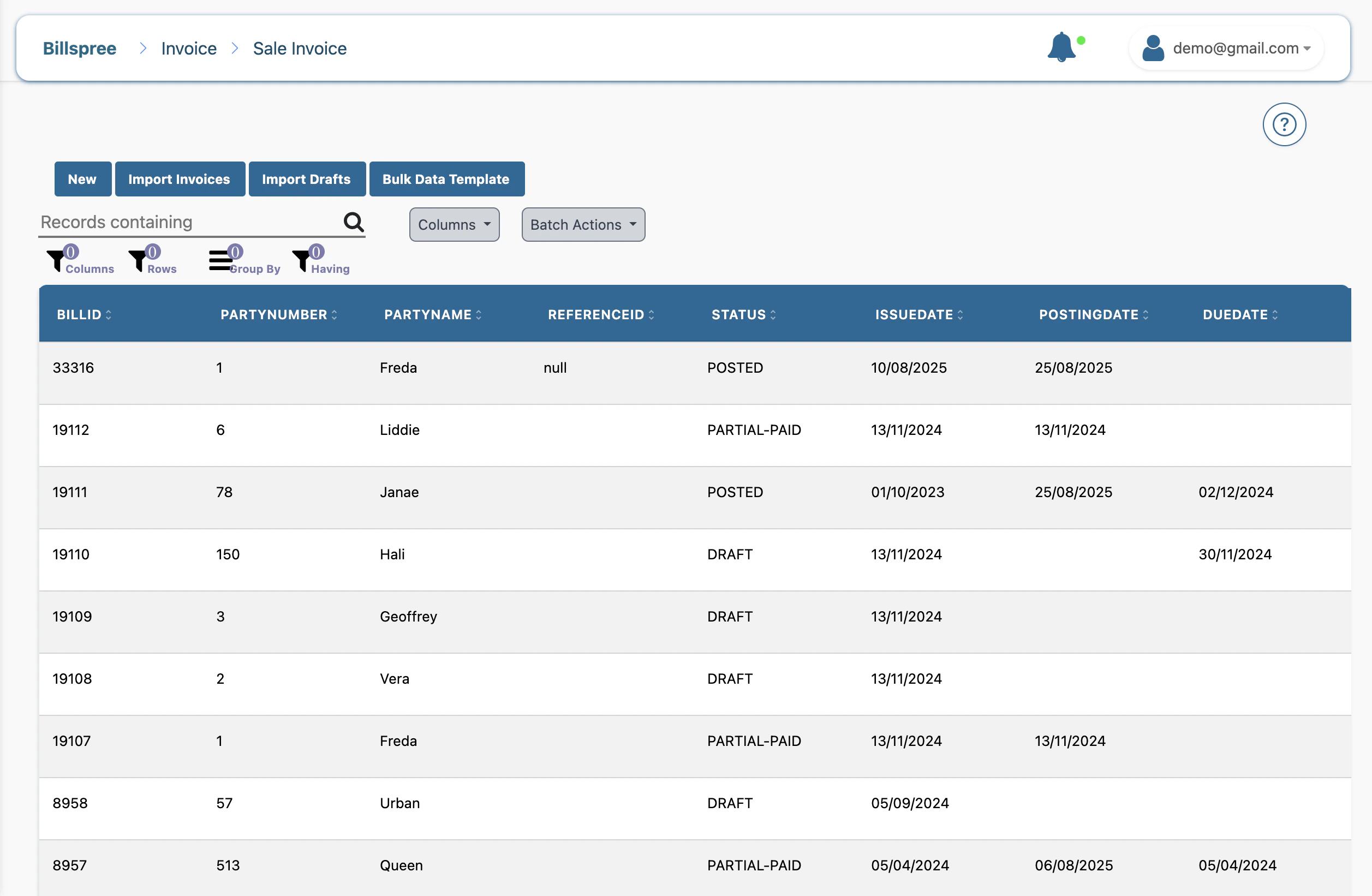 6. Click on your invoice
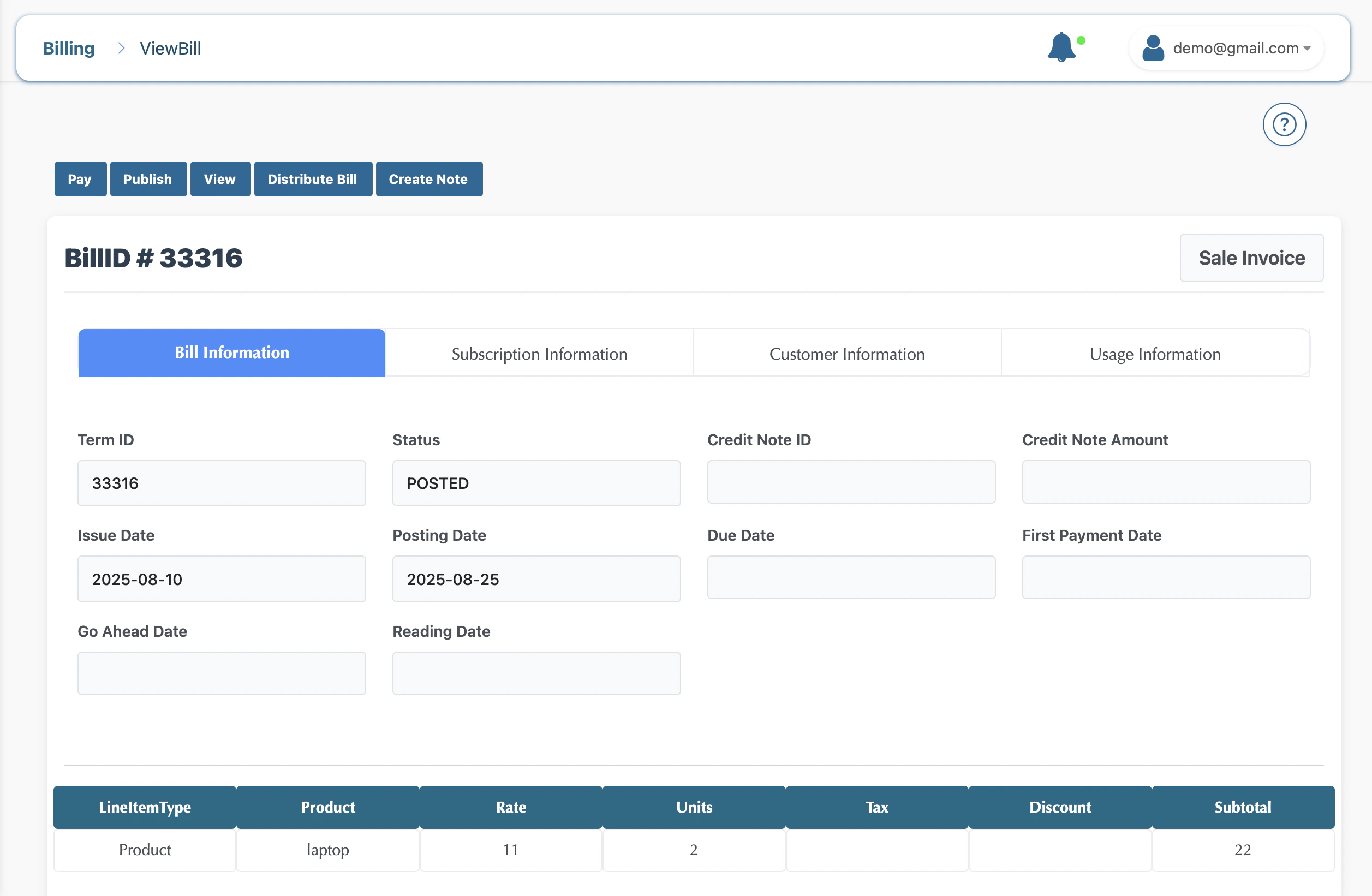 7. Click on Pay, and the modal opens
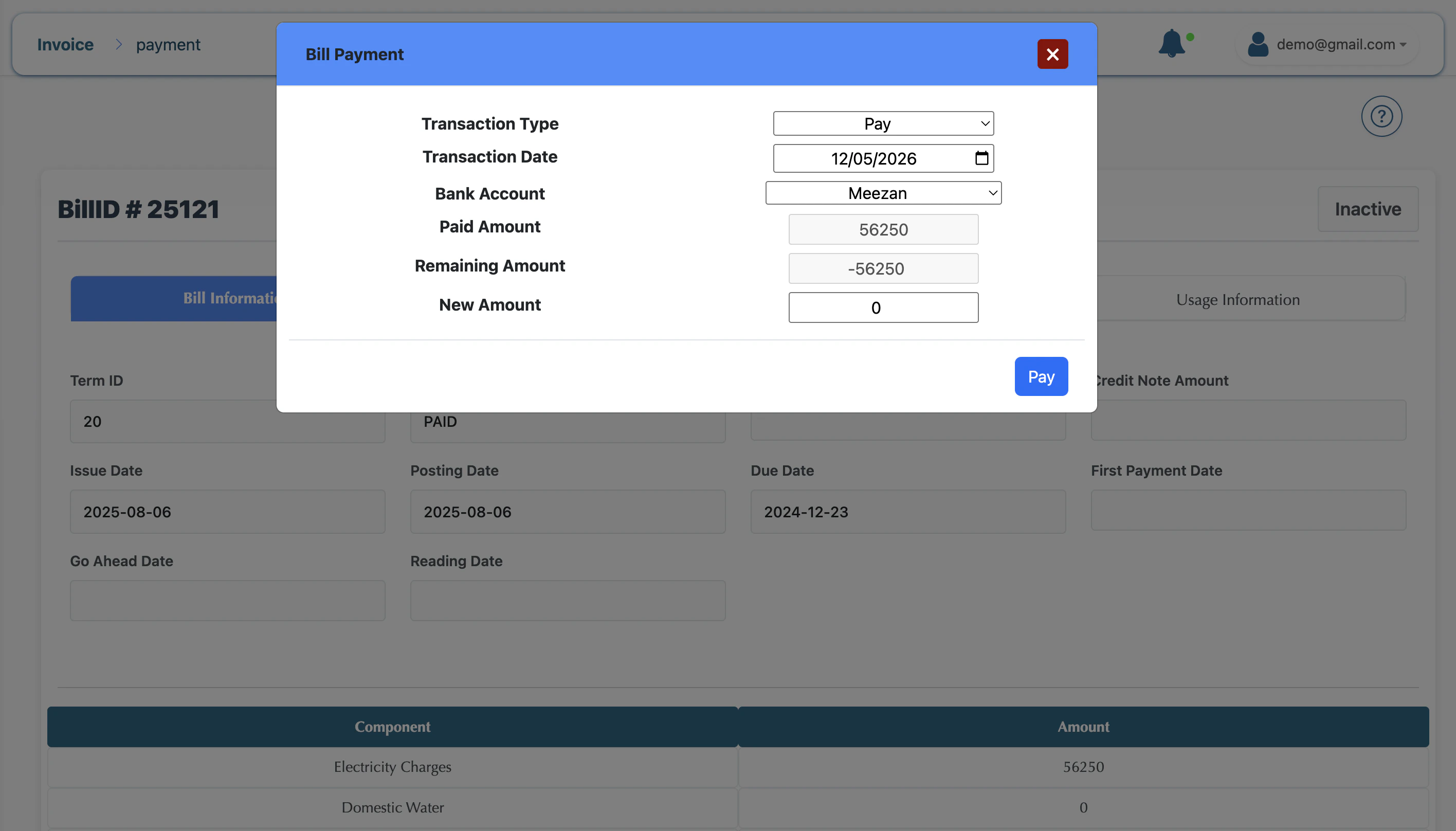 Enter your amount and click on pay bill
 ## Key Statuses
* **Draft:** The bill is being calculated and can be adjusted.
* **Posted:** The bill is finalized, but may not yet be visible to the customer.
* **Published:** The bill is finalized and available for the customer to view/pay.
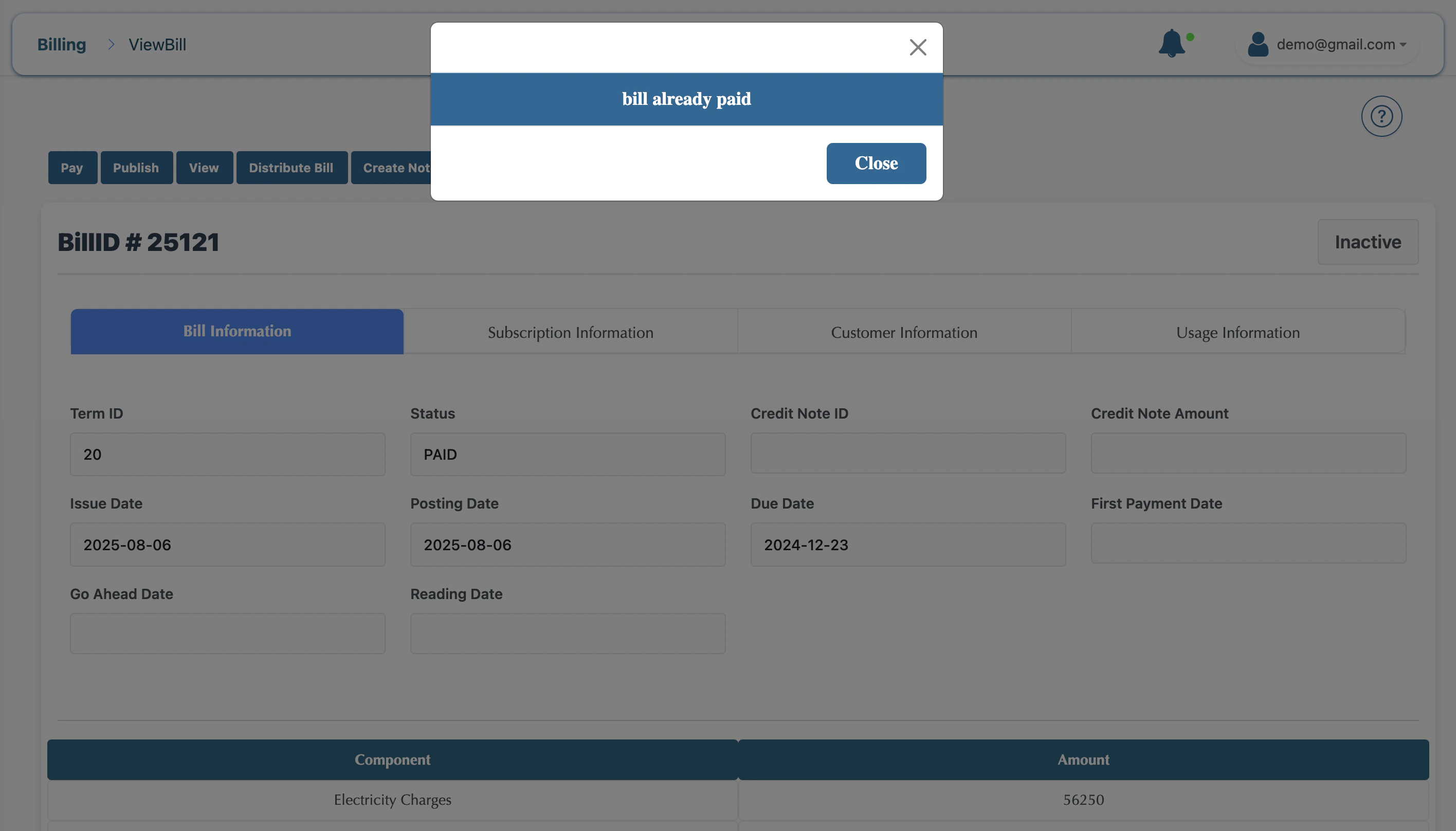
* **Paid:** The payment has been received, and the balance is cleared.
## Key Statuses
* **Draft:** The bill is being calculated and can be adjusted.
* **Posted:** The bill is finalized, but may not yet be visible to the customer.
* **Published:** The bill is finalized and available for the customer to view/pay.
* **Paid:** The payment has been received, and the balance is cleared.