
Documentation Index
Fetch the complete documentation index at: https://spreesuite.mintlify.app/llms.txt
Use this file to discover all available pages before exploring further.
Managing Purchase Invoices
Purchase Invoices (often called Customer Bills) are the documents sent to you by your suppliers for goods or services you’ve purchased. Recording these accurately ensures your liabilities are tracked and your expenses are categorized correctly.Recording a Purchase Invoice
When you receive a bill from a customer, you should record it in the system:- Click to BookSpree
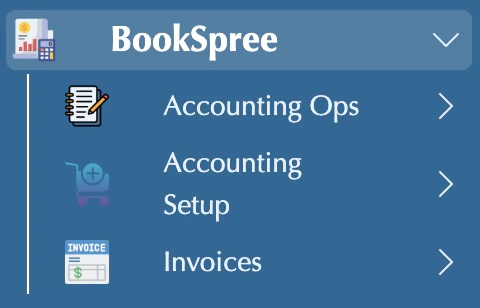
- Click invoices.
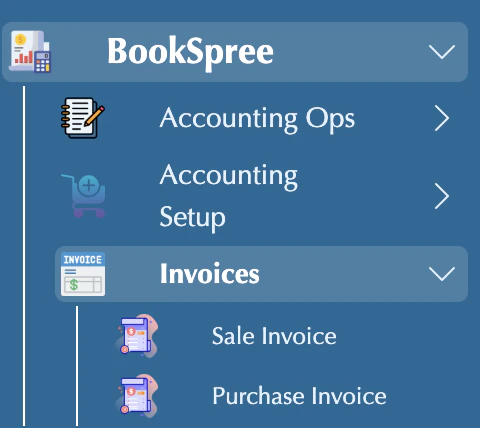
- Click on Purchase Invoice
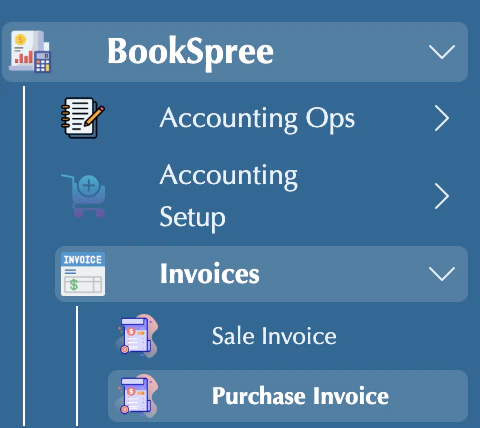
- Or view existing
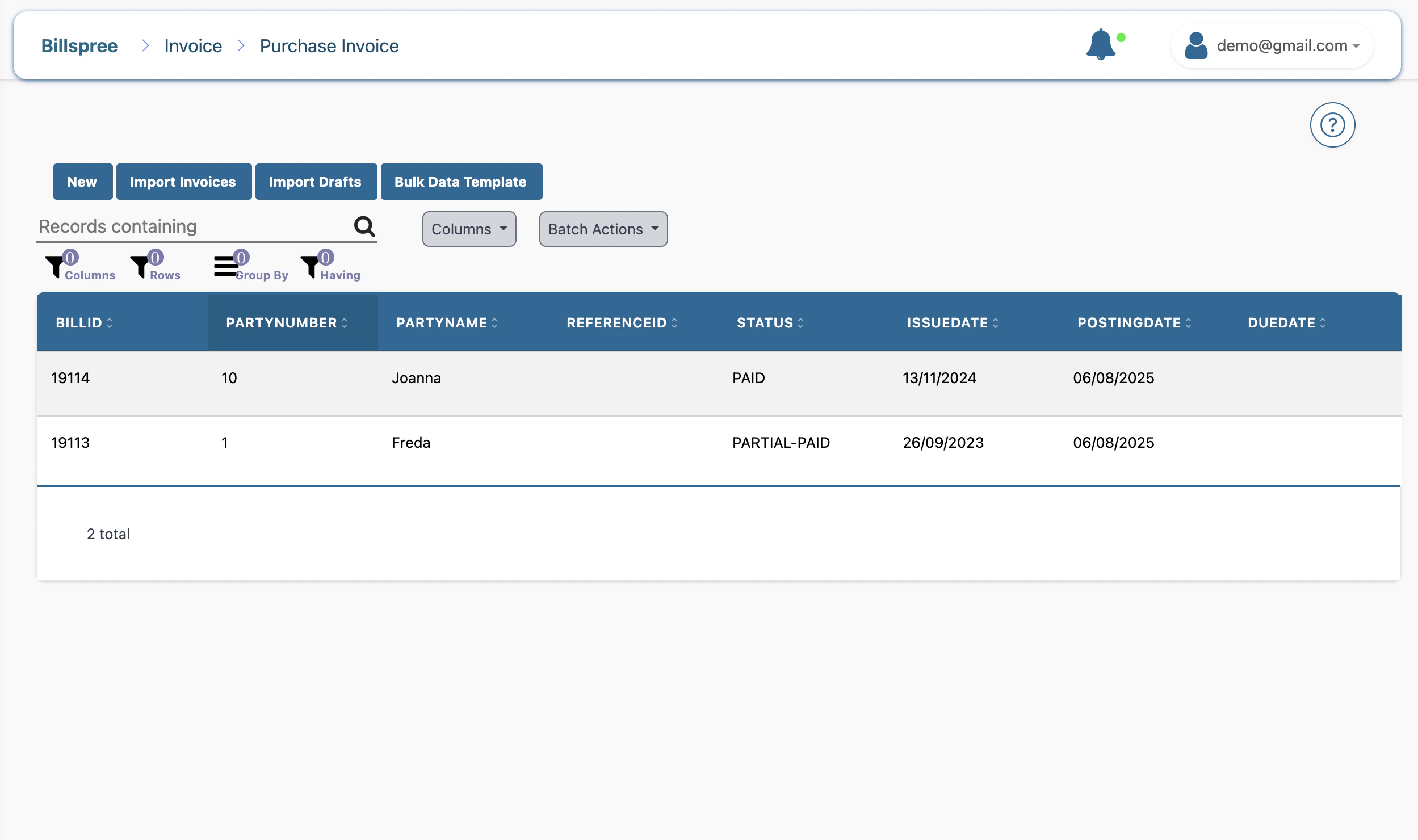
- Click on the new button to add a new\
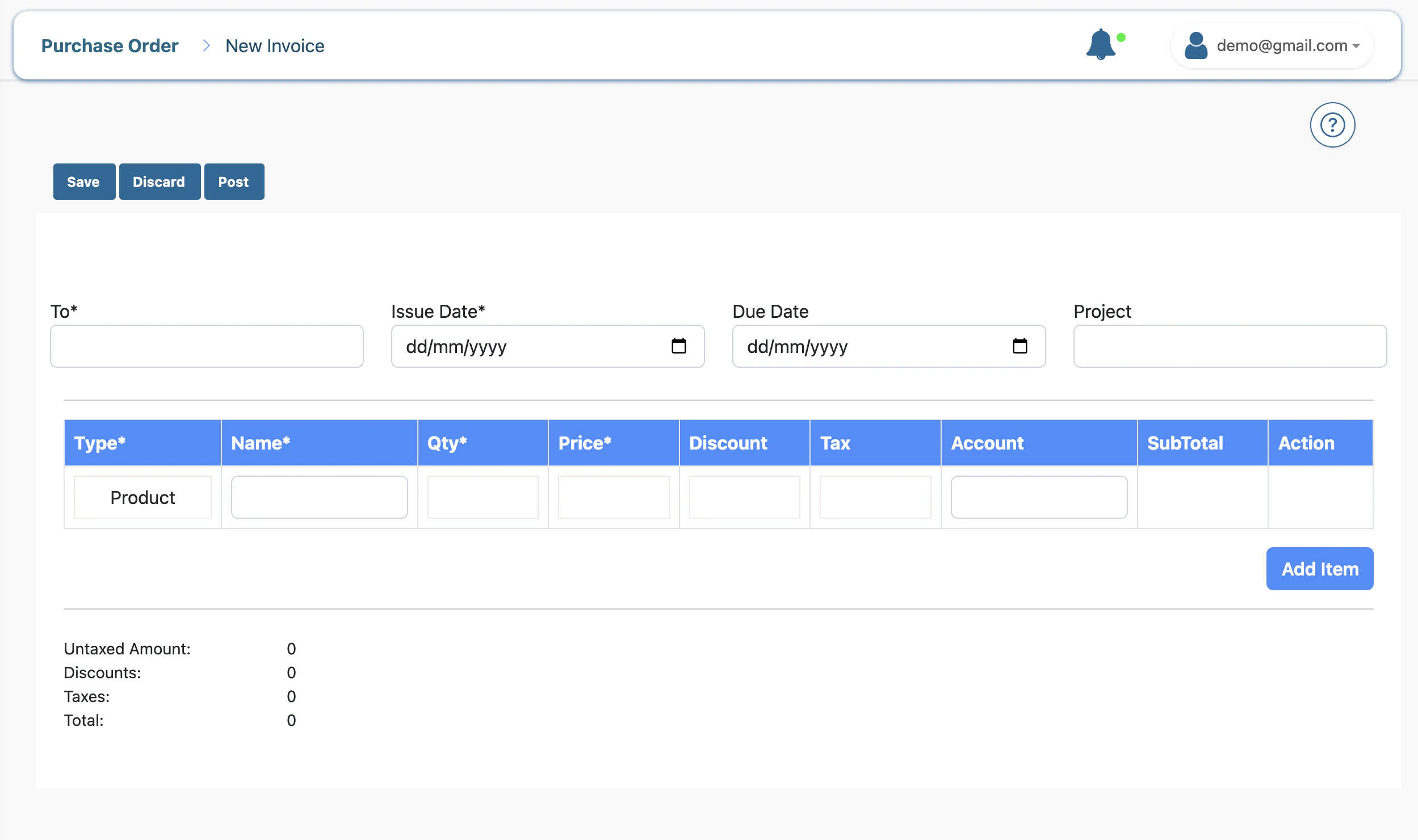
- Add line items:
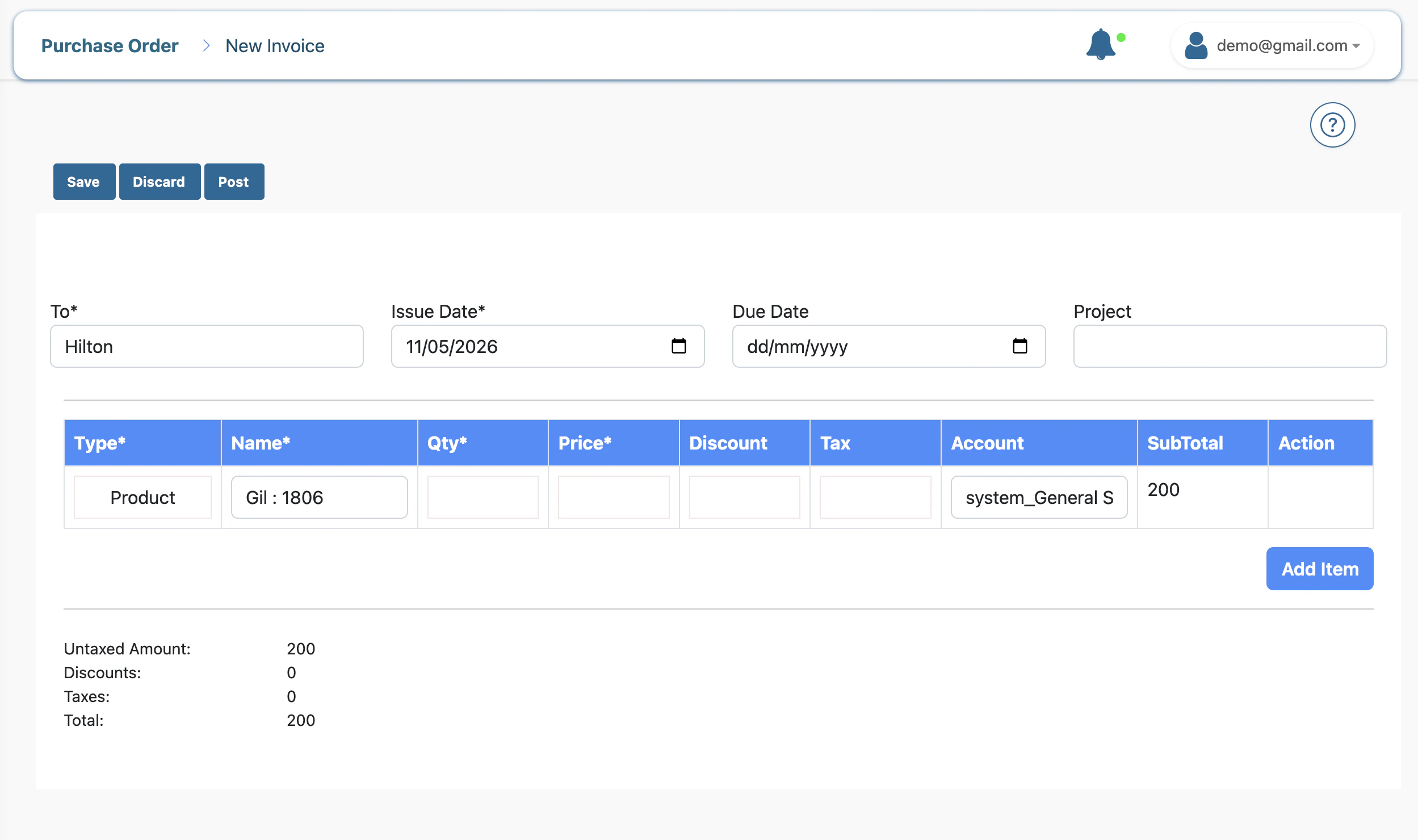
- Click Save.
Why Record Purchase Invoices?
- Accurate Liabilities: Know exactly how much you owe at any given time.
- Expense Tracking: Automatically categorize your spending for Profit & Loss reports.
- Avoid Late Fees: Get reminders for upcoming due dates.
- Audit Trail: Maintain a digital record of all business spending.